Aprende animación con Adobe After Effects. Motion graphics desde cero
 Carminys Guzmán, Motion grapher
Watch this class and thousands more
Watch this class and thousands more
Lessons in This Class
-
-
1.
Intro
2:10
-
2.
Proyecto
0:36
-
3.
Preparando los diseños
5:06
-
4.
Primeros pasos en AE
5:15
-
5.
Herramientas esenciales
4:18
-
6.
Atajos de teclado
2:14
-
7.
Emparentar capas
1:52
-
8.
Da vida a tus ilustraciones
5:16
-
9.
Expresiones en After Effects
5:25
-
10.
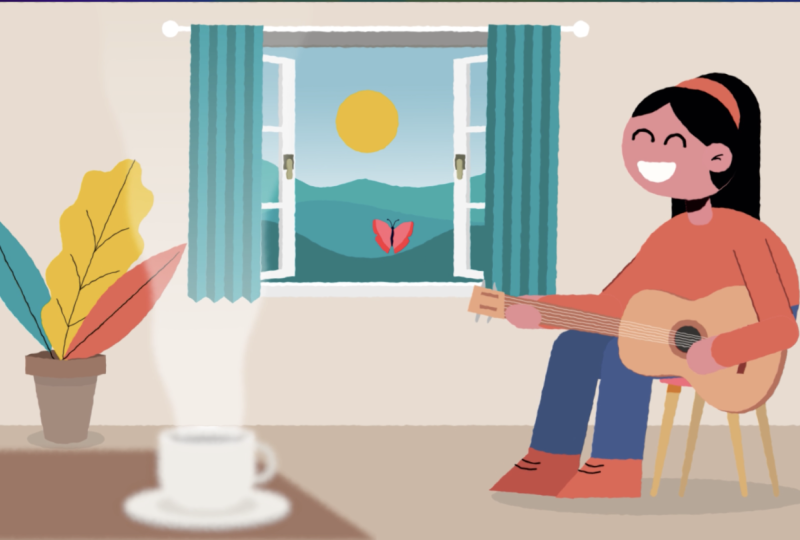
Configurando a nuestra guitarrista
3:33
-
11.
Animando a nuestra guitarrista
6:38
-
12.
Efectos en After Effects
9:36
-
13.
Animación de textos
7:41
-
14.
Seguimos animando
5:56
-
15.
Uniéndolo todo
3:06
-
16.
Añadir música
2:14
-
17.
Exportar
1:57
-
18.
Pensamientos finales
1:24
-
-
- --
- Beginner level
- Intermediate level
- Advanced level
- All levels
Community Generated
The level is determined by a majority opinion of students who have reviewed this class. The teacher's recommendation is shown until at least 5 student responses are collected.
678
Students
15
Projects
About This Class
Aprende animación con Adobe After Effects. Motion graphics desde cero.
¿Quieres aprender a crear animaciones profesionales y atractivas en After Effects? Con este curso de poco más de una hora, aprenderás a crear tus primeras animaciones de forma rápida y sencilla.
Comenzaremos organizando los diseños en Adobe Illustrator para poder trabajar de forma eficiente en Adobe After Effects.
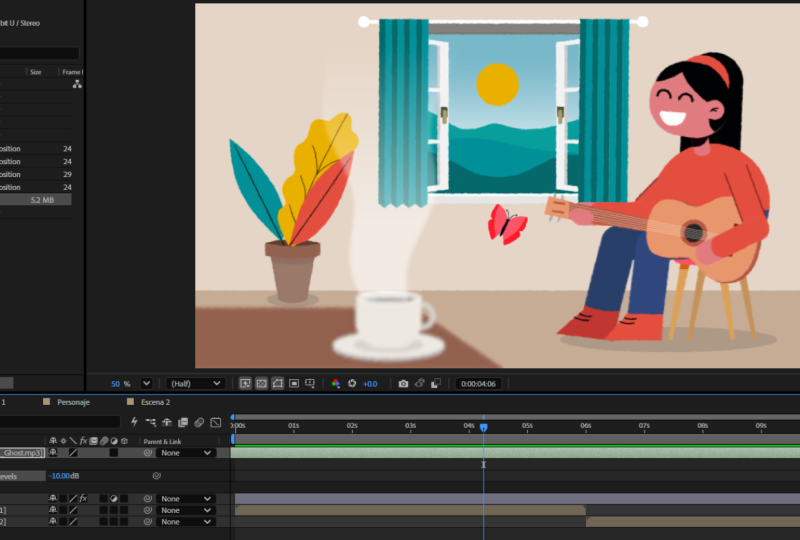
Luego, entraremos en contacto con la interfaz de After Effects y veremos sus herramientas más importantes.
Te enseñaré cuáles son los atajos de teclado más usados y prepararemos todos los elementos para poder animarlos de forma sencilla.
Hecho esto, comenzará la parte más divertida, ¡dar vida a nuestras ilustraciones!
Aprenderás a crear fotogramas clave, añadir expresiones, efectos, animar textos, añadir música y en definitiva todo lo necesario para comenzar a crear animaciones y motion graphics divertidos y profesionales.
¿A quién va dirigido este curso?
Este curso es ideal para ilustradores, diseñadores gráficos, artistas creativos y, en general, cualquier persona que quiera dar vida a sus ilustraciones con el software de motion graphics líder del mercado.
Requisitos técnicos:
Se recomienda usar Adobe After Effects 2021 o versiones posteriores.
Si quieres aprender más sobre animación te recomiendo que veas mis otros cursos:
Professional ScriptWriting for Animated Explainer Videos
Meet Your Teacher

Hi, my name is Carminys, and I'm the cofounder of Operary.com; We are an animation studio with over 8 years of experience, based in Spain.
The main goal of our courses is to share our knowledge simply and without complications.
If you really want to make professional animated videos from scratch, you will need to master 3 skills: Scriptwriting, Illustration, and of course, Animation.
Stop getting overwhelmed; save time, and start with our Animation Fundamental Courses.
Follow me on instagram: @operary_sl
See full profileHands-on Class Project
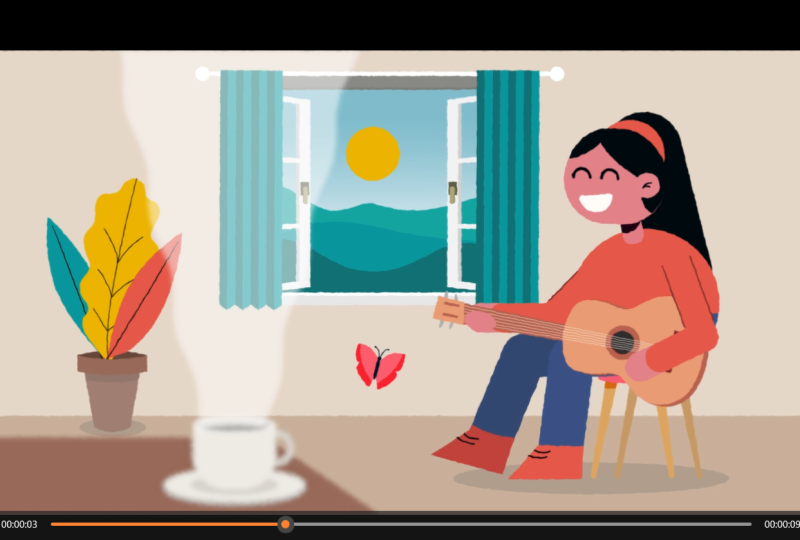
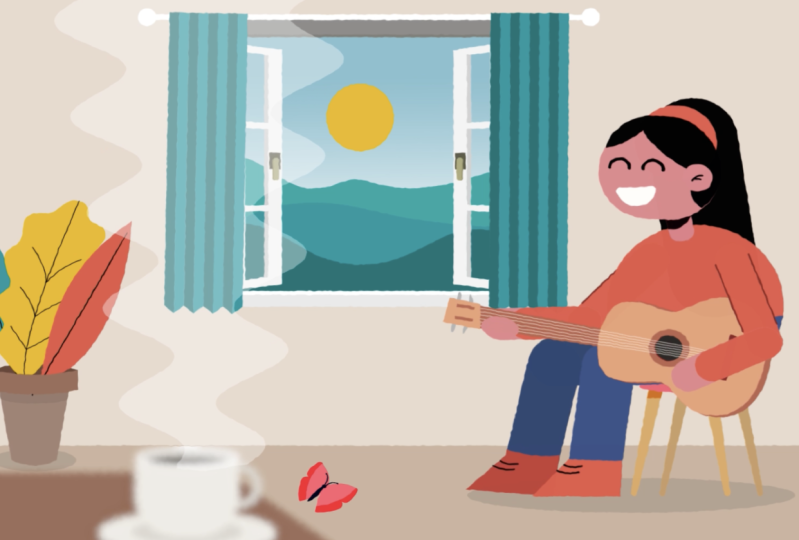
Como proyecto final, crearás una animación desde cero, aplicando todo lo que has aprendido durante el curso.
Podrás descargar todos los archivos que usaremos; de esta manera, podrás seguir las instrucciones en tiempo real y te resultará mucho más sencillo aplicar todo lo que vas aprendiendo.
Estoy deseando ver tus progresos, así que no dudes en subir tu trabajo a la Galería de Proyectos del Curso.
Si tienes cualquier duda, estoy aquí para ayudarte.
Class Ratings
Why Join Skillshare?
Take award-winning Skillshare Original Classes
Each class has short lessons, hands-on projects
Your membership supports Skillshare teachers
Learn From Anywhere
Take classes on the go with the Skillshare app. Stream or download to watch on the plane, the subway, or wherever you learn best.