Ethical AI Tips to Supercharge Your Creative Process
Meet your new favorite creative partner: AI. Here’s how to ethically use AI to boost your creative process without losing your unique voice.



The conversation around artificial intelligence in creative fields is often dominated by the fear that AI will replace human artists, writers and designers. But what if we shifted our perspective? What if AI isn't a threat to creativity, but a powerful new tool that can help us overcome creative blocks, automate mundane tasks and explore ideas in ways we never imagined? This guide is for the creative who wants to use AI to support their process, not replace it. It's for those who want to stay in control, maintain their unique voice and leverage technology to become even better at their craft.
We'll explore how to define and practice ethical AI use, from distinguishing between assistive and generative tools to setting personal boundaries that protect your artistic integrity. We'll also look at practical ways you can use AI for brainstorming, outlining and organizing your work. Then, we'll explain the critical steps you can take to ensure that you stay in the driver's seat, and every project you create remains truly and undeniably yours.
What Does Ethical AI Use Look Like for Creatives?
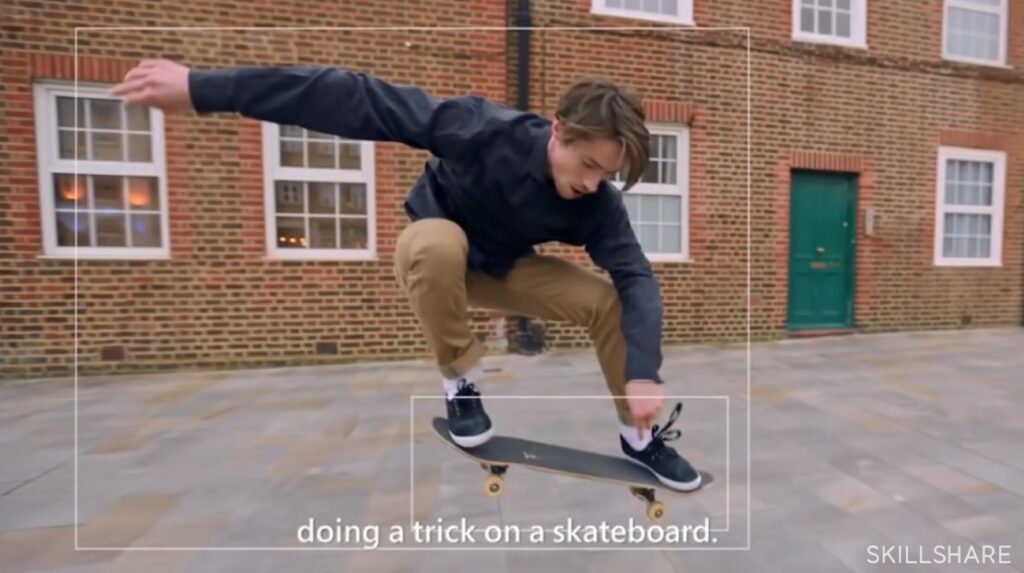
The conversation around AI in creative fields often centers on the fear of replacement. But for many creatives, a more productive approach is to view AI not as a competitor, but as a powerful new tool. The key to this lies in ethical use, which demands a clear understanding of the technology behind AI and a deliberate approach to the creative process.
Instructor Insight:
“Machine Learning is always guesswork [because] machines don't do things right,” says Christian Heilmann, Skillshare teacher and Principal Program Manager at Microsoft. “They just guess that this is what the humans would want to do. In the end, there's always a human that should be able to say…that it's wrong, or…that it's right.”
To start, it's helpful to distinguish between "assistive" and "generative" AI. In a nutshell, assistive AI tools are those that enhance and streamline your existing workflow, without creating the final product. For instance, software that auto-corrects grammar, suggests color palettes or helps organize research notes. These tools are extensions of the human creator, and work under their direct guidance to perform specific (and often tedious) tasks.
On the other hand, generative AI creates new content from a given prompt, whether it's an image, a piece of text or a musical composition. While generative AI can be used to assist—for example, by generating a mood board of images for inspiration—it can also be used to create entire works with minimal human input. The ethical use of generative AI hinges on the user’s ability to exercise restraint and maintain creative control.
As AI ethics advocate Natalia Domagala said in the Skillshare report on creativity in the age of AI, “there are many advantages to using generative AI in creative production. It can speed up and scale up the process, assist with project planning or ideation and generate high-quality content.”
If you’re a creative who wants to use AI responsibly, setting boundaries is key. That means defining the role AI will play in your process from the get-go.
For example, will you use it:
- For brainstorming and ideation only?
- To generate draft content that you will heavily edit and refine?
- To perform repetitive tasks, like removing backgrounds from images?
The question of why authorship is so important for artists is at the heart of this discussion. For many, art is more than just an output; it's a reflection of personal experience, a unique perspective and years (or even a lifetime) of skill development. It is the human touch—the intent, emotion and imperfection—that gives a work of art its meaning and value.
When a creative uses AI as a tool to support their vision, they remain the author of that vision. They are the ones making the creative decisions, shaping the final piece and imbuing it with their own voice. By maintaining authorship, artists not only protect their work legally and commercially, but they also preserve the integrity of their creative identity and the intrinsically human connection that art provides.
How AI Can Support (But Not Replace) Creative Ideation
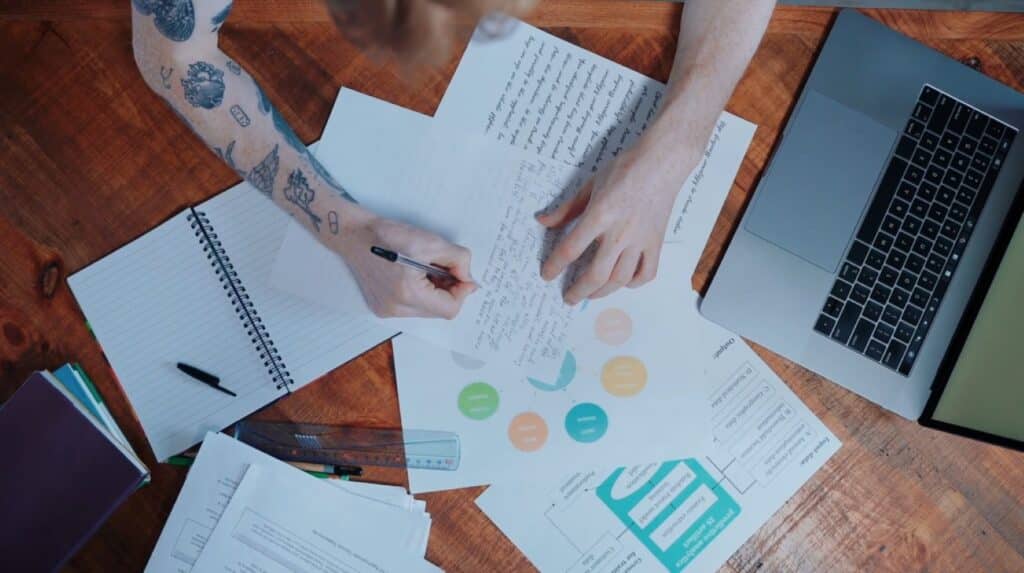
For many creatives, the most daunting part of the process is staring at a blank page. This is where AI, when used ethically and intentionally, can be a powerful partner. Instead of viewing AI as a solution to be copied, consider it a tool for generating a multitude of possibilities that you, the creative, will then shape and refine to your liking.
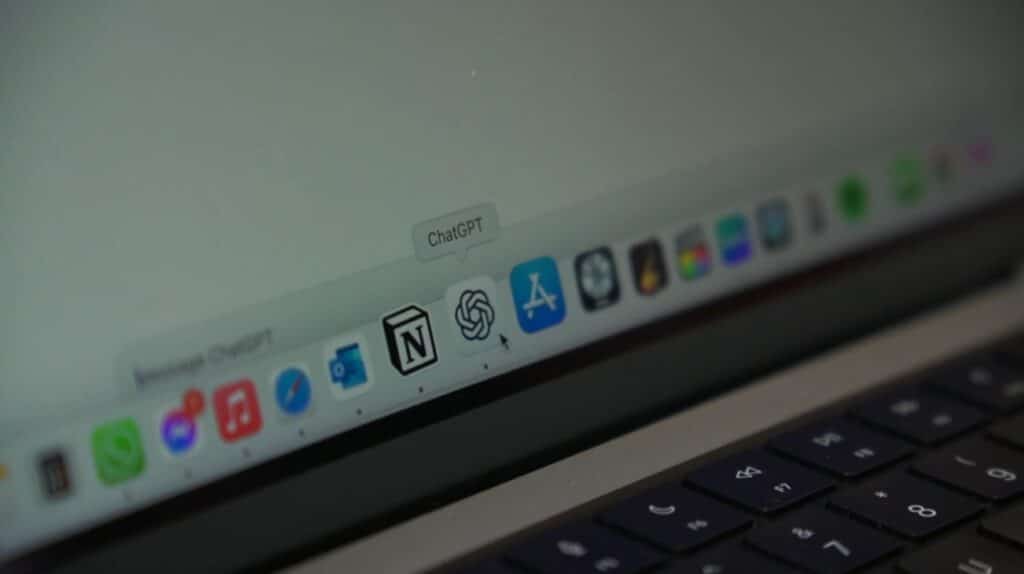
One of the most practical applications of AI is in breaking through creative blocks. For instance, large language models like ChatGPT or Gemini can be used as sophisticated brainstorming partners. Just prompt them with a vague idea and ask for a variety of angles, themes or plot devices, then choose your favorites and go from there.
Instructor Insight:
“ChatGPT is amazing for brainstorming,” says Skillshare teacher and marketing specialist Kasia Pilch. “It's a little bit like having a good friend who is endlessly curious, never tired, full of ideas and really, really good at asking the right questions.”
For a writer, this could mean asking for five different ways a character could meet their love interest or a list of potential story titles. For a designer, a text prompt could be used to generate a digital moodboard of different aesthetic styles, color palettes and visual concepts. In either case, the AI model’s outputs aren’t meant to be the final product, but they can serve as a launchpad for the artist’s imagination.
And in the realm of storytelling and content creation, AI can be leveraged for high-level structuring and planning. Instead of painstakingly outlining a series or a novel from scratch, you can use a tool like Notion AI to quickly generate a basic three-act structure for a story, create a detailed chapter-by-chapter summary or even brainstorm character backstories. The AI-generated outline gives you a framework to work from, which allows you to focus your energy on writing a compelling narrative.
Similarly, visual artists can use tools like Midjourney or Adobe Firefly as a convenient source of inspiration. By prompting these tools with specific keywords and stylistic directions, you can generate a vast array of images in seconds. The goal here is not to find a single image to use, but to find a visual idea or a combination of ideas that you can then interpret and develop in your own style. An AI-generated image of a futuristic cityscape sparks an idea for a new painting, or a surreal portrait inspires a photograph. Either way, the AI provides the initial spark; it’s the artist’s creativity and vision that turns it into a work of art.
See How Other Creatives Use AI
Beyond the ideation phase, AI is proving to be an invaluable asset for creatives by taking on the less glamorous, but necessary, aspects of their work. By offloading repetitive and organizational tasks to AI, artists and designers can free up significant time and mental energy to focus on their core creative work.
Instructor Insight:
In the words of Skillshare teacher and music instructor Mike Barnes, “one of the most important things I've learned over the last couple of years is that getting to grips with AI is one of the most cost effective, efficient and time saving skills you can learn.”
Case in point: Many creatives are now leveraging AI-based project management tools to streamline their workflows. Platforms like Notion AI and various Trello plugins use AI to help organize tasks, automate reminders and even summarize project documents. For example, a creative could use Notion AI to automatically generate a project timeline, create sub-tasks for a project or analyze a document to pull out key deadlines. This allows a solo artist or a small creative team to stay on top of complex projects without getting bogged down in administrative overhead. Trello plugins can even use AI to convert chat conversations into actionable tickets, ensuring that valuable feedback and ideas from collaborators are never lost.
Another powerful use of AI is the automation of mundane, repetitive tasks. This is particularly beneficial for visual artists and designers who often deal with large volumes of digital assets. AI-powered tools can now perform tasks that once required tedious manual labor, such as resizing images for different platforms, removing backgrounds from photos with a single click, or converting file formats in bulk. This frees up time that would have otherwise been spent on tedious, pixel-by-pixel editing, allowing creatives to focus on the artistic choices that truly define their work.
Finally, AI is revolutionizing how creatives manage their reference libraries. For artists, designers, and photographers, having a well-organized collection of reference images is crucial. AI tools can automatically analyze and tag images based on their content, saving countless hours that would have been spent manually categorizing each photo. For example, an AI tool could instantly tag a photo of a forest with keywords like "trees," "green," "light," and "nature," making it easy to search for and retrieve specific images later. This makes it simpler for creatives to build and maintain a vast, searchable database of inspiration, ensuring they always have the visual references they need at their fingertips.
Stay In Control of Your AI-Assisted Work
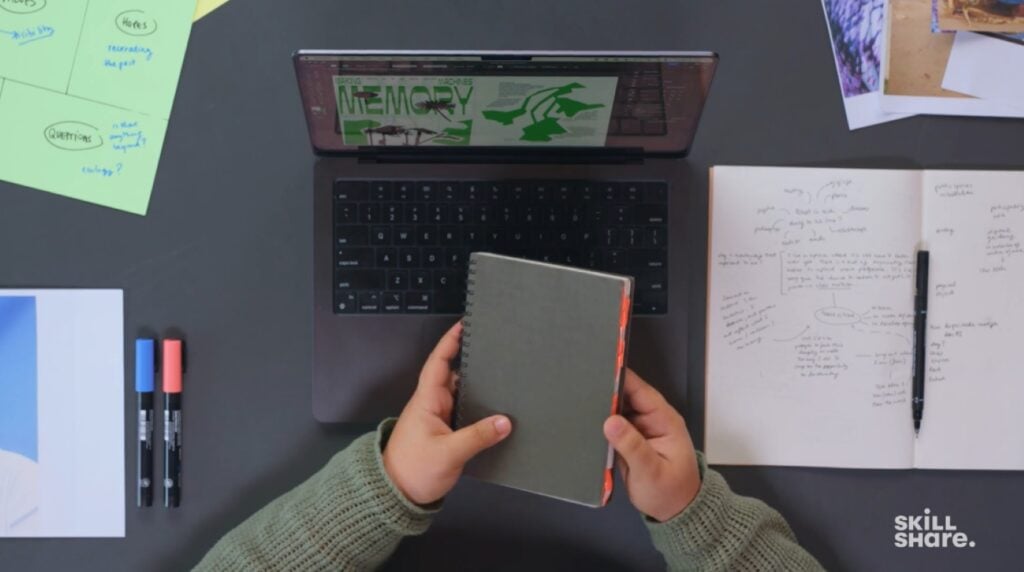
The true power of AI for creatives lies not in its ability to generate content on its own, but in the human's ability to direct and refine its output. Maintaining control is a conscious choice that requires intentionality and a set of personal guidelines. By establishing these guardrails, creatives can harness the speed and efficiency of AI while safeguarding their creative integrity.
Instructor Insight:
“Computers are only deputies for thought, they are not thought itself,” says Skillshare teacher and multi-hyphenate creative Linda Dounia Rebeiz.
“I don't want computers to think for me. I will not endorse a future where they do my intellectual and heart labor."
One of the most important principles is transparency. When AI has played a significant role in a project, it's a good practice to be open about it. This doesn't mean you need to disclose every minor use of an AI-based spell checker. However, if AI was used to generate an entire background for an illustration or to create the foundational draft for an article, it's ethical to inform clients or audiences. This transparency builds trust and avoids the perception of deception. It also helps to normalize the use of AI as a legitimate tool, much like a photographer would be transparent about using a specific type of lens or editing software.
Secondly, it's crucial to use AI-generated material strictly as drafts or starting points. AI is excellent at synthesizing and remixing existing data, but it lacks the human experience, emotion, and unique perspective that define a creative's work. A generative AI can produce a thousand different images of a fantasy landscape, but it cannot know which one resonates with your specific vision or the subtle emotional tone you want to convey. The creative's job is to take the AI's output and transform it, editing, adding, and removing elements until the piece is a genuine reflection of their own unique voice.
Finally, maintaining a clear voice and style is paramount, especially when using AI to generate content. The danger of relying too heavily on AI is that it can lead to a homogenized, generic aesthetic. AI often defaults to what is most common in its training data, resulting in a predictable and often soulless output. To counter this, creatives must be the final editor and arbiter of their work. They must continuously ask themselves: "Does this sound like me? Does this look like my work? Does it convey my specific artistic intent?" By treating AI as a tool to explore possibilities rather than a source of final answers, creatives can leverage its power while ensuring their unique signature remains on every piece they create.
Creatives should make a point of documenting their process, noting where and how AI was used, to ensure they can articulate their own unique contribution to the final piece.
AI as a Creative Catalyst
To navigate the evolving creative landscape, it's essential for artists to view AI not as a replacement for human skill, but as a powerful new collaborator. The future of creative work doesn't have to be a battle between human and machine. Instead, it can be a partnership where AI handles the repetitive and time-consuming tasks, and the human creative brings the vision, emotion, and unique perspective that only they can provide.
Ultimately, the ethical use of AI is about staying in control of your creative process. It's about recognizing that while AI can generate a near-infinite number of images or text, it is the human touch—your decisions, your edits, and your intentions—that imbues a work with true meaning. By setting clear boundaries and thoughtfully integrating AI into their workflows, creatives can not only survive this technological shift but thrive within it, ensuring that their work remains a genuine and personal expression of their art.
Carrie Buchholz
Carrie Buchholz is a freelance writer who lives in Northern Colorado with her husband and dog.
Explore Your Creative Side with Skillshare – Start your 7-Day Trial
Start Your Free Trial Today!- Creative pursuits for all levels
- Unlimited access to all classes
- Learn from experts, at your own pace