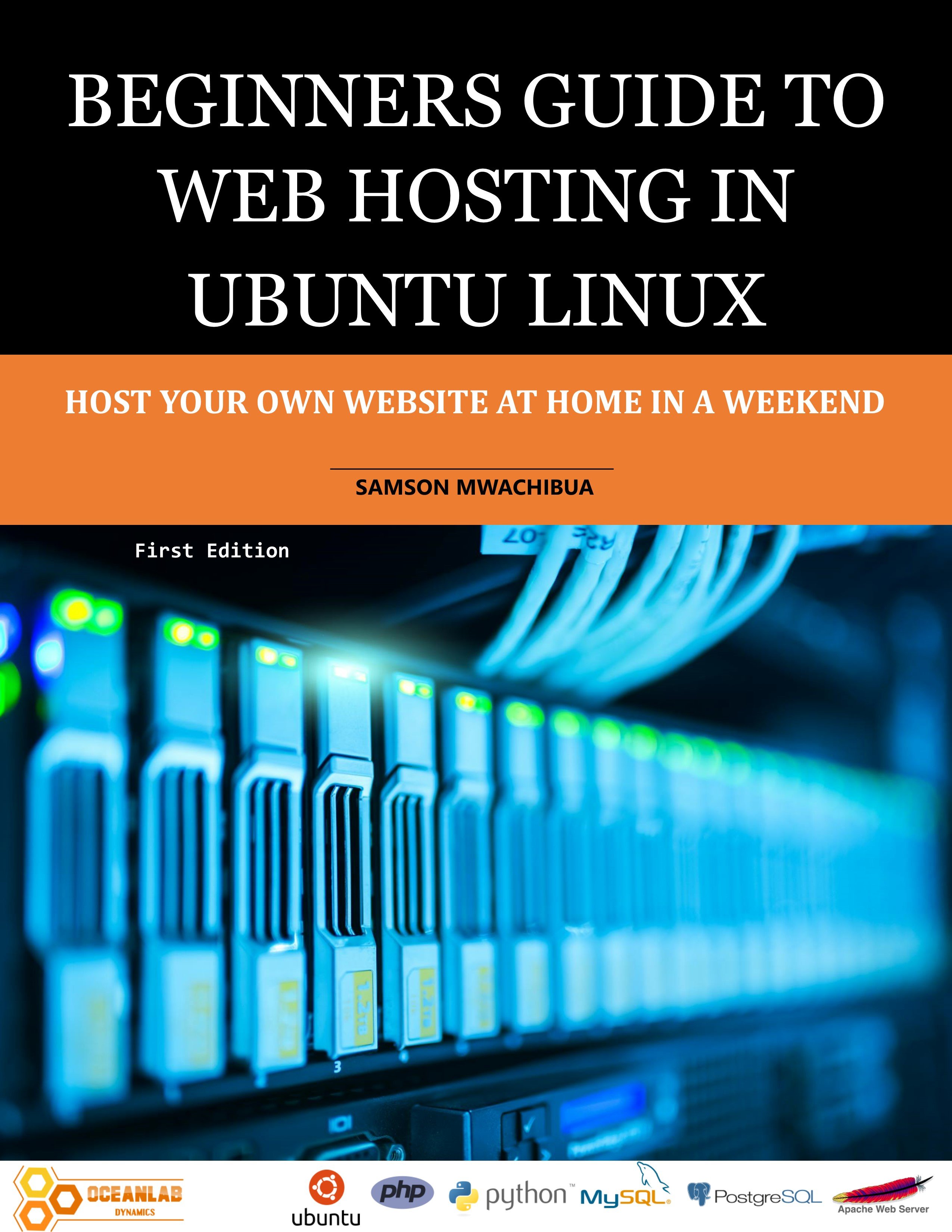
Beginners Guide to Web Hosting in Ubuntu Linux
1 Monat Skillshare
Mit einem Kauf erhältlichKostenlos
Alle Mitgliedschaften werden automatisch und fortlaufend abgerechnet, bis sie gekündigt werden. Solltest du eine kostenlose Probemitgliedschaft erhalten und Skillshare nach Ablauf dieser nicht mehr nutzen wollen, ist eine Kündigung vor Ablauf der Probezeit erforderlich. Das Angebot gilt nur für neue, zahlende Mitglieder. Siehe vollständige Nutzungsbedingungen hier
Über dieses Produkt

Samson Mwachibua
IT Specialist and Developer
This book is a step-by-step guide for hosting your own website both for beginners and intermediate users as well. By the end of the last chapter the reader will be able to set up a basic web server in apache and set it to be accessed externally, outside your home network using a public IP address or a domain that you will register for free. For simplicity this book uses the Ubuntu desktop version to accomplish all the tasks. Behind the scenes, the desktop and server versions of the Ubuntu operating system uses the same kernel and so nothing changes except that the former has a GUI and the latter a command line interface. This will help beginners understand the concepts easily and make their learning curve smooth.
The reader will learn how to transfer files from the development machine to the web server using FTP and File server applications. FileZilla and VSFTPD are FTP applications of choice used in this book. At the same time the samba file server is also used to implement file transfer. More so, you will be able to use the file server as your own custom implementation of Google drive, Microsoft OneDrive or Dropbox.
Implementation of programming logic to the web server is also discussed in-depth and readers will practically learn how to add PHP and WSGI modules so that they can be used by the web server to run python and PHP scripts. Readers will see how to set up a flask framework in Python as well. All these concepts are well explained, and the reader is guided on what to do in every step; and enable them to use their favorite scripting language to run their web application.
Database concepts are also discussed in this book in a nutshell. The reader will set up MySQL and PostgreSQL database servers and install the web admin interfaces as well, such as phpMyAdmin and phpPgAdmin for MySQL and PostgreSQL respectively.
Readers will also practically see how to do remote administration of their server using SSH and RDP. The SSH will connect via the command line in terminal and RDP using windows remote desktop.
The book ends with a discussion and practical examples on security and data backup. Readers shall see how to keep their server secure and also perform system backup and regular file backup and how to restore in the case of data loss.
Häufig gestellte Fragen
Was sind digitale Produkte?
Bei den digitalen Produkten von Skillshare handelt es sich um fachmännisch gestaltete Tools, Ressourcen und Vorlagen, die von den besten Kreativen entwickelt wurden und die dir zum Kauf zur Verfügung stehen. Mit einer breiten Palette an Ressourcen für jeden kreativen Bedarf sind sie einfach umsetzbar und machen deine Lernerfahrung real und unvergesslich.
Wie kann ich ein digitales Produkt kaufen?
Jeder kann ein digitales Produkt auf Skillshare kaufen — klicke auf Jetzt kaufen, um deine Zahlungsinformationen einzugeben und den Kauf abzuschließen. Sobald die Zahlung abgeschlossen ist, können alle Dateien sofort von dieser Seite heruntergeladen werden. Du erhältst außerdem eine E-Mail mit einem Link zum Herunterladen deines digitalen Produkts nach dem Kauf.
Gibt es ein Limit, wie oft ich ein digitales Produkt herunterladen kann?
Nein, es gibt keine Begrenzung, wie oft du ein digitales Produkt herunterladen kannst. Selbst wenn ein Produkt vom Ersteller entfernt wird, kannst du in den meisten Fällen immer noch auf die Download-Seite zugreifen, indem du dich in dein Skillshare-Konto einloggst.
Kann ich eine Rückerstattung erhalten oder den Kauf eines digitalen Produkts stornieren?
Digitale Produkte sind nicht erstattungsfähig und können nicht zurückgegeben oder storniert werden. Weitere Informationen findest du in unserer -Rückerstattungsrichtlinie im Skillshare Hilfebereich.
Kann ich meine eigenen digitalen Produkte herstellen und verkaufen?
Unbedingt! Besuche Wie kann ich ein digitales Produkt auf Skillshare verkaufen?, um zu erfahren, wie du deine eigenen digitalen Produkte auf Skillshare erstellen, anbieten und verkaufen kannst.