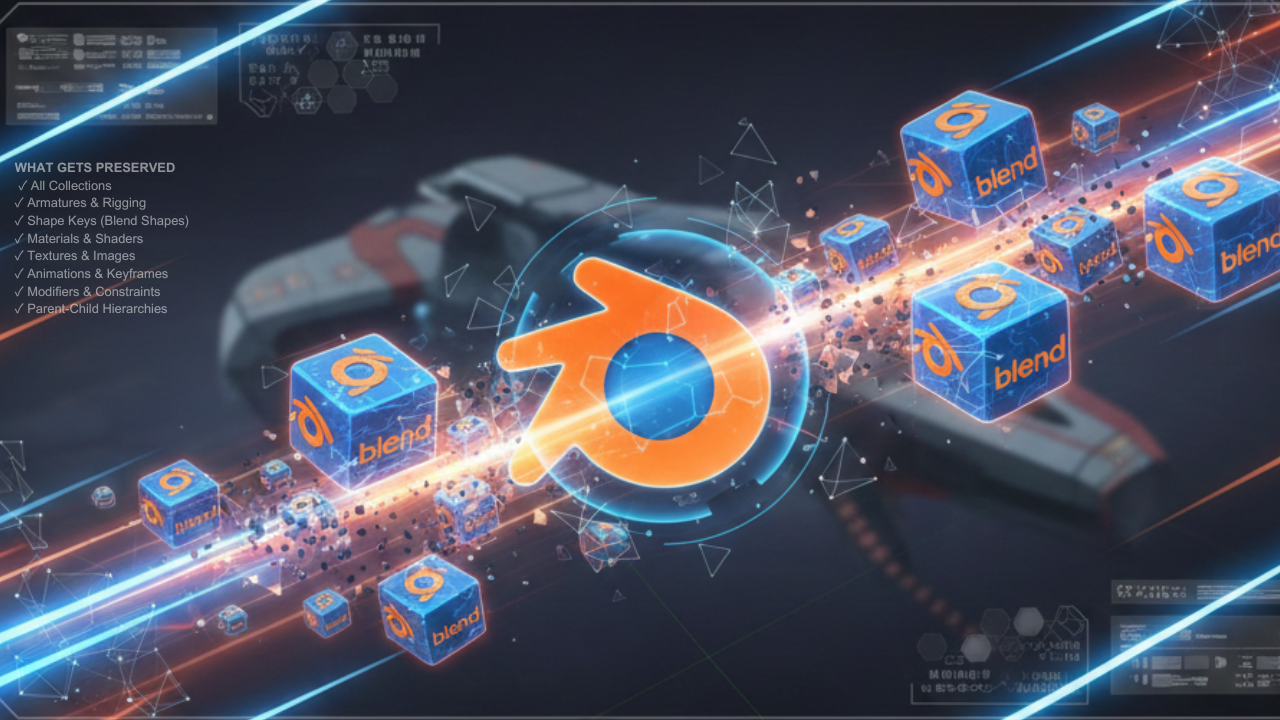
Multi Blend File Merger - Batch Import to Blender
1 Monat Skillshare
Mit einem Kauf erhältlichKostenlos
Alle Mitgliedschaften werden automatisch und fortlaufend abgerechnet, bis sie gekündigt werden. Solltest du eine kostenlose Probemitgliedschaft erhalten und Skillshare nach Ablauf dieser nicht mehr nutzen wollen, ist eine Kündigung vor Ablauf der Probezeit erforderlich. Das Angebot gilt nur für neue, zahlende Mitglieder. Siehe vollständige Nutzungsbedingungen hier
Über dieses Produkt

Salman Naseem
2d 3D Animator
Merge Multiple .blend Files in Seconds!
Multi Blend File Merger is a powerful time-saving addon for Blender artists working with large asset libraries, team projects, or modular workflows. Import dozens—even hundreds of .blend files with a single click and watch a live progress bar as everything merges seamlessly into your scene.

✨ Key Features
✅ Batch Import
Import 10, 50, or 100+ .blend files at once
✅ Real-Time Progress Bar
See live import progress directly in Blender
✅ Automatic Organization
Each file is imported into its own named collection
✅ Full Data Preservation
Rigs, animations, materials, textures—everything stays intact
✅ Live Scene Statistics
Instant count of collections and objects
✅ Simple & Clean UI
One-click button inside the 3D View sidebar
🎯 Perfect For
• Character artists managing multiple character files
• Environment artists importing prop libraries
• Game developers consolidating asset packs
• Animation studios merging team projects
• Anyone building modular or large-scale scenes
💡 How It Works
Press N in the 3D Viewport
Open the Multi Import tab
Click Merge Multiple Blend Files
Select multiple .blend files (Ctrl + Click)
Watch the progress bar as files merge automatically
Each imported file creates its own collection named after the file keeping your Outliner clean and organized.


🔒 What Gets Preserved
✔ Collections
✔ Armatures & Rigging
✔ Shape Keys (Blend Shapes)
✔ Materials & Shaders
✔ Textures & Images
✔ Animations & Keyframes
✔ Modifiers & Constraints
✔ Parent-Child Hierarchies
⚡ PRO TIPS
💡 Name files properly – file names become collection names
💡 Pack textures – File → External Data → Pack Resources
💡 Test first – import 2–3 files before batch importing 100
💡 Save often – before and after imports
💡 Use console – see exactly which file is importing
💡 Companion addon – “Export Each” for exporting
📌 Important Note
This addon is IMPORT ONLY.
It merges multiple .blend files into your current project.
Need exporting?
Check out my companion addon “Export Each”, which exports every object into separate .blend, Fbx and Obj files.
Häufig gestellte Fragen
Was sind digitale Produkte?
Bei den digitalen Produkten von Skillshare handelt es sich um fachmännisch gestaltete Tools, Ressourcen und Vorlagen, die von den besten Kreativen entwickelt wurden und die dir zum Kauf zur Verfügung stehen. Mit einer breiten Palette an Ressourcen für jeden kreativen Bedarf sind sie einfach umsetzbar und machen deine Lernerfahrung real und unvergesslich.
Wie kann ich ein digitales Produkt kaufen?
Jeder kann ein digitales Produkt auf Skillshare kaufen — klicke auf Jetzt kaufen, um deine Zahlungsinformationen einzugeben und den Kauf abzuschließen. Sobald die Zahlung abgeschlossen ist, können alle Dateien sofort von dieser Seite heruntergeladen werden. Du erhältst außerdem eine E-Mail mit einem Link zum Herunterladen deines digitalen Produkts nach dem Kauf.
Gibt es ein Limit, wie oft ich ein digitales Produkt herunterladen kann?
Nein, es gibt keine Begrenzung, wie oft du ein digitales Produkt herunterladen kannst. Selbst wenn ein Produkt vom Ersteller entfernt wird, kannst du in den meisten Fällen immer noch auf die Download-Seite zugreifen, indem du dich in dein Skillshare-Konto einloggst.
Kann ich eine Rückerstattung erhalten oder den Kauf eines digitalen Produkts stornieren?
Digitale Produkte sind nicht erstattungsfähig und können nicht zurückgegeben oder storniert werden. Weitere Informationen findest du in unserer -Rückerstattungsrichtlinie im Skillshare Hilfebereich.
Kann ich meine eigenen digitalen Produkte herstellen und verkaufen?
Unbedingt! Besuche Wie kann ich ein digitales Produkt auf Skillshare verkaufen?, um zu erfahren, wie du deine eigenen digitalen Produkte auf Skillshare erstellen, anbieten und verkaufen kannst.