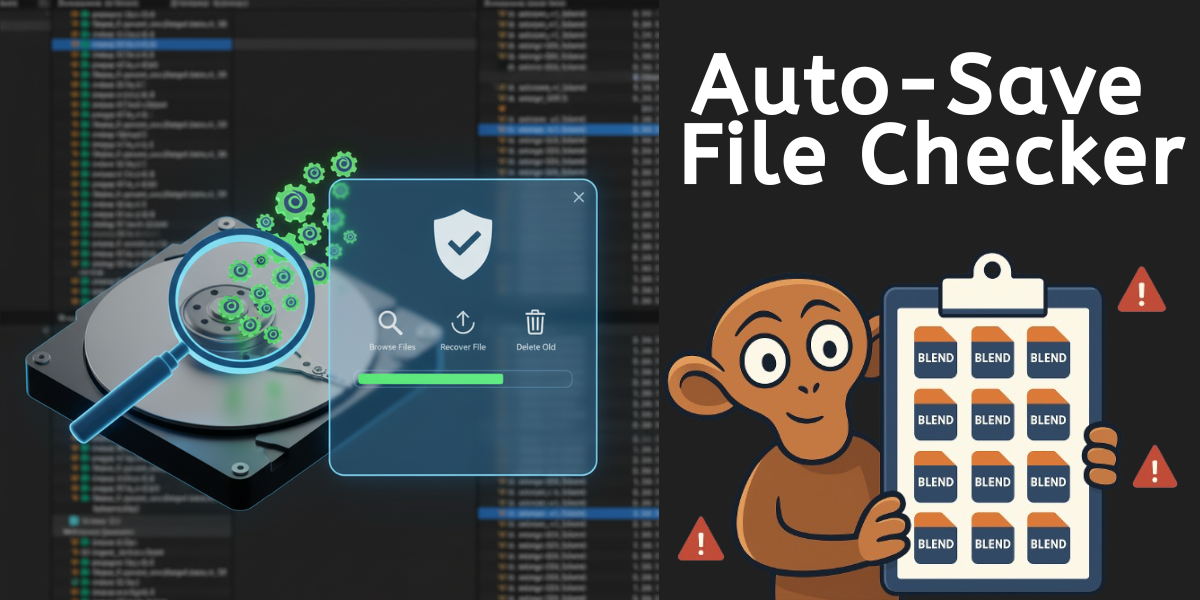
Auto-Save File Checker - Blender Addon
1 Monat Skillshare
Mit einem Kauf erhältlichKostenlos
Alle Mitgliedschaften werden automatisch und fortlaufend abgerechnet, bis sie gekündigt werden. Solltest du eine kostenlose Probemitgliedschaft erhalten und Skillshare nach Ablauf dieser nicht mehr nutzen wollen, ist eine Kündigung vor Ablauf der Probezeit erforderlich. Das Angebot gilt nur für neue, zahlende Mitglieder. Siehe vollständige Nutzungsbedingungen hier
Über dieses Produkt

Salman Naseem
2d 3D Animator
Never lose your work again! And reclaim your disk space! Auto-Save File Checker is a powerful Blender addon that helps you manage, browse, and recover all your auto-saved and temporary .blend files in one convenient interface.
Have you ever experienced a Blender crash and couldn't find your auto-saved files? Or noticed your hard drive suddenly running out of space? Blender's auto-save feature can accumulate hundreds of temporary files over time, quietly filling up your hard drive! These hidden files can take up gigabytes of precious storage without you even knowing.
This addon solves both problems by automatically detecting all your auto-save locations and presenting them in a clean, easy-to-use interface - making it simple to recover your work AND clean up unnecessary files to free up disk space.
⚠️ Why You Need This
Hidden Storage Problem:
Blender creates auto-save files every few minutes
These files accumulate in hidden temp folders
Can consume Many GBs of disk space over time
Most users never know these files exist
Hard drive fills up mysteriously
System performance can slow down
This addon helps you:
✅ See exactly how much space temp files are using
✅ Find and delete old unnecessary files
✅ Recover important auto-saves before cleanup
✅ Free up gigabytes of disk space in minutes
✅ Prevent future storage problems


✨ Key Features
🔍 Smart Detection
Automatically finds all Blender temp and auto-save directories
Scans system temp folders
Detects both .blend and .blend1 backup files
No manual configuration needed
Reveals hidden storage hogs
🎨 Beautiful Interface
Clean, professional UI design
Quick access panel showing 5 most recent files
Full browser window for managing all files
Real-time file statistics
See total disk space used at a glance
⚡ Powerful Search & Filter
Search files by name instantly
Sort by Date, Size, or Name
Filter results in real-time
Find your files in seconds
Sort by size to find space-wasters
👁️ Dual View Modes
Detailed View: See complete file information including paths
Compact View: Quick list view for browsing many files
🗑️ Bulk Operations
Select multiple files with checkboxes
Delete selected files in one click
Clear all temp files with safety confirmation
Recover disk space easily
Clean up months of accumulated files in seconds
📊 File Statistics
See total number of temp files
Monitor total disk space used (MB/GB)
Track selected files count and size
Stay informed about your storage
Know exactly how much space you'll recover
Häufig gestellte Fragen
Was sind digitale Produkte?
Bei den digitalen Produkten von Skillshare handelt es sich um fachmännisch gestaltete Tools, Ressourcen und Vorlagen, die von den besten Kreativen entwickelt wurden und die dir zum Kauf zur Verfügung stehen. Mit einer breiten Palette an Ressourcen für jeden kreativen Bedarf sind sie einfach umsetzbar und machen deine Lernerfahrung real und unvergesslich.
Wie kann ich ein digitales Produkt kaufen?
Jeder kann ein digitales Produkt auf Skillshare kaufen — klicke auf Jetzt kaufen, um deine Zahlungsinformationen einzugeben und den Kauf abzuschließen. Sobald die Zahlung abgeschlossen ist, können alle Dateien sofort von dieser Seite heruntergeladen werden. Du erhältst außerdem eine E-Mail mit einem Link zum Herunterladen deines digitalen Produkts nach dem Kauf.
Gibt es ein Limit, wie oft ich ein digitales Produkt herunterladen kann?
Nein, es gibt keine Begrenzung, wie oft du ein digitales Produkt herunterladen kannst. Selbst wenn ein Produkt vom Ersteller entfernt wird, kannst du in den meisten Fällen immer noch auf die Download-Seite zugreifen, indem du dich in dein Skillshare-Konto einloggst.
Kann ich eine Rückerstattung erhalten oder den Kauf eines digitalen Produkts stornieren?
Digitale Produkte sind nicht erstattungsfähig und können nicht zurückgegeben oder storniert werden. Weitere Informationen findest du in unserer -Rückerstattungsrichtlinie im Skillshare Hilfebereich.
Kann ich meine eigenen digitalen Produkte herstellen und verkaufen?
Unbedingt! Besuche Wie kann ich ein digitales Produkt auf Skillshare verkaufen?, um zu erfahren, wie du deine eigenen digitalen Produkte auf Skillshare erstellen, anbieten und verkaufen kannst.