Render Bender: Blender Compositor
1 Monat Skillshare
Mit einem Kauf erhältlichKostenlos
Alle Mitgliedschaften werden automatisch und fortlaufend abgerechnet, bis sie gekündigt werden. Solltest du eine kostenlose Probemitgliedschaft erhalten und Skillshare nach Ablauf dieser nicht mehr nutzen wollen, ist eine Kündigung vor Ablauf der Probezeit erforderlich. Das Angebot gilt nur für neue, zahlende Mitglieder. Siehe vollständige Nutzungsbedingungen hier
Über dieses Produkt

3D Tudor
Bestselling Blender Author & 3D Educator
Finish your own Blender renders
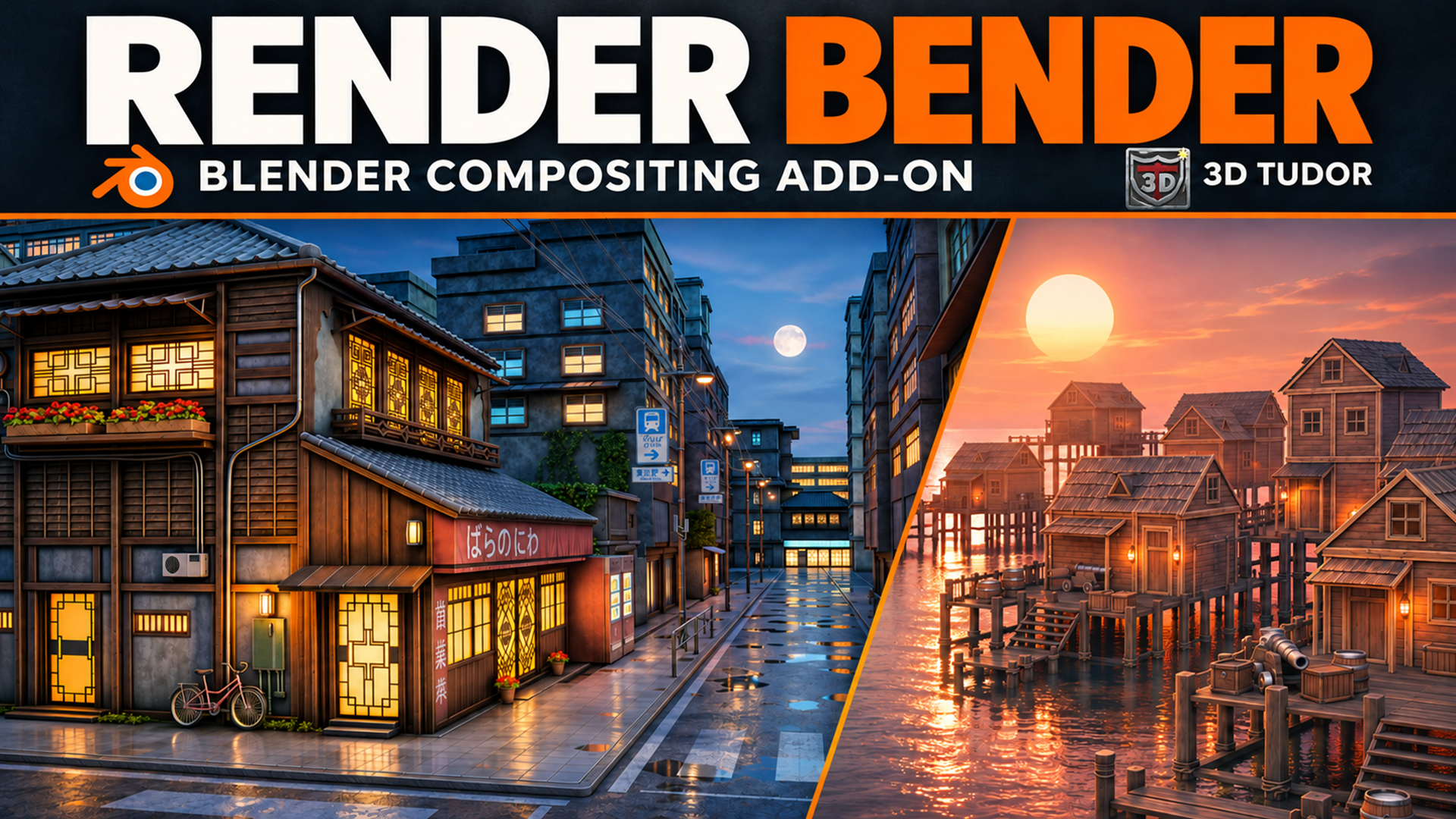
Shape the colour, atmosphere and camera character of a scene with Render Bender. The add-on organises finishing controls into Blender panels, helping you work through a look without rebuilding the compositor for each variation.
What you can adjust
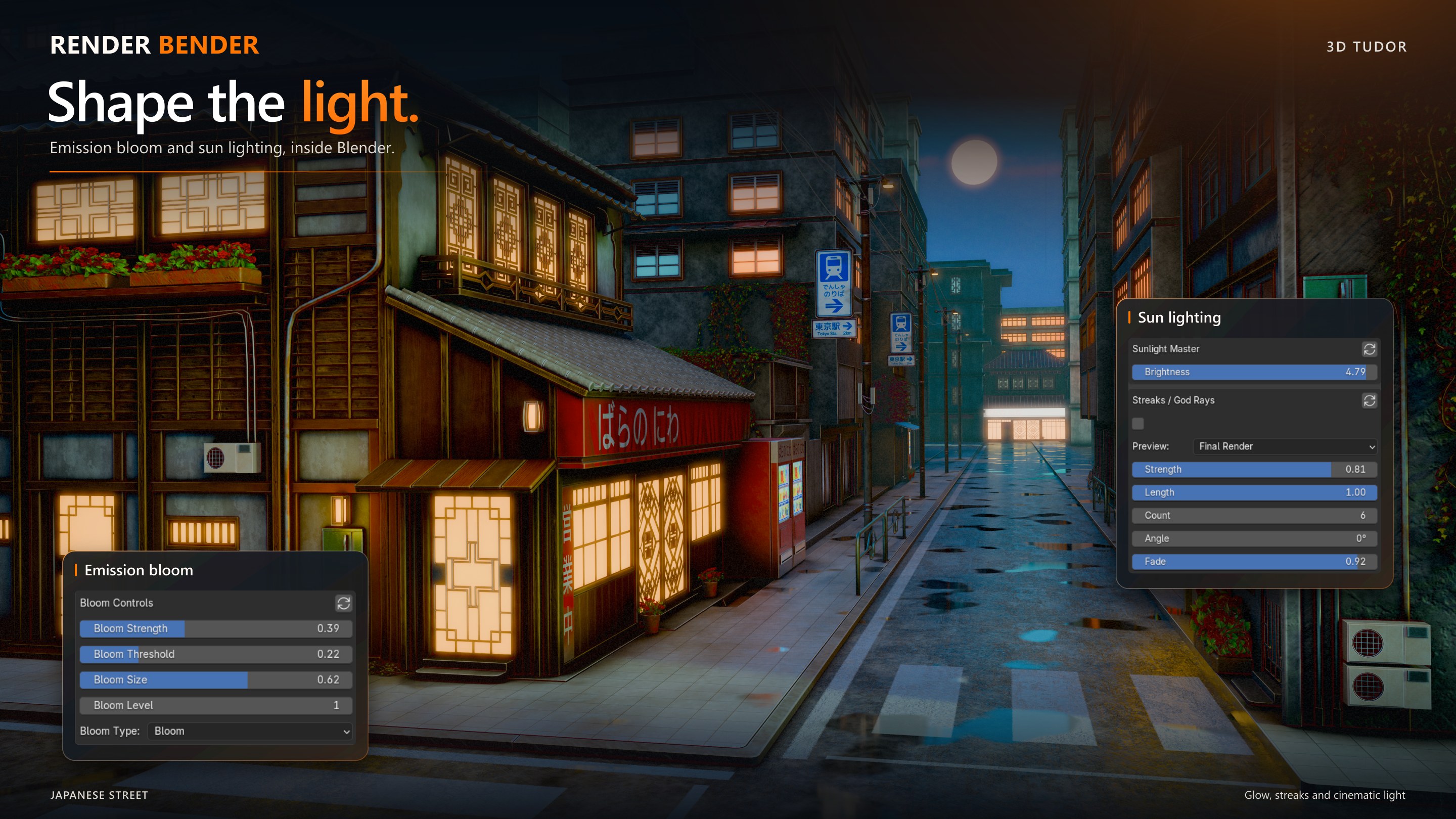
Overall colour and contrast, plus separate emission, glossy, environment and ambient-occlusion contributions.
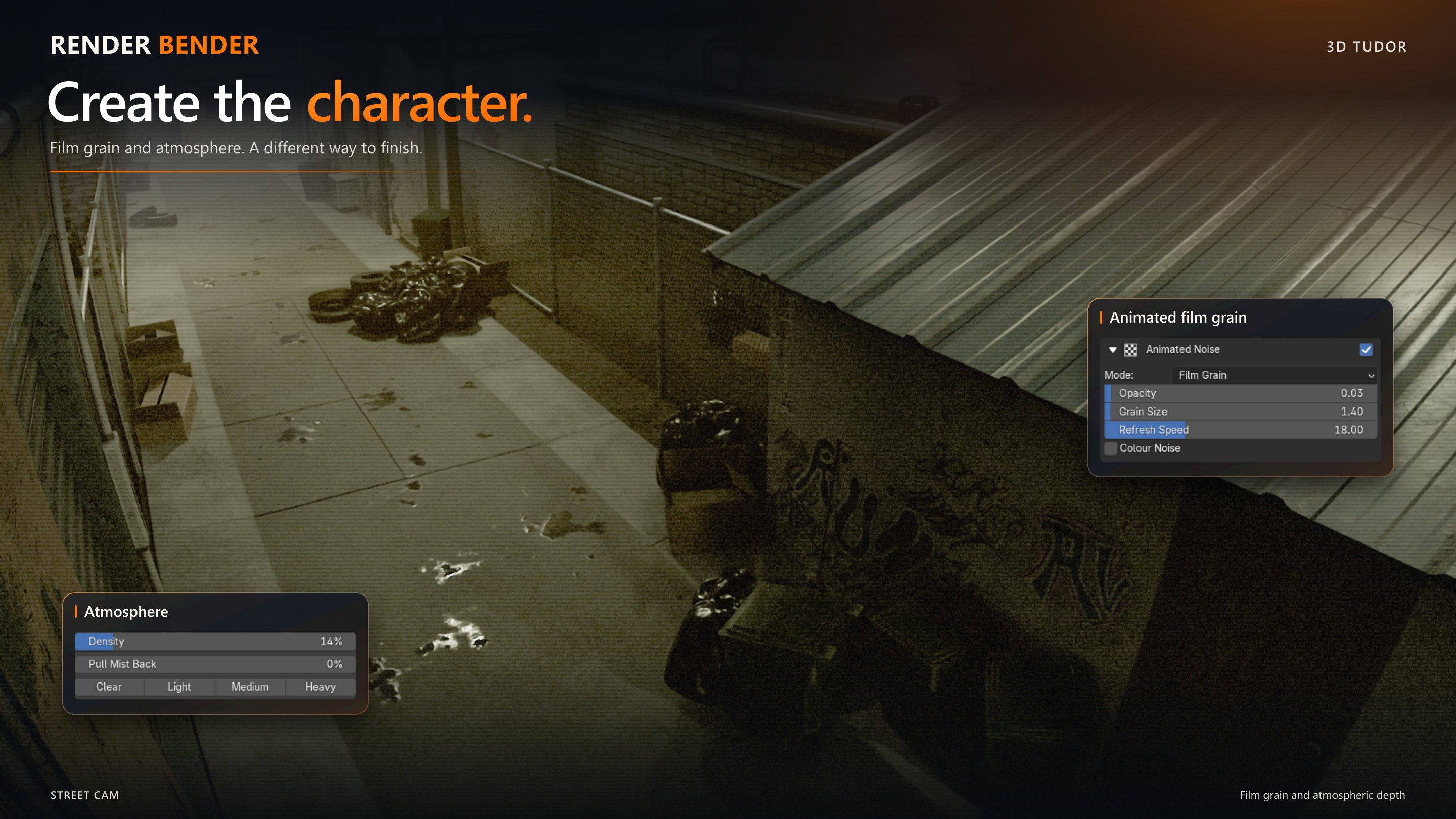
Depth mist, existing rendered volume lighting and transmissive water.
Captured Edgewear and Cavities masks for surface accents.
Film grain, CRT/VHS treatments, glitches, light leaks and heat distortion through Animated VFX.
Start from 74 factory entries: nine global and 65 section entries, including neutral resets. Save your own variations and export/import presets when transferring to another computer.

Included downloads
Render Bender add-on installer ZIP with helper modules and factory presets.
Getting-started text guide covering installation, first render, presets, saving images and troubleshooting.
Bundled README, preset guide and version notes.
Before you begin
Requires Blender 5.2, with Cycles for the full render-pass workflow. Tested on Windows; macOS and Linux compatibility has not been verified. Install the ZIP directly through Blender Preferences, enable the add-on, save a working copy of your scene and run setup before rendering.
Scene-dependent controls need the correct inputs: emissive pixels, transmissive water materials or captured masks. The Volume section adjusts existing rendered volume light; it does not create fog geometry. Refresh captured still masks when the camera, geometry or frame changes. Animation support follows the documented Colour and Animated VFX workflows.
Example scenes, models and textures pictured in the artwork are not included. This is a standalone paid add-on, separate from Skillshare classes. Consult the included version notes for current workflow limitations.
The gallery includes a 15-second workflow excerpt played at 6× speed. The control breakdown images illustrate available controls, rather than exact settings for the pictured renders.
The Python add-on code is supplied under GNU GPL 3.0, with the licence included in the installer.
Happy modelling everyone!
Neil - 3D Tudor

Häufig gestellte Fragen
Was sind digitale Produkte?
Bei den digitalen Produkten von Skillshare handelt es sich um fachmännisch gestaltete Tools, Ressourcen und Vorlagen, die von den besten Kreativen entwickelt wurden und die dir zum Kauf zur Verfügung stehen. Mit einer breiten Palette an Ressourcen für jeden kreativen Bedarf sind sie einfach umsetzbar und machen deine Lernerfahrung real und unvergesslich.
Wie kann ich ein digitales Produkt kaufen?
Jeder kann ein digitales Produkt auf Skillshare kaufen — klicke auf Jetzt kaufen, um deine Zahlungsinformationen einzugeben und den Kauf abzuschließen. Sobald die Zahlung abgeschlossen ist, können alle Dateien sofort von dieser Seite heruntergeladen werden. Du erhältst außerdem eine E-Mail mit einem Link zum Herunterladen deines digitalen Produkts nach dem Kauf.
Gibt es ein Limit, wie oft ich ein digitales Produkt herunterladen kann?
Nein, es gibt keine Begrenzung, wie oft du ein digitales Produkt herunterladen kannst. Selbst wenn ein Produkt vom Ersteller entfernt wird, kannst du in den meisten Fällen immer noch auf die Download-Seite zugreifen, indem du dich in dein Skillshare-Konto einloggst.
Kann ich eine Rückerstattung erhalten oder den Kauf eines digitalen Produkts stornieren?
Digitale Produkte sind nicht erstattungsfähig und können nicht zurückgegeben oder storniert werden. Weitere Informationen findest du in unserer -Rückerstattungsrichtlinie im Skillshare Hilfebereich.
Kann ich meine eigenen digitalen Produkte herstellen und verkaufen?
Unbedingt! Besuche Wie kann ich ein digitales Produkt auf Skillshare verkaufen?, um zu erfahren, wie du deine eigenen digitalen Produkte auf Skillshare erstellen, anbieten und verkaufen kannst.