Visit Lake Champlain
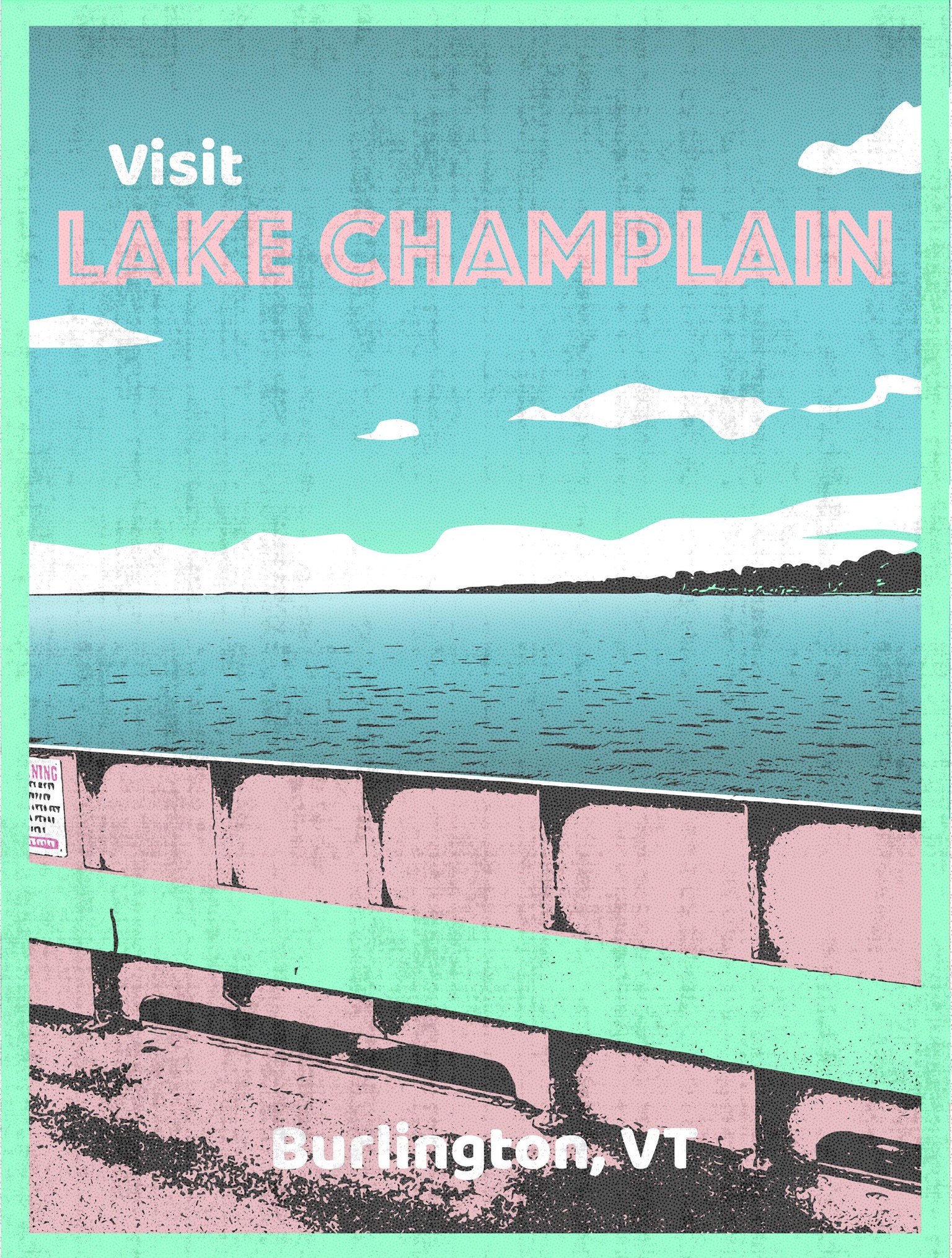
Fun project! I used a bit different technique, but found lots of valuable information in the lessons. I used Adobe Capture to vectorize my photo from the ferry on Lake Champlain. I like the gritty feel that Adobe Capture can create when I play with the levels. I brought my black base vectors into the new Affinity on my desktop and worked through blocking in colors. I am coming from an Ipad pro to a new Mac Mini desktop, and working on learning the ins and outs of the software on the desktop. I made a couple of textures in Procreate on my Ipad that I then imported and layered over the top, playing with opacity and blend modes. I'm planning on practicing the mask technique you used in the lessons on my next iterations. These fonts are stock with the new Affinity, I'm sure playing with other fonts might have more impact. This image was fairly quick to block in with simple shapes, and I am working on a few more scenes that are a bit more complicated. I will say drawing with the pen tool on the ipad is much more enjoyable! Simple, high contrast photos with big blocks of color definitely work best for this technique. Thanks for the inspiration with your course!