Society6 workflow project
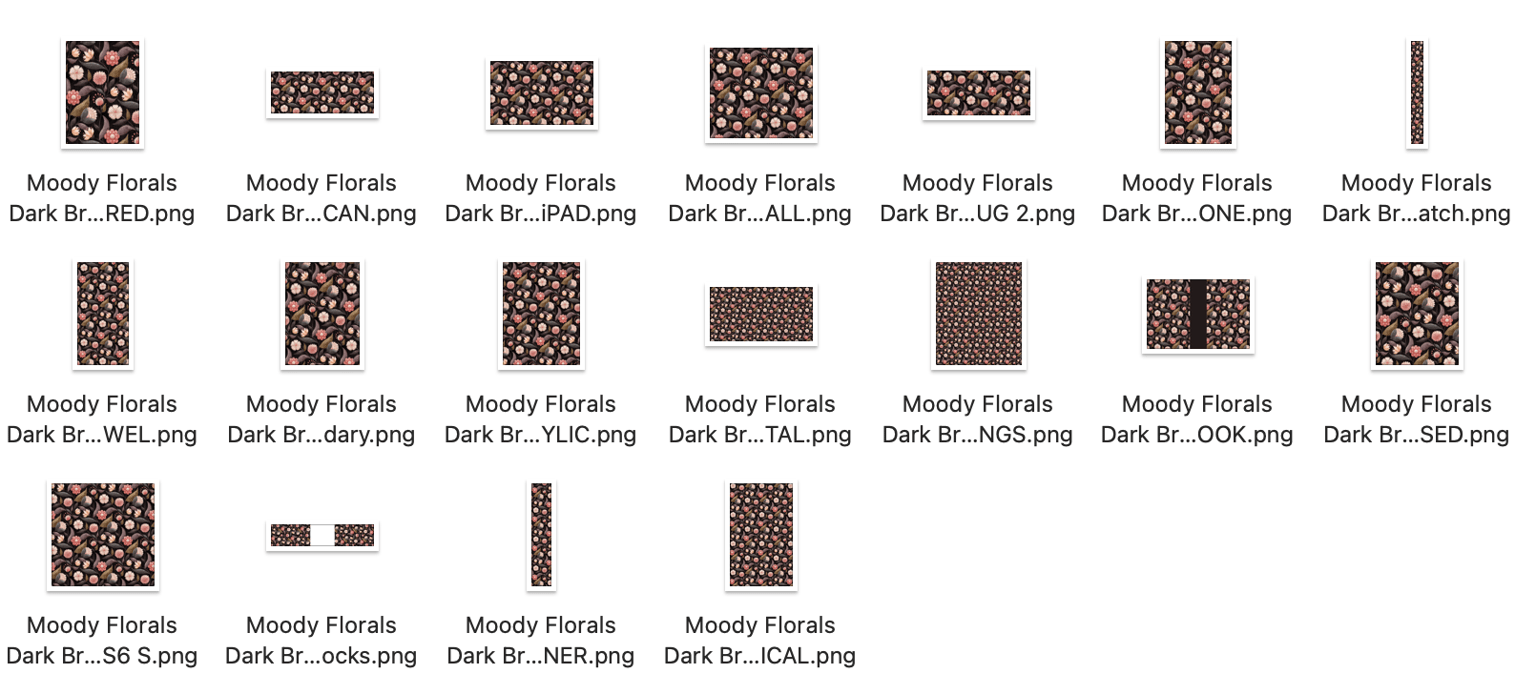
This class was a godsend, I saw it referred in my Skillshare emails, and often I just skim the "class" emails as I'm a teacher on SS as well and only have so much time to be taking classes myself ... WELL, this was great, instead of spending like a half a day on each design, I was able to create my assets in maybe 10 mins tops per design, and upload everything in 20 minutes per design (including some tweaking of individual designs). Thank you soooo much for giving me my time back, I was seriously considering reducing how many designs I upload to S6 simply because of the stupid amount of time and frustration it was taking... I did find a slight discrepancy in the size of the Featured asset from the PSD downloads from the site vs the one I made following along in the class (the download one was 2841 × 3951, and the one I made was 2718 × 3742 which fits better in the framed mini art print when reduced in scale to leave a border). But I'm actually using both sizes, the bigger for the "main" featured image, then just uploading the secondary one I made for the actual mini art prints and poster. Below are my files for the dark brown colour variation of my design.
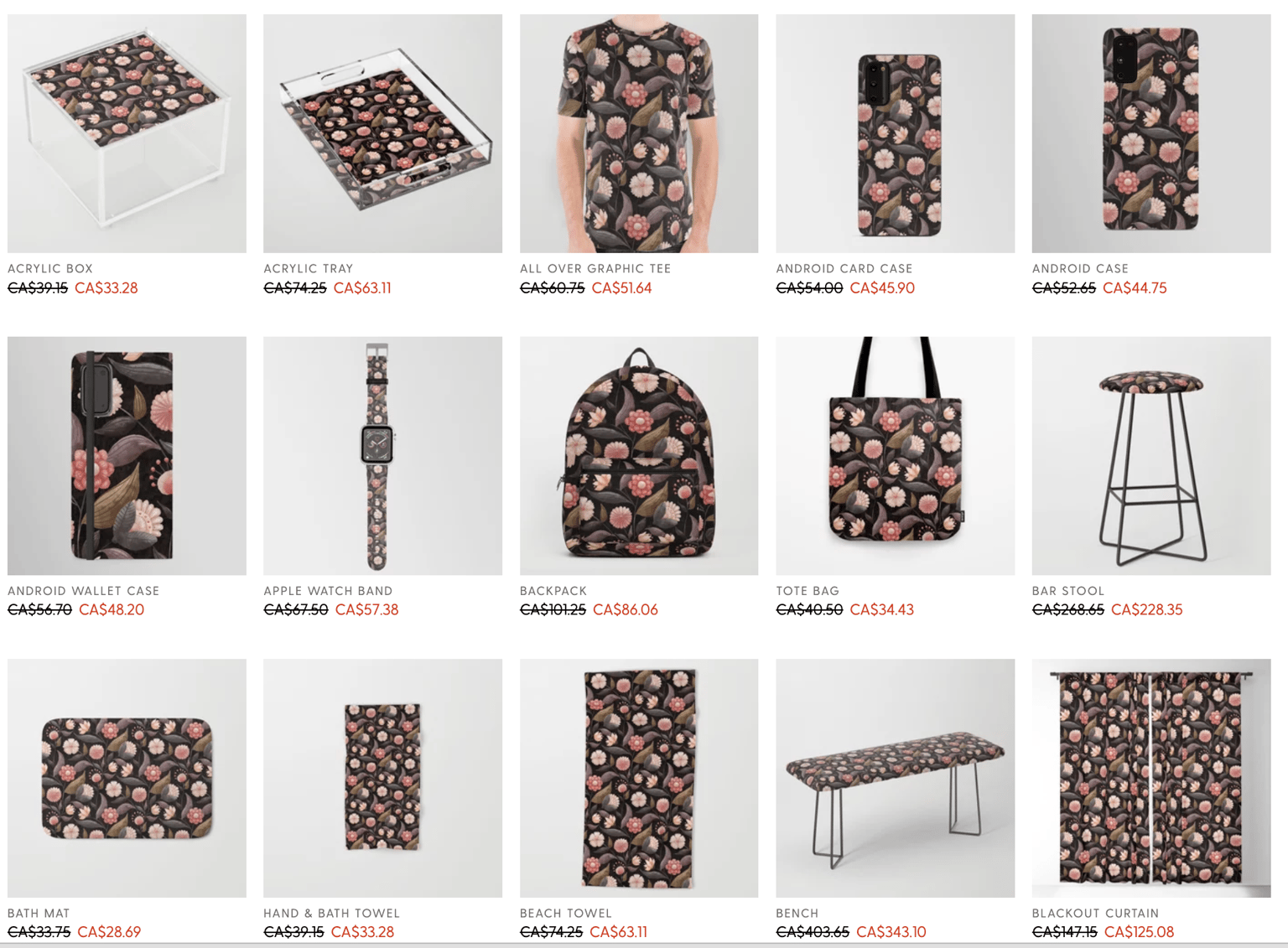
I also uploaded the two extra colourways, and it was nice having the patterns rescale to the exact same size and placement in each asset as the original one I'd done. That made the process a lot faster for the blue and cream colourways.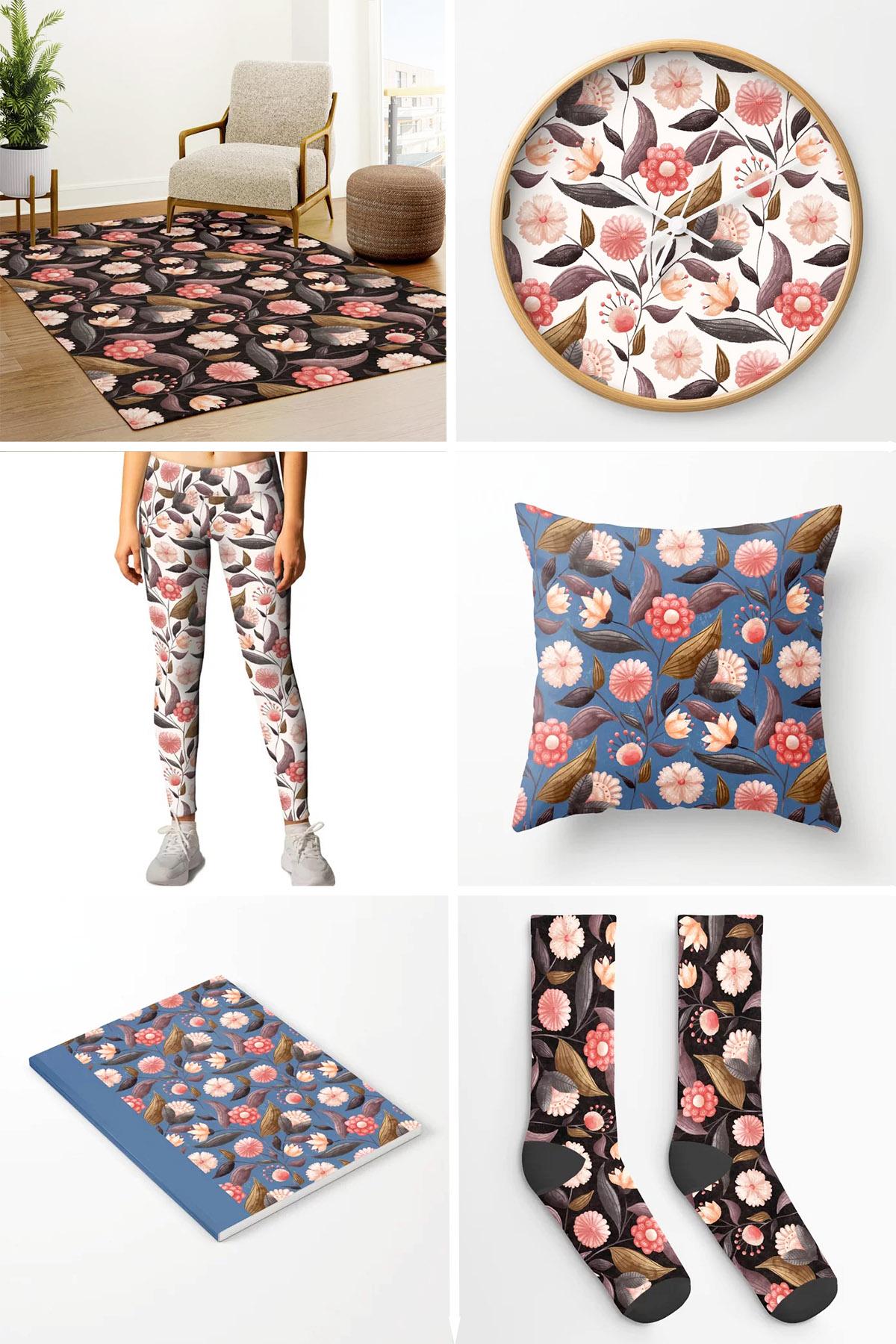
Thanks again Rebecca, very much appreciated!