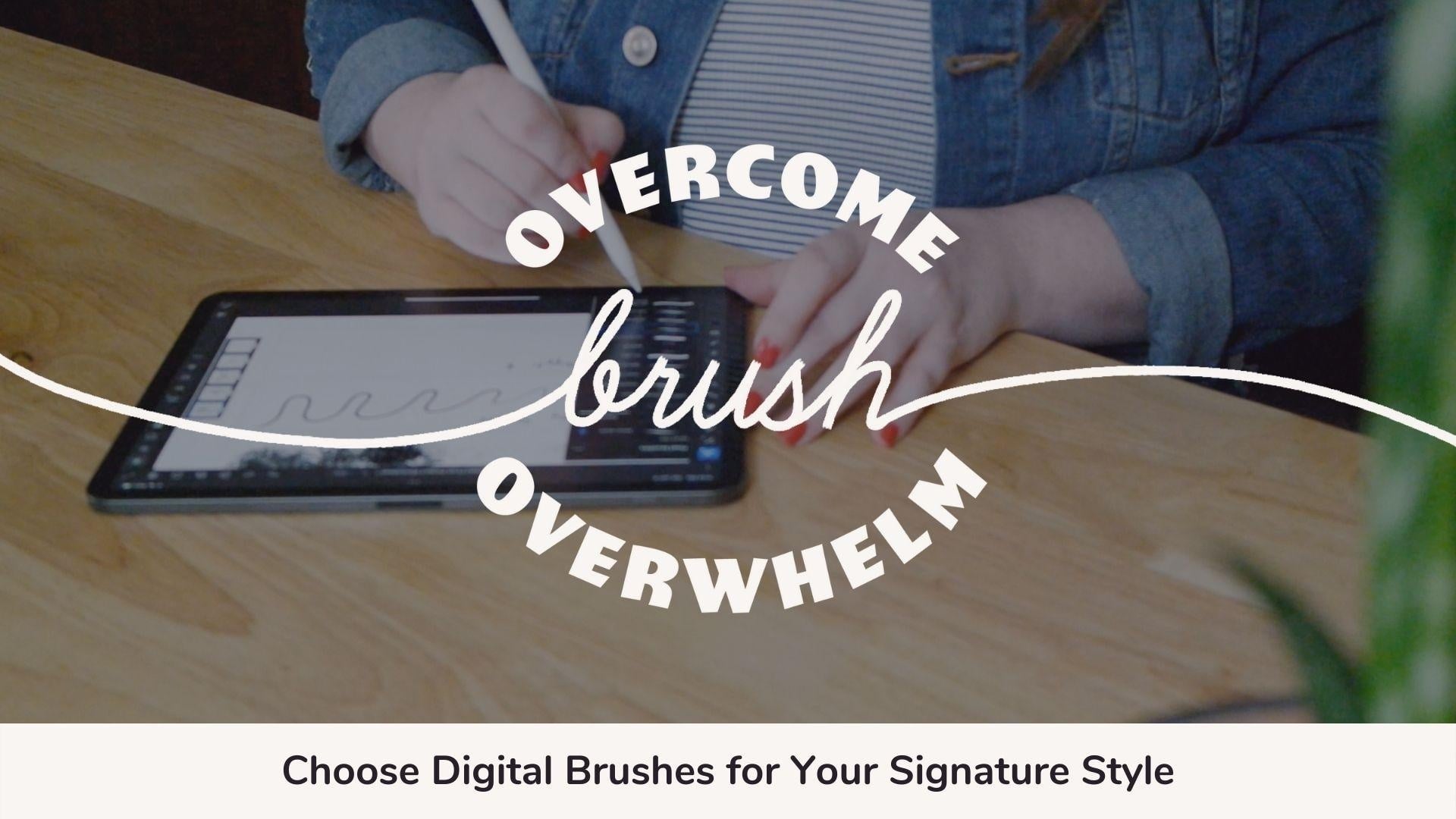
Overcome Brush Overwhelm: Choose Digital Brushes for Your Signature Style
Class Title:
Overcome Brush Overwhelm: Choose Digital Brushes for Your Signature Style
___________________________________________________________________
Class Description:
This class teaches how to quickly curate a set of favorite digital brushes in Adobe Fresco by completing creative experiments and reflecting on students’ preferences to develop personal style and make it easy to start making art.
Who is this class for?
This class is helpful for beginner digital artists who are feeling overwhelmed or stuck in making decisions about which brushes to use in their artwork. You will find efficient, anxiety-free methods for eliminating or working through decision fatigue so you can start making art.
What will you learn?
By taking this class you’ll learn:
- How to add brushes to your library in Adobe Fresco and Procreate
- Methods for experimenting with new brushes to help you pick your favorites
- How to save a palette of favorite brushes so you can quickly access them
What skills, experience or tools do you need to take this class?
No special skills or prior experience are required to take this class, although it will be most relevant to artists who are working or want to work digitally. Students will need a drawing tablet with a stylus, such as an iPad with an Apple Pencil, and a drawing app, such as Adobe Fresco, Procreate or Adobe Photoshop.
Demonstrations will be performed in Adobe Fresco, but Procreate users can follow along using the guide provided in the Projects & Resources tab as a supplement.
What will you get?
- How to Manage Your Digital Brush Library: A Guide for Adobe Fresco and Procreate
- Drawing guides to customize and use in your project
- Project worksheet to document your favorite brushes after this process
- List of trusted digital brush creators
___________________________________________________________________
Project Description:
Together, we will conduct a series of low-pressure art experiments to quickly curate a set of digital brushes that reflect our signature style.
How to Do the Project
- Reflect on what digital medium or artistic style you might like to emulate in your digital art
- Experiment with digital brushes using 1-3 techniques in Adobe Fresco or Procreate to discover brushes that you would like to continue to use in the future, especially those that help you achieve the style or look that you desire
- Save your favorite brushes to your app's Favorites library
- Record a list of your five favorite brushes to upload to the project gallery
Why complete the project?
This will help to relieve the pressure of having too many options, so artists can stop feeling overwhelmed and start doing what they love - making art
Students will reflect on elements/textures they would like to incorporate into their art to develop their own personal style
Students can rely on these techniques again and again to incorporate fresh ideas as their style evolves
Class Resources
- Guide to Managing Your Brush Library in Adobe Fresco (includes list of recommended digital brush studios)
- Guide to Managing Your Brush Library in Procreate (includes list of recommended digital brush studios)
- Drawing Guides for Lesson 6: Explore Through Playing (With Purpose)
- My Favorite Brush List Template
What to Share
Upload your list of five favorite brushes to the Project Gallery. I’d love to see the results of your experiments, too!
___________________________________________________________________
Class Outline:
1. Class Intro
- Expertise: 10 yrs of design experience in branding, web design, video and (recently) digital illustration
- Simple methods for choosing a small suite of brushes
- Class is for iPad artists who want to hone their style, but get overwhelmed at having so many brush options.
-
Learn how to add new brushes to your brush palette
-
Learn how to save your favorites so you don’t have to go hunting for them again
-
Learn where to find quality brushes to add to your arsenal
2. Class Project
- Choose five new favorite brushes and share them in the class project gallery
- Follow along the video lessons to conduct a series of experiments created to help you find five digital brushes in Adobe Fresco that you want to incorporate in your artmaking.
- Experiment One: Explore through Mark Making - jump right in and see what each brush does before committing, get messy
- Experiment Two: Explore through Referencing - use your favorite art to help determine what kind of brushes you might like to use in your own work
- Experiment Three: Explore through Playing - use provided templates as a starting point to play with digital brushes with less pressure
- What You’ll Need to Be Successful
- Project Recap
- You don’t need to complete all three experiments to finish your project, but I hope you will! I’d love to see your progress all the way.
- How to upload to the project gallery
3. Brush Library Overview
- How to add brushes from Adobe library
- How to add downloaded brush sets to library
- Show how to favorite brushes and where to find brushes that have been saved to favorites.
- Show how to unfavorite so students can curate their favorite brushes.
4. Explore Through Mark Making
- Select a brush set that looks interesting and try out each brush by making marks all over your art board.
- In this exercise, we’re getting messy on purpose to see what each brush looks like.
- Demo as I explore a new brush set
- Save or favorite any brushes that you want to come back to later.
5. Explore Through Referencing
- Reference your favorite art pieces to reverse engineer your digital toolkit.
- Select brushes to achieve similar effects in your own artwork
- Mix and match different artists/genres to achieve your own signature style
- Save or favorite any brushes that you want to come back to later.
6. Explore Through Playing (With Purpose)
- Use drawing templates to help you put your brushes to the test. Choose from character, landscape, floral, or lettering.
- Save the template of your choice to your iPad, and import it into your drawing app to use as a guide or create your own masterpiece!
- Demo how to import template to Adobe Fresco and use as a guide
7. Publishing Your Class Project
- Choose your five new favorite brushes and share them in the class project gallery
- Type in your list, upload a screenshot or use the project template to fill in your top five brushes and include a swash or a doodle to show what it looks like.
- Include a sentence or two explaining why you chose to take this class, and what apps/equipment you used to work through the experiments.
- Ideas for sharing: Results of your experiments; Images of art that you created using brushes you discovered through your experiments; Images of artwork you referenced for your experiments; Images of any art that inspires you, even if you didn’t use it as a reference this time; Your thoughts before and after completing your experiments; Any revelations you had while working through this class; Any feedback you’d like to share about the process
8. Conclusion & Thank You
- Thank you
- Share email signup and social
- Share more classes to explore next