Mini Project Compilations
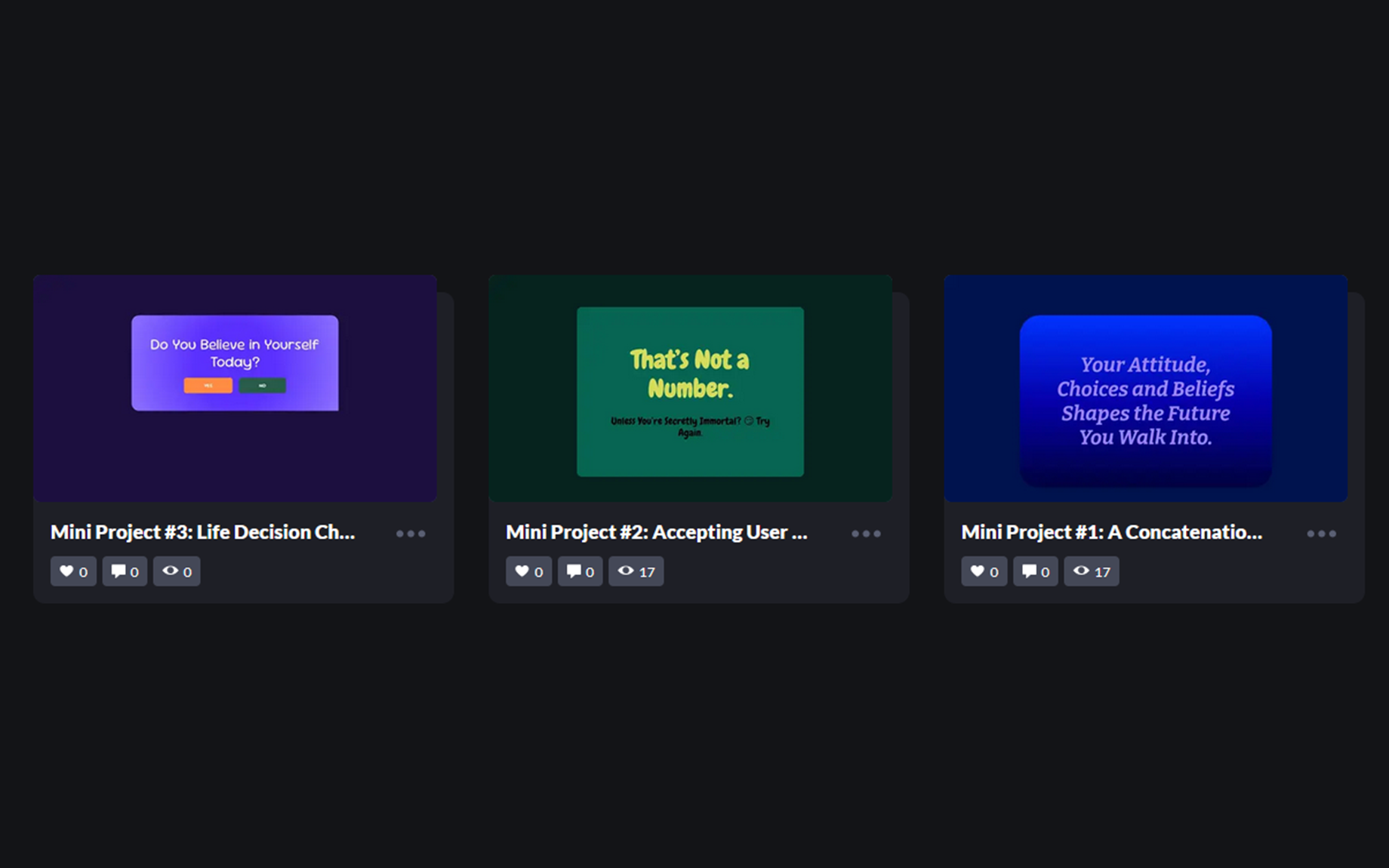
Project Title
Mini Project 1: Concatenation Practice
Description
This mini project demonstrates the use of JavaScript string concatenation with the innerHTML property. The goal was to replace a single word inside a sentence with multiple meaningful alternatives and display the updated result directly on the webpage.
What I Practiced
-
Accessing HTML elements using getElementById.
-
Storing values in variables for better readability.
-
Concatenating strings with the + operator to form complete sentences.
Reflection
While simple, this exercise helped me understand how text replacement works in the DOM and gave me hands-on practice in connecting HTML and JavaScript.
Live Demo
Mini Project 1 on CodePen
----------------------------------------------------------------------------------
Project Title
Mini Project 2: Funny Age Checker
Description
This project accepts user input through a prompt() dialog and displays a witty age-based message on the webpage. The goal was to practice handling different kinds of user input, converting string data into numbers, and outputting dynamic results into the DOM.
What I Practiced
-
Using prompt() with a placeholder to collect user input.
-
Converting input strings into numbers with Number().
-
Writing conditional statements (if/else) to handle multiple outcomes.
-
Displaying results dynamically using innerText and DOM manipulation.
Reflection
I had fun making the responses witty and humorous. This project also taught me about edge cases like Cancel (null) and non-number input, which gave me a clearer picture of how user input behaves in JavaScript.
Live Demo
Mini Project 2 on CodePen
----------------------------------------------------------------------------------
Project Title
Mini Project 3: Life Decision Checker
Description
This project presents a simple reflective question—“Do you believe in yourself today?”—and lets the user respond by clicking YES or NO buttons. Depending on the choice, the page hides the initial question and displays an encouraging, tailored message. The goal was to practice using conditional logic with buttons, controlling what the user sees, and structuring the HTML to support different outcomes.
What I Practiced
-
Using basic functions to handle button clicks for different user choices.
-
Selecting and updating elements with querySelector() to control what appears on the page.
-
Showing and hiding sections of the layout by changing the display property in CSS through JavaScript.
-
Separating content into different HTML elements (YES and NO result blocks) and revealing the appropriate one based on user interaction.
Reflection
This project was special to me because it combined JavaScript practice with a positive message. Even though my current lessons haven’t fully covered functions yet, building this helped me take a small step beyond the tutorial and apply conditional logic to something meaningful. It also made me more comfortable connecting buttons, functions, and DOM changes to create an interactive experience.
Live Demo
Mini Project 3 on CodePen