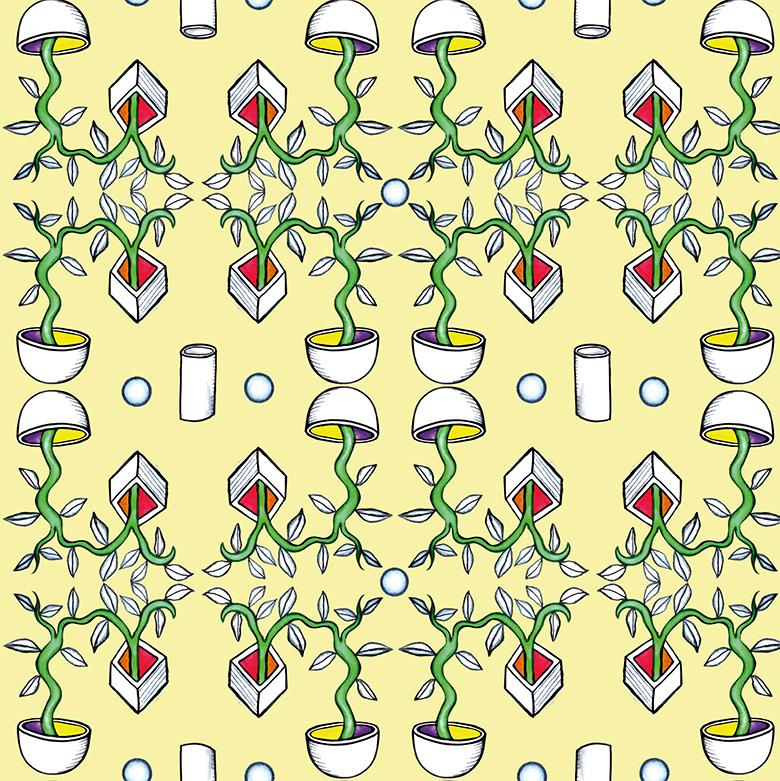
From drawn pattern to Illustrator pattern
Hello everybody,
My name is Cecile, I am a Dutchie based in Hamburg. I am an animation filmer and a visual artist, I love to work with as many technics as possible. Yes, that is often a bit overwhelming, but also such an adventure, especially when things come together. Here is my website: www.cecilenoldus.com
Here are some patterns I made in Photoshop: I made drawings with pencil and watercolor and scanned them. I love pencil lines, but I know they are no good for Illustrator. Looking for a way to keep the character of the drawings and vectorize without too many key points...maybe with special brushes?
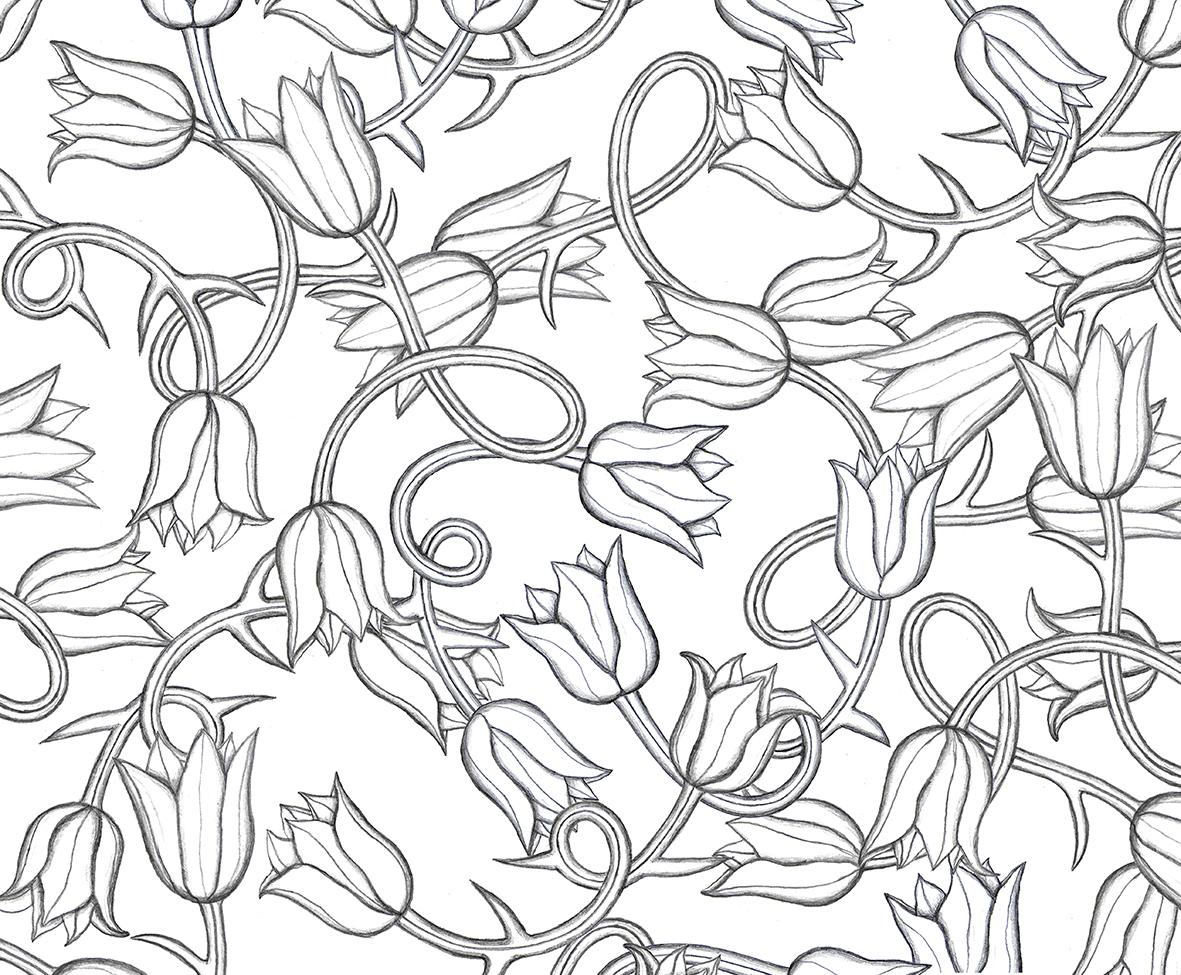
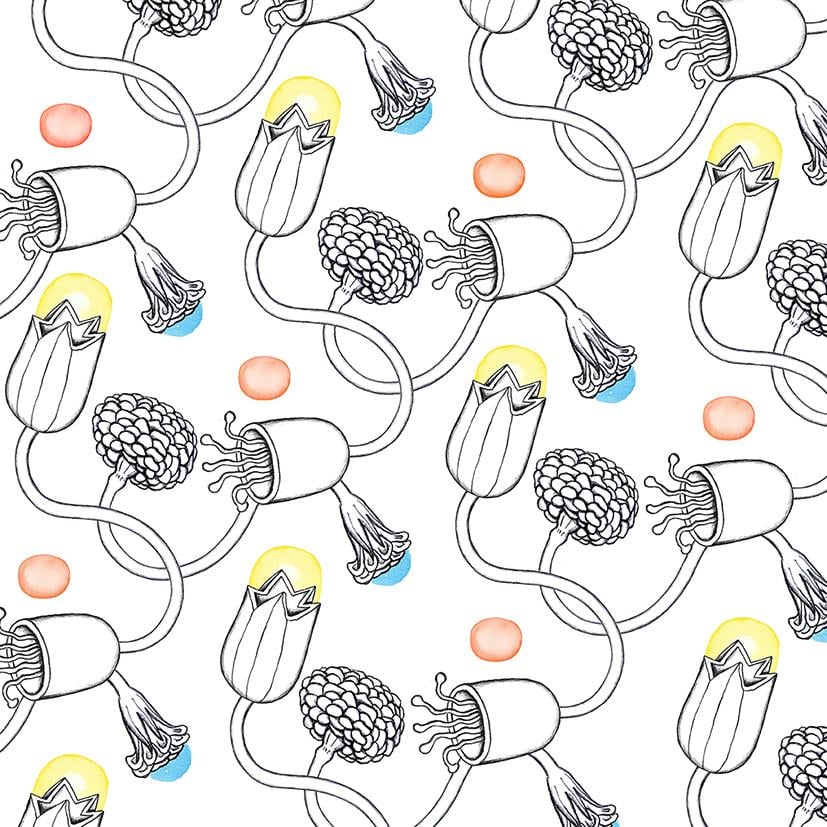
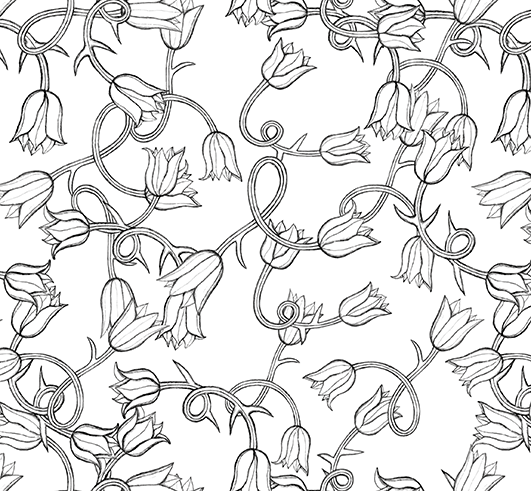
I made 3 different tulips, all with different amount of thorns and swirl. They are hard to translate to AI. I am using Image Trace. Shades of grey.
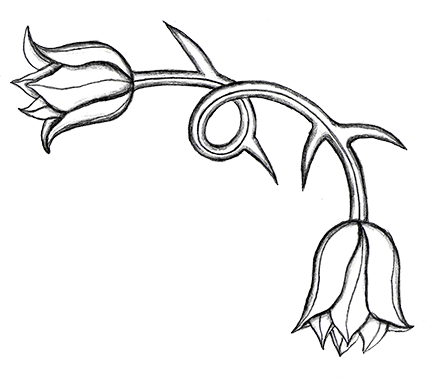
This flower is vectorized. I think it still has the character of the drawing quite well!
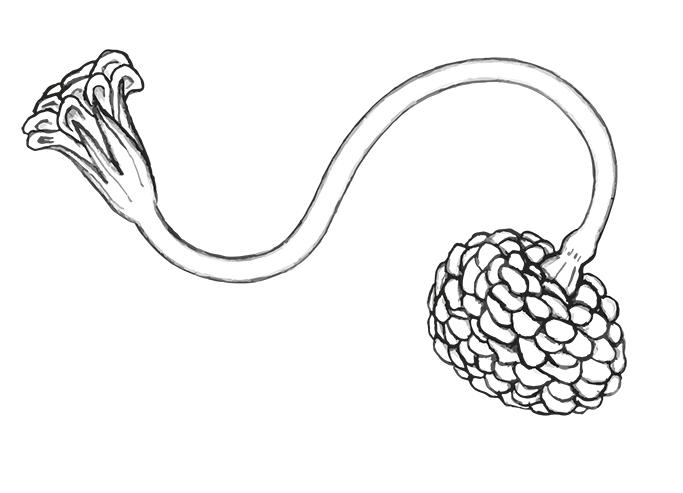
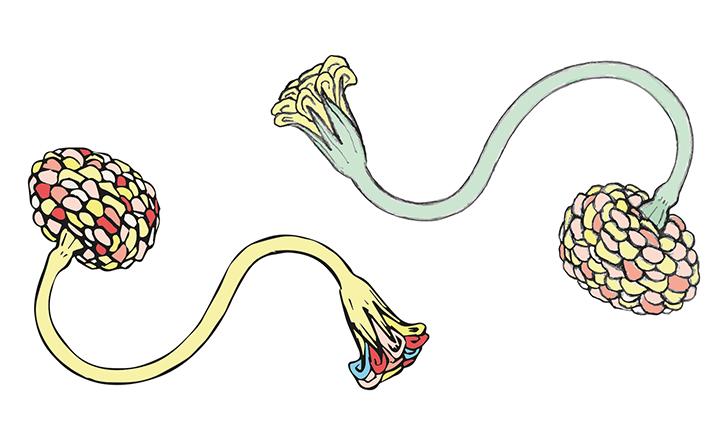
but...when I use the live paint bucket, it does not work so well on a grayscale image trace. Black is crisper and brighter.
The first test of a pattern in AI. At least it is a pattern and the tulips look ok. They could be denser I think. And the image is blurry. I am still struggling to learn Illustrator...
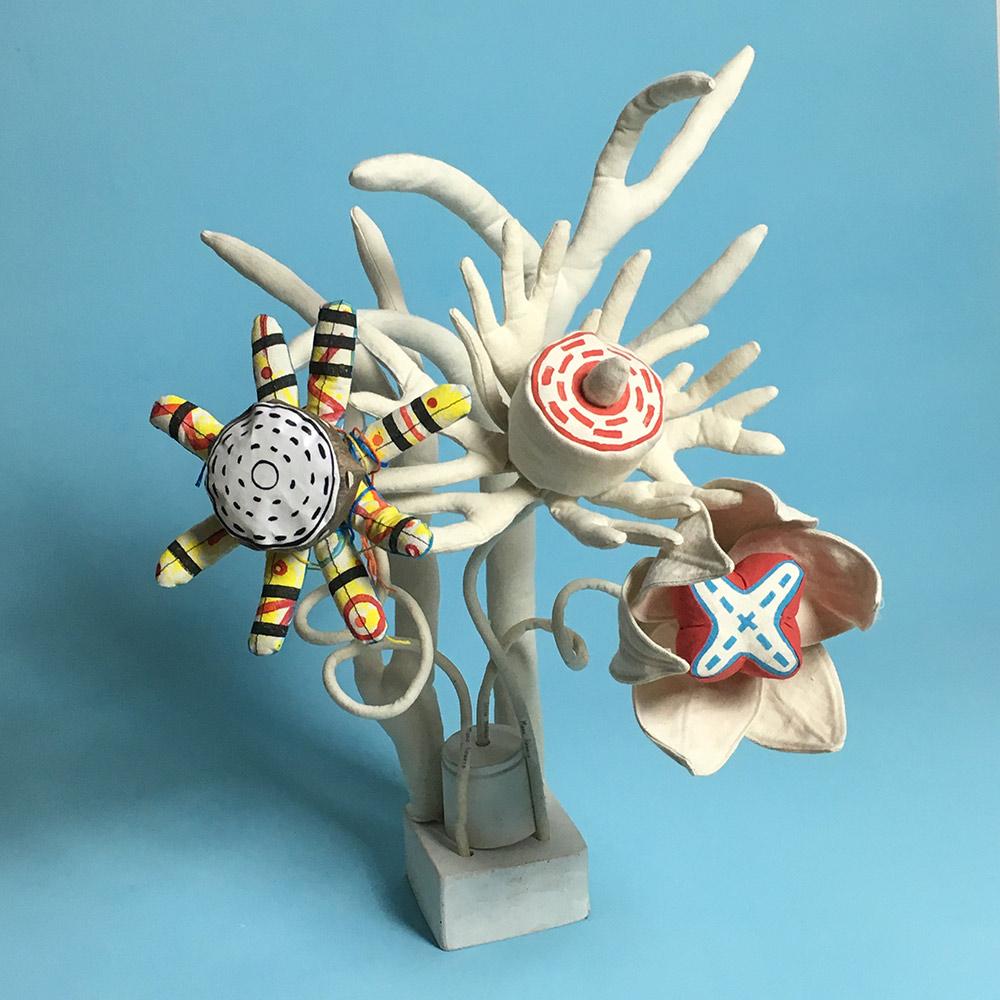
I make textile objects as well, they are the inspiration for my recent patterns.
This is my color palette for my new patterns...I think I will need some more colors though.

Next step will be to translate these drawings in Illustrator, so I can play with colors.
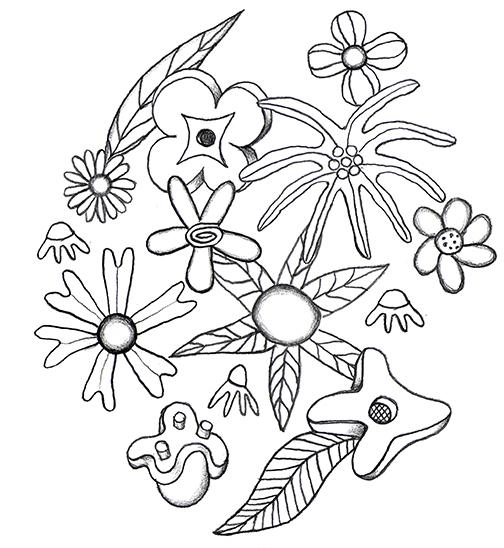
Playing around with my floral forms, I created this geometric pattern! It is just a sketch, did not use the right technique yet, but I am having fun! I imported drawings, Image Traced them in black and white, colored them with the live paint bucket tool. And it´s my first colored pattern in Illustrator! Jay!
It is a bit comic like...
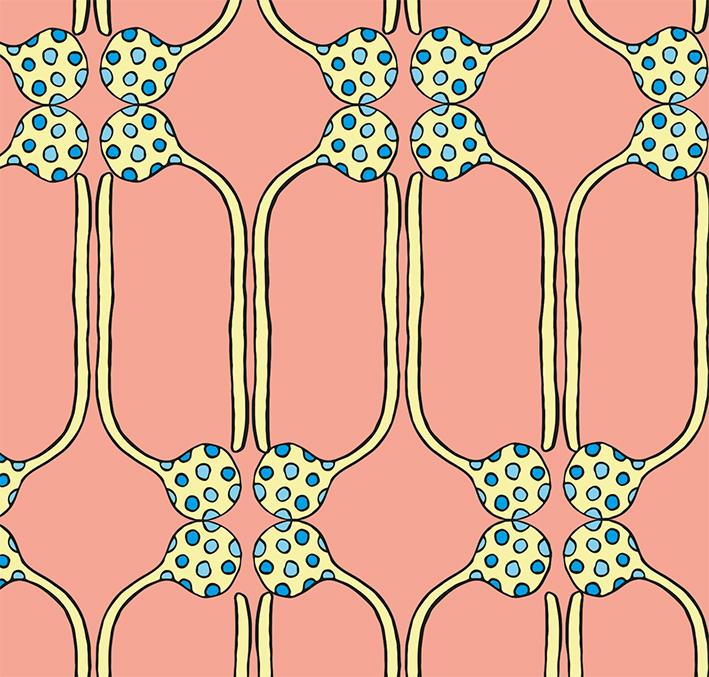
another combination of forms...I realize how many combinations one can make. They are becoming very different than I planned because I need time to play.
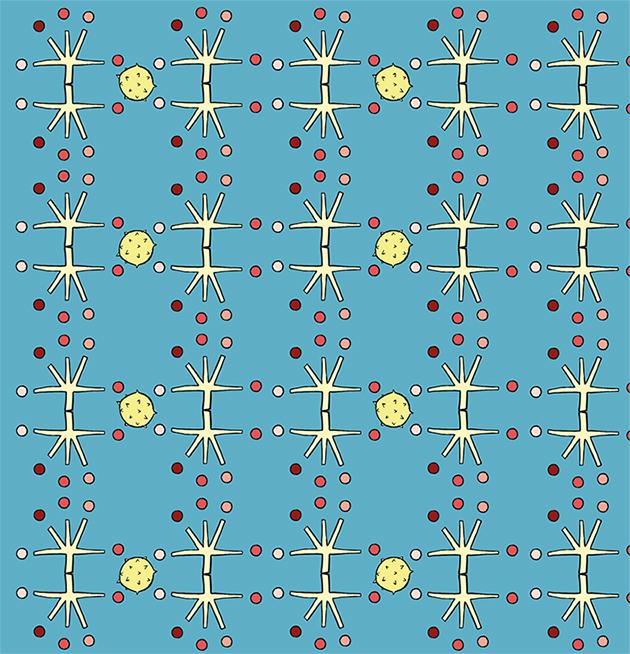
Playing with water colored objects. An old garden with some pieces of stone in it.