Editing a Board Result Short for My Study Channel in CapCut
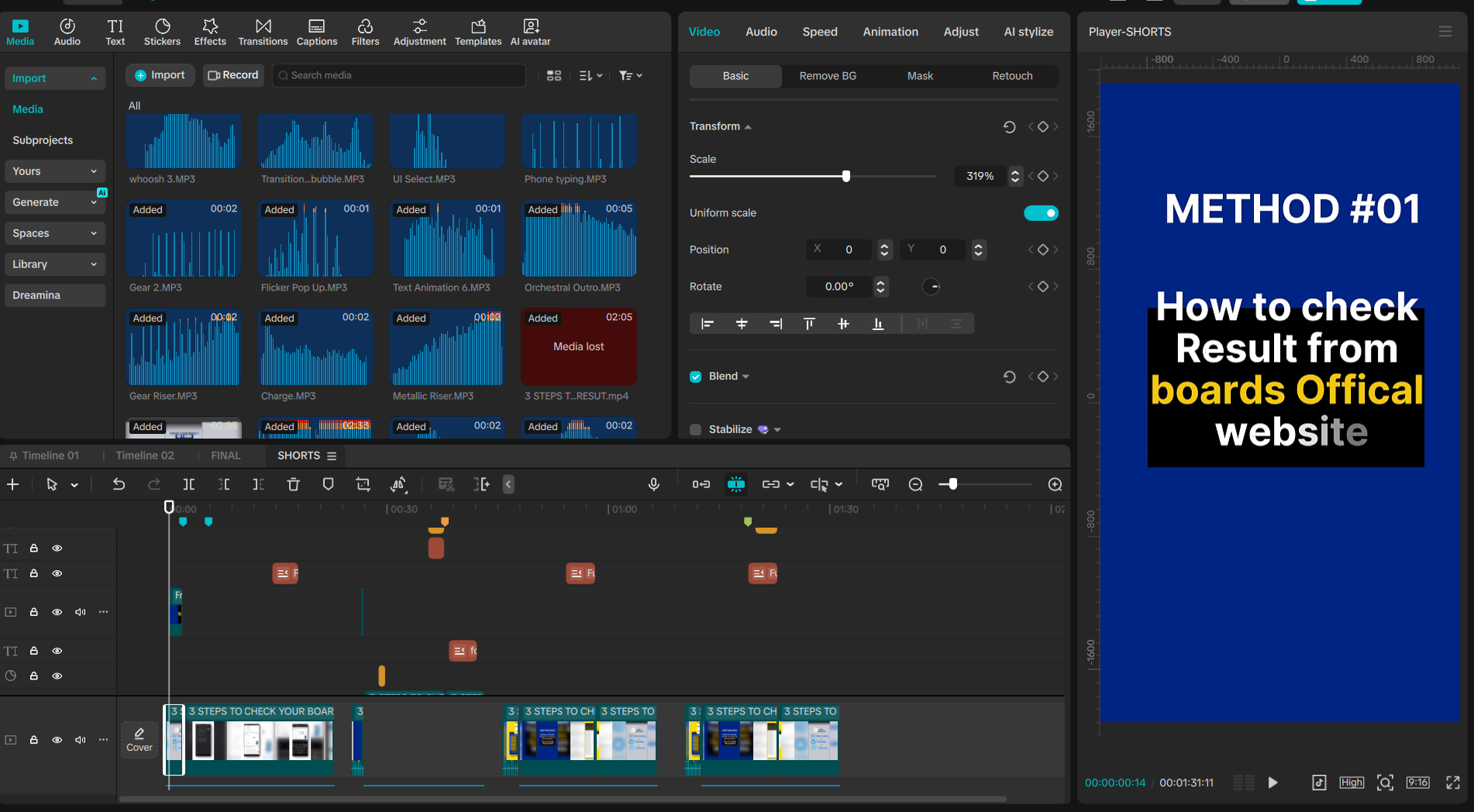
For this project I edited a YouTube Short for my channel, Smart Study Spot, using what I learned in this CapCut course. The Short explains 3 ways students can check their board result.
What I practiced:
- Splitting and trimming clips on the timeline to match the voiceover
- Layering text, images, and captions across multiple tracks
- Adding transitions between the 3 steps so it flows smoothly
- Exporting in the correct 9:16 format for Shorts
This was a good exercise in keeping a short video clear and fast-paced while still explaining something useful — which matters a lot for my audience of Matric and Inter students.