Drawing Head Angles (WIP)
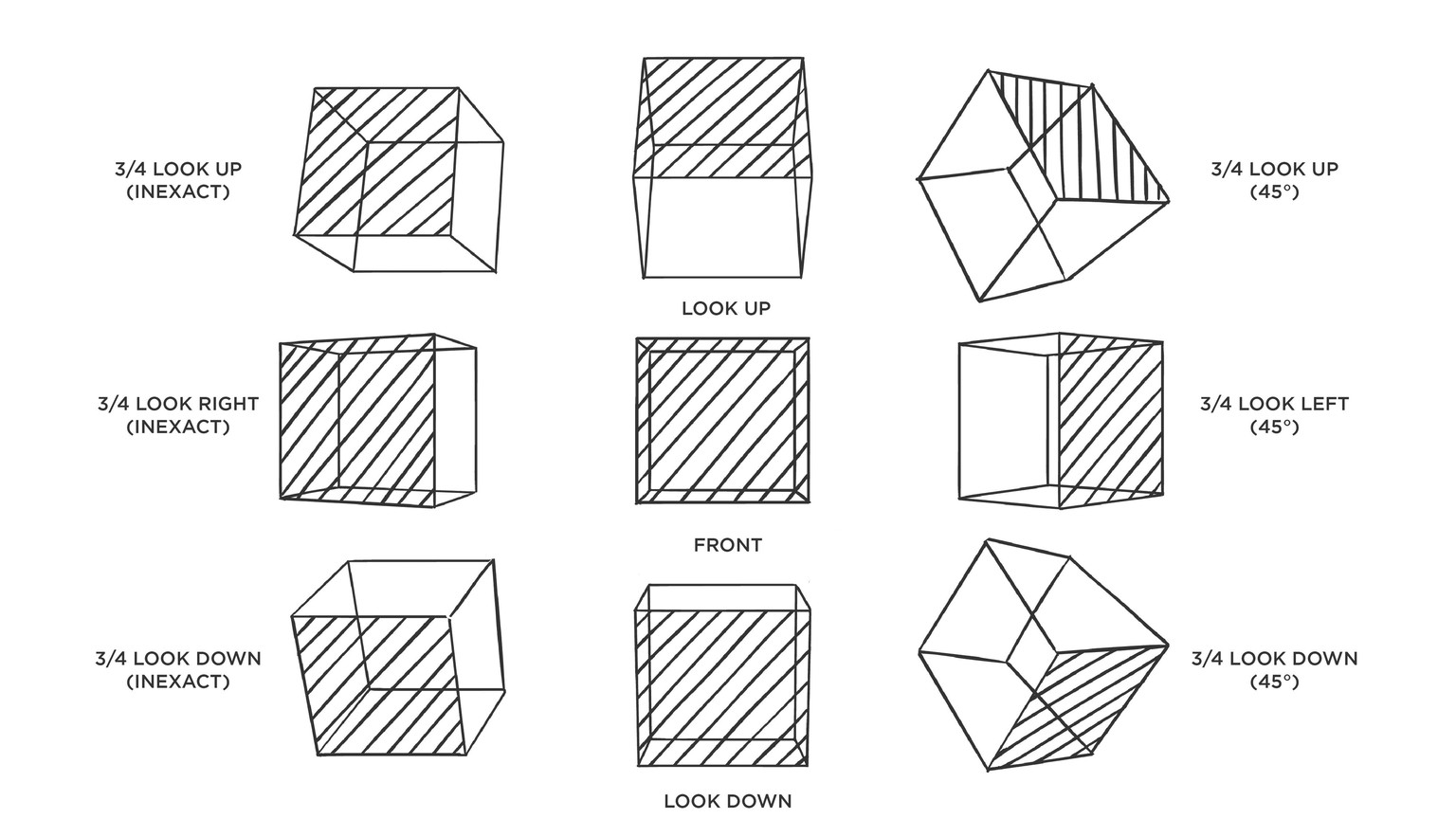
Hi Sir Marvin, thank you very much for sharing this class. Here is what I have so far.
I used Flash for this which didn't have the diagonal line/connect the dots option like Photoshop. But I was able to work around that.
I am currently struggling with 3/4 look up and down rotation.
Some of the boxes look wonky to me, specifically the ones below. Some faces are irregular trapezoids. I'm not sure if I made a mistake somewhere.
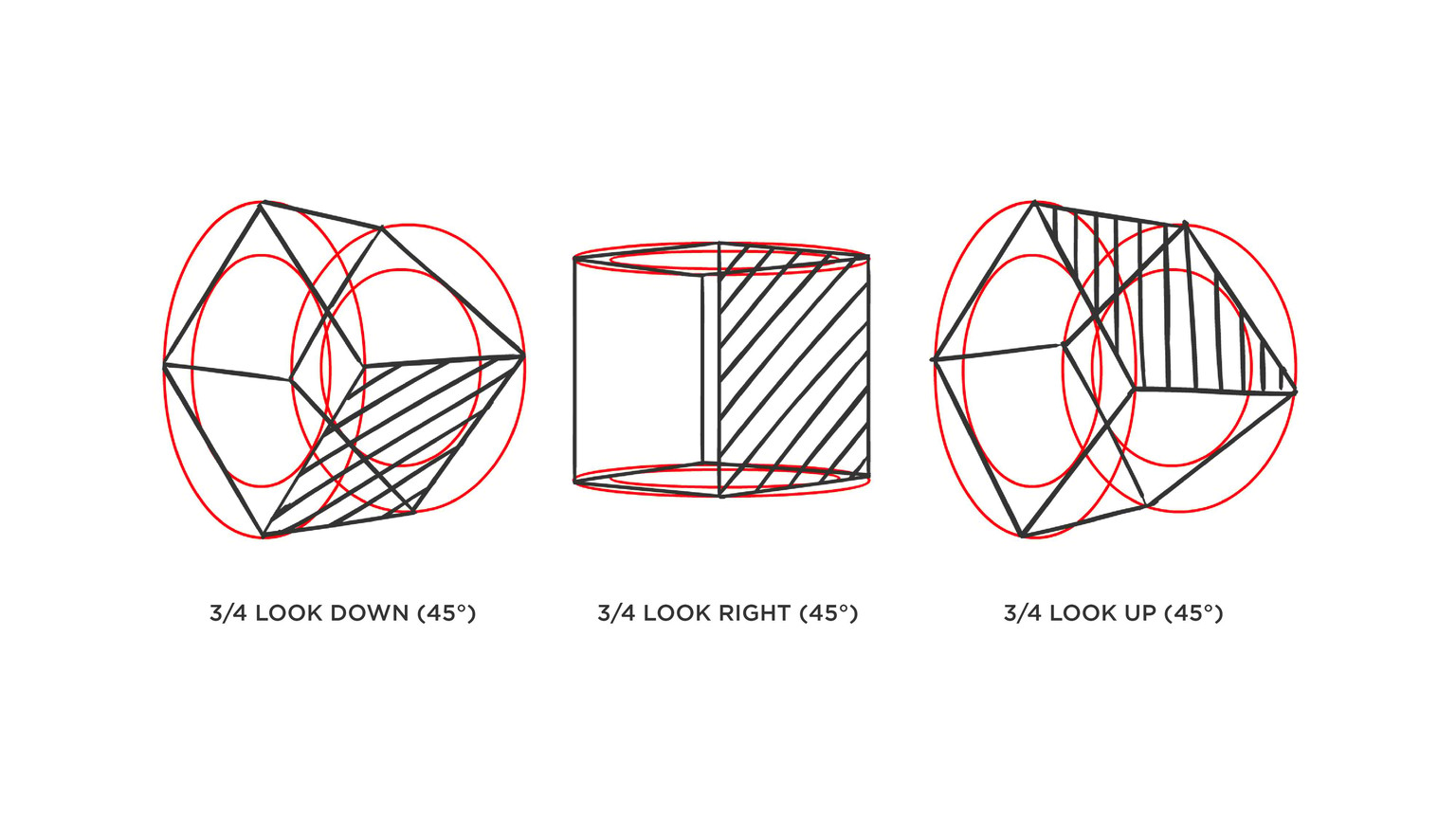
I reviewed the lessons and saw that I had missed the instruction to avoid twisting the faces. There were also checking methods mentioned based on the horizon line. And I used that to make the following adjustments. 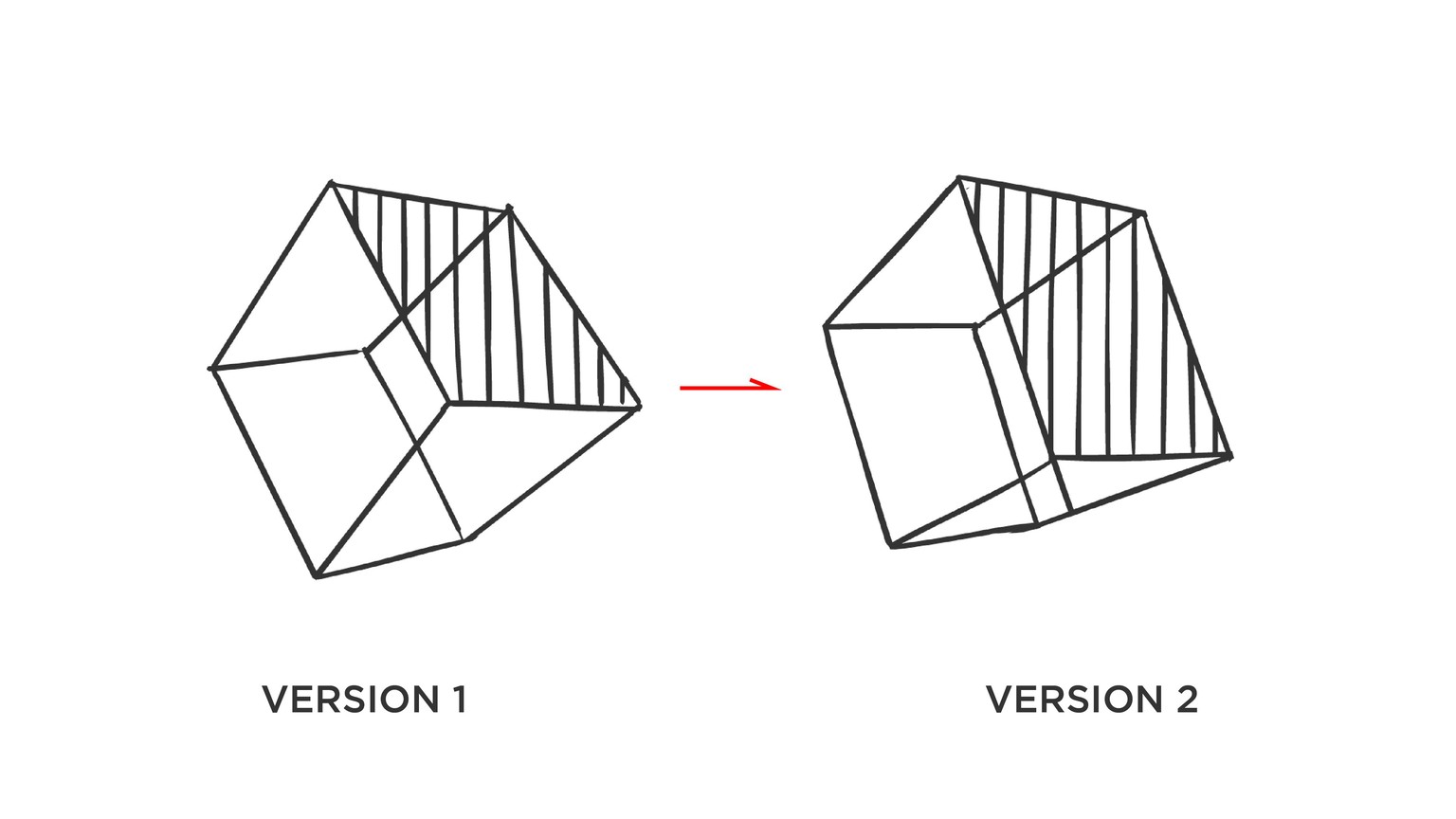
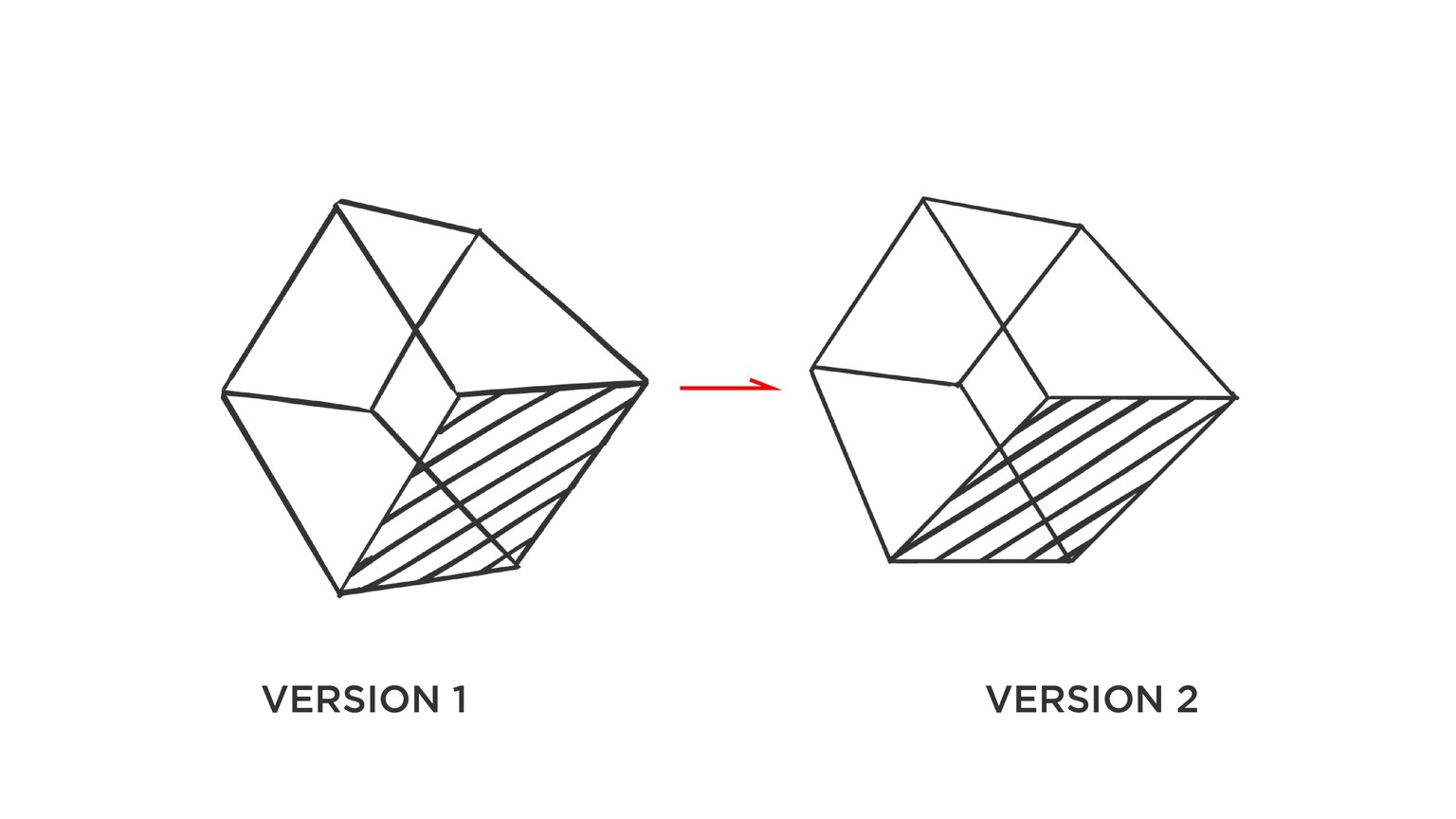
Here is an updated compilation where I added the cubes I reworked. 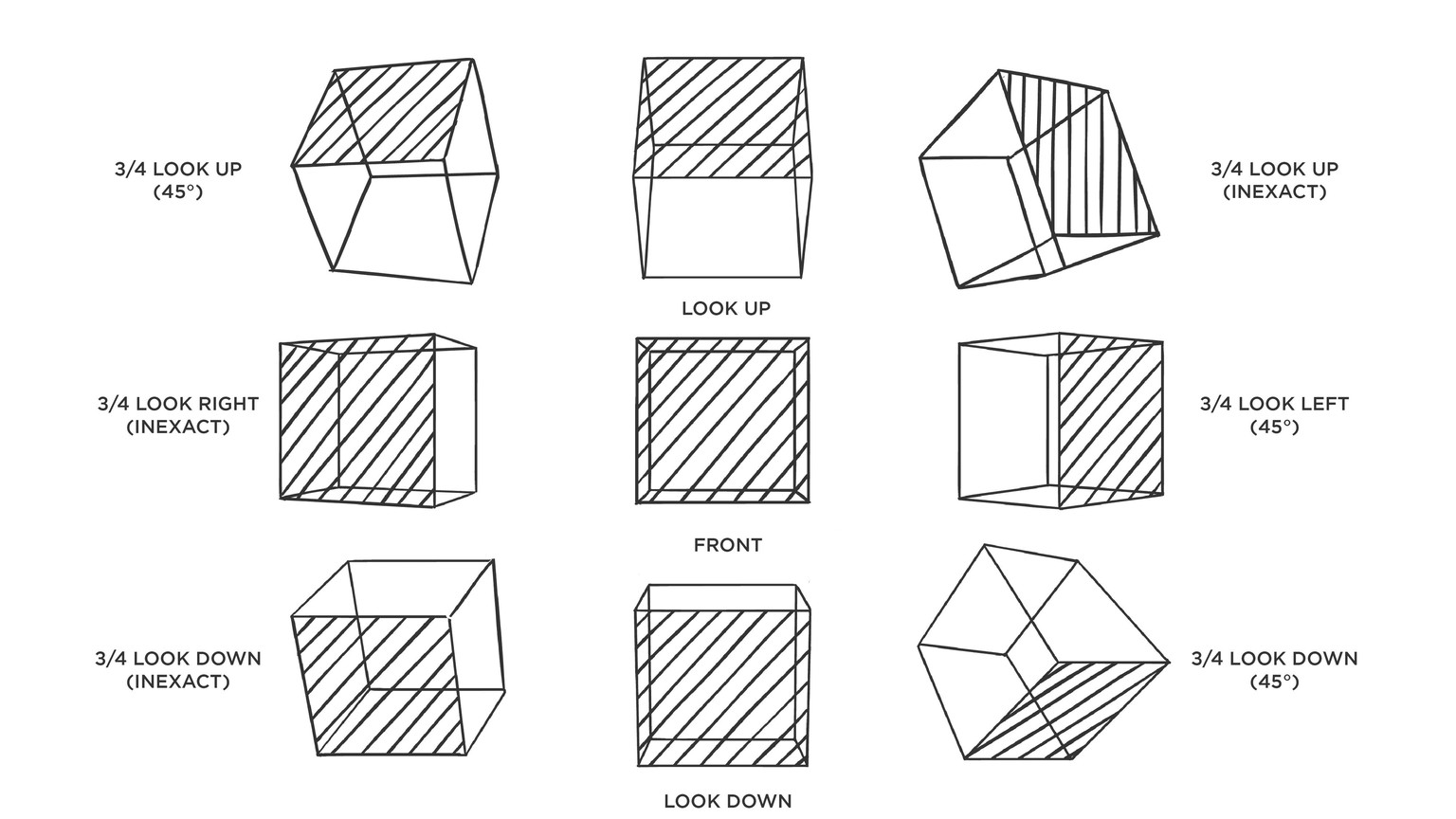
Finished box character
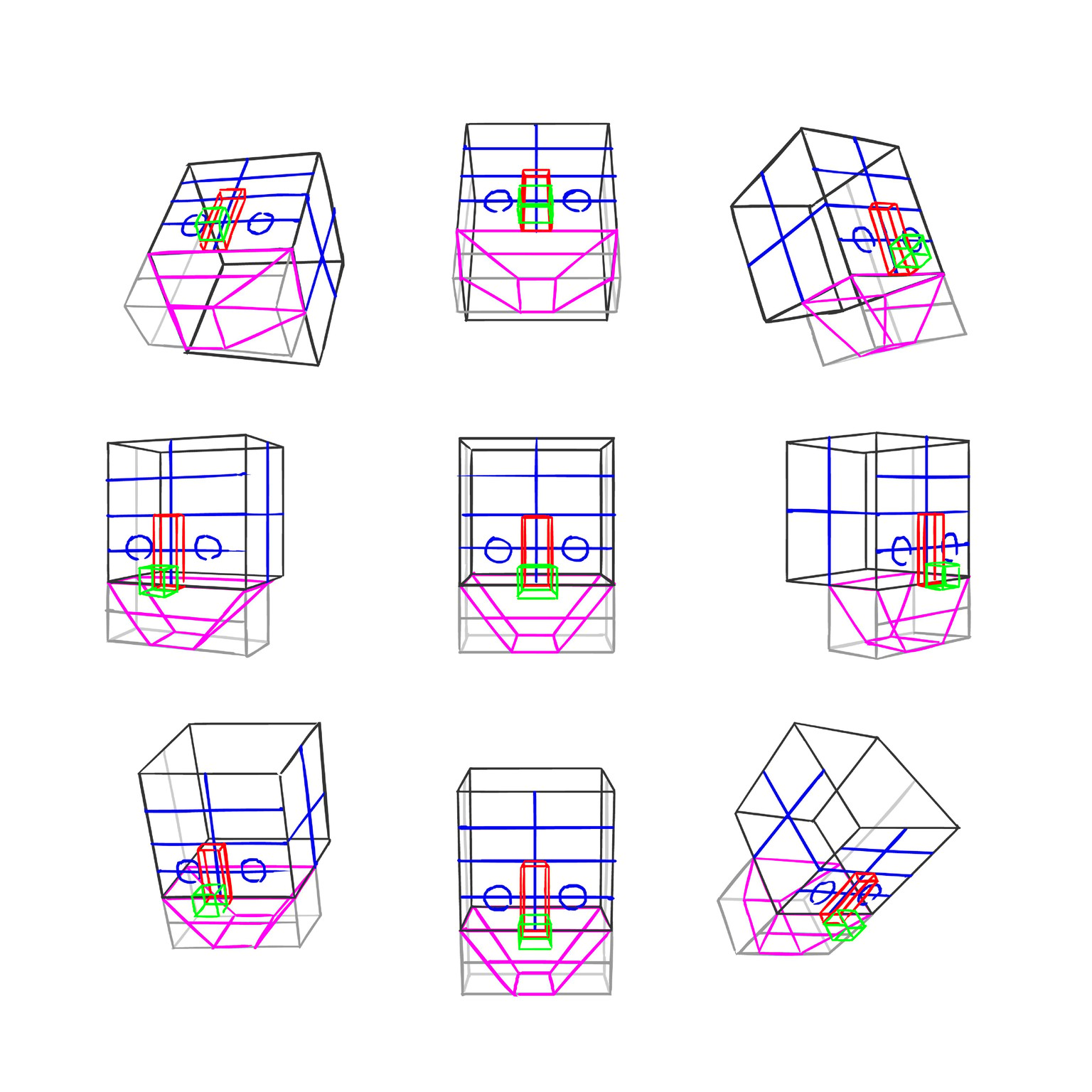
First attempt at shading
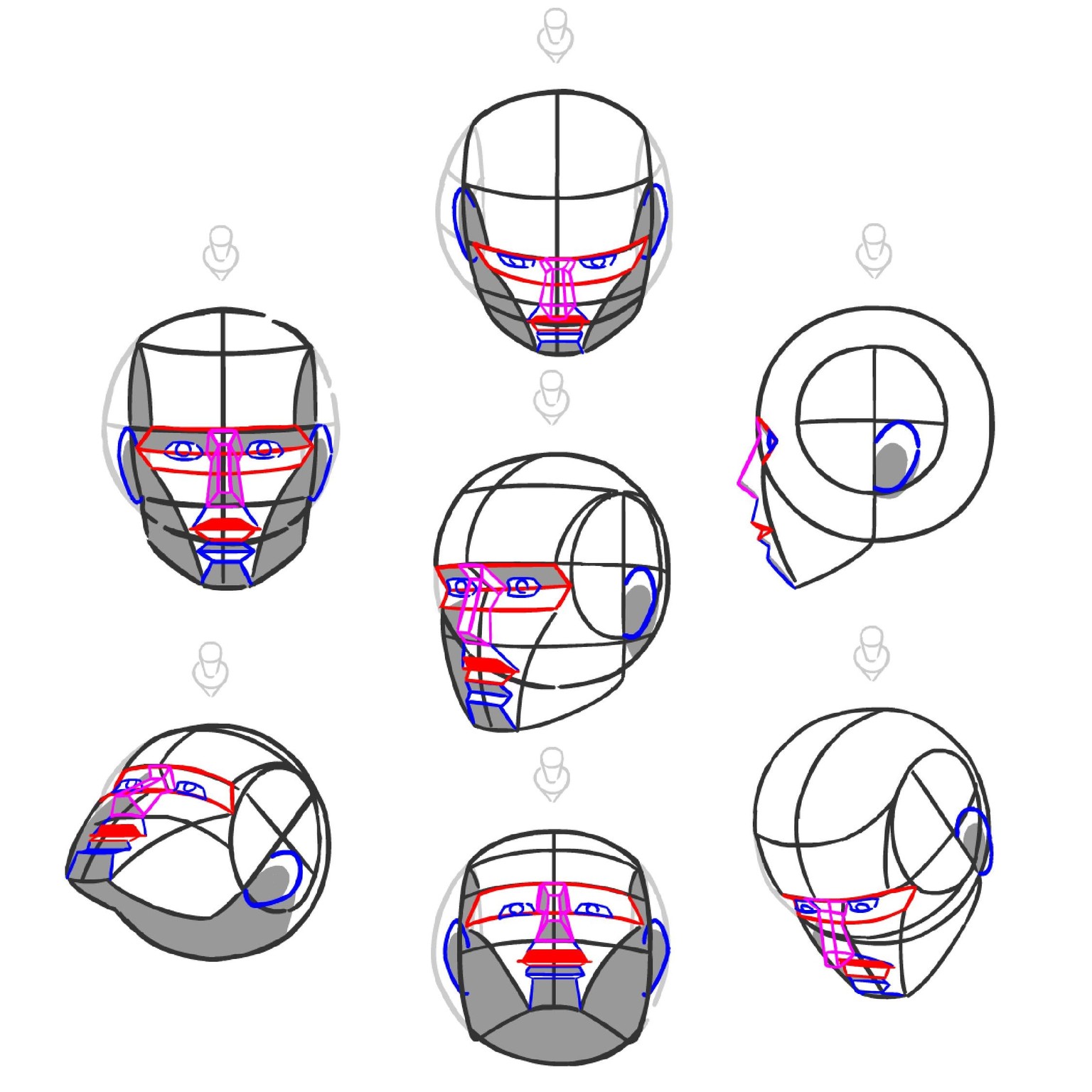
Here I tried stylization. Admittedly, this is not a style I often work with. It's inspired by several artists and I usually associate it with Disney visual development art.
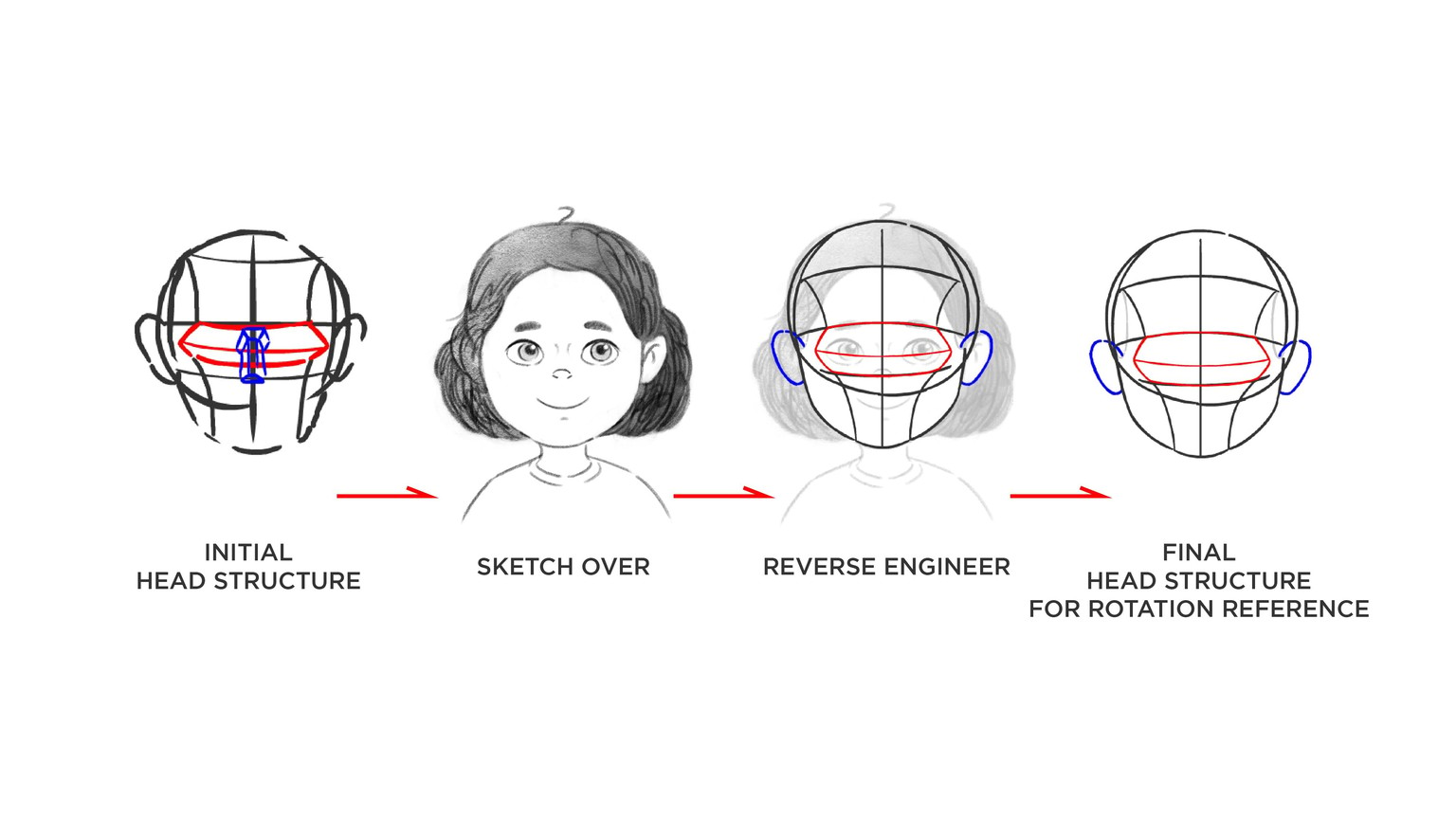
First I sketched out an initial head structure with child-like proportions. I drew over the head structure in Photoshop; but only followed the guidelines loosely. I then reverse engineered my sketch to create a more accurate head structure which I will be using as reference for the succeeding angles.
Here are the stylized head structures.
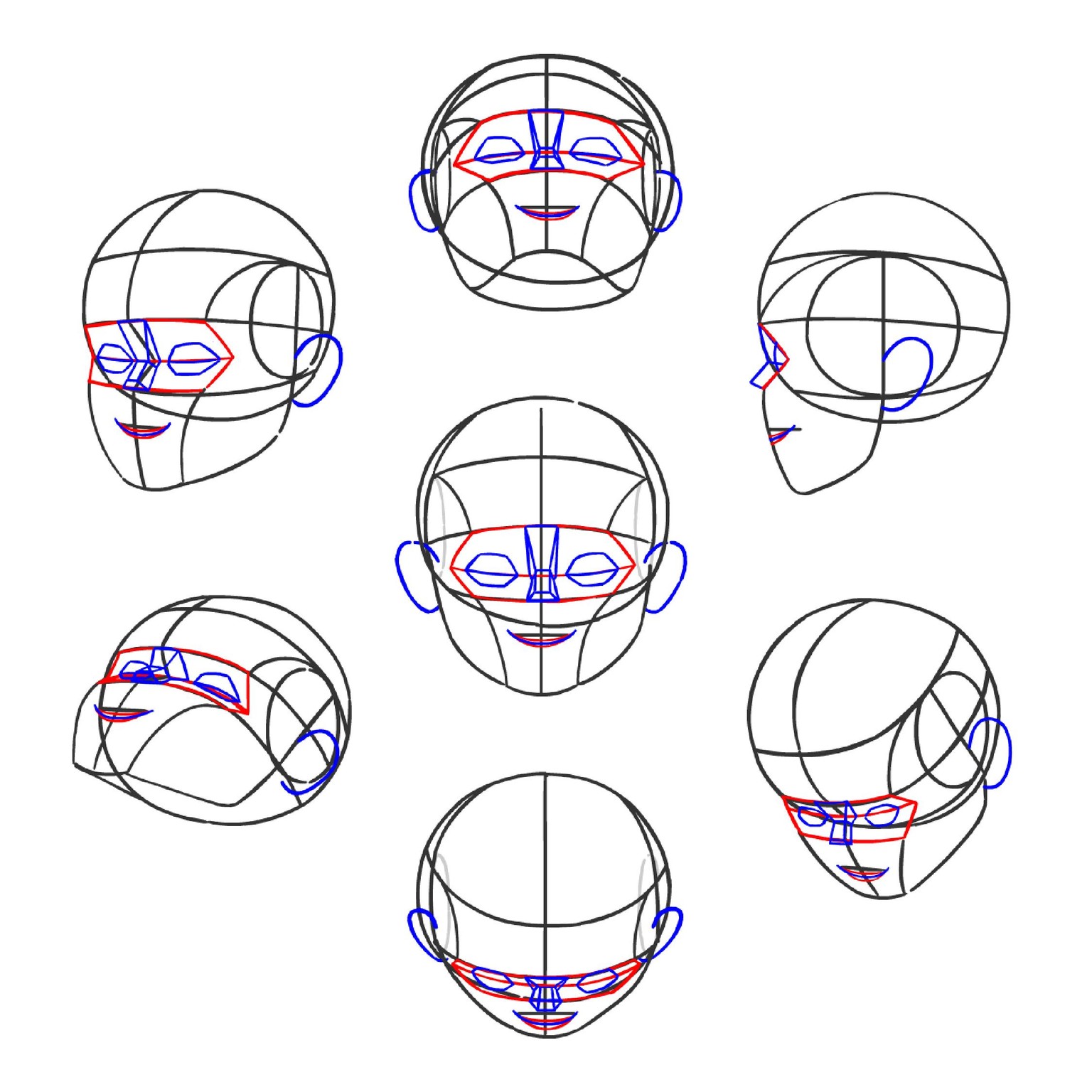
The front view, look down structure looks wrong. I might rework that one. I still used the cube method for this because I wanted to achieve a tight, accurate model that can be used for animation reference later on. And also because I'm still not 100% confident that I can pull this off without guides.
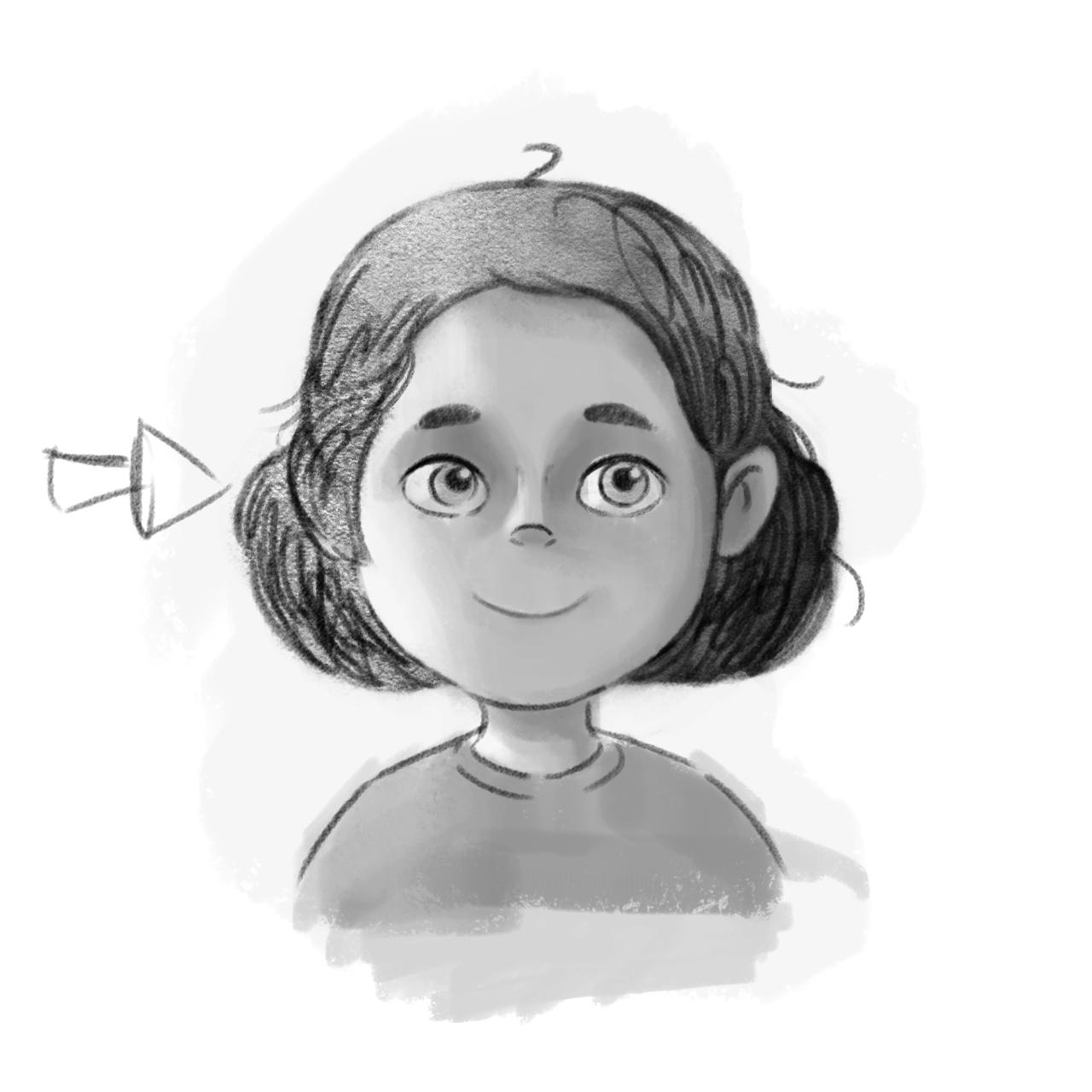
And here's a quick test applying what I learned from the lighting lesson.
Revisions on the look down head structures. 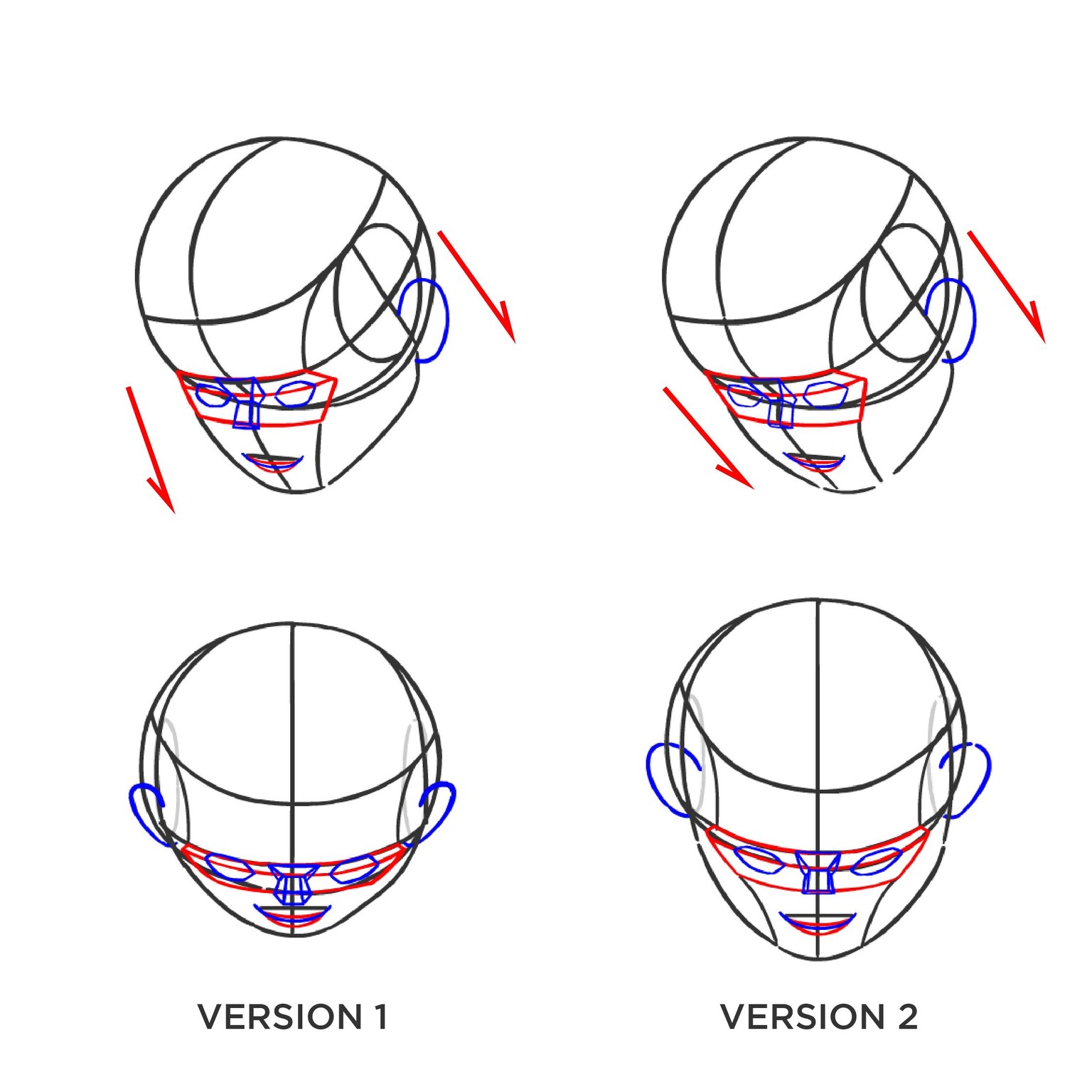
I made a mistake wherein the perspective for the 3/4 front and side planes did not match. Once I corrected this, I used the 3/4 view look down as guide for fixing my front view look down.
Now I have started adding features.
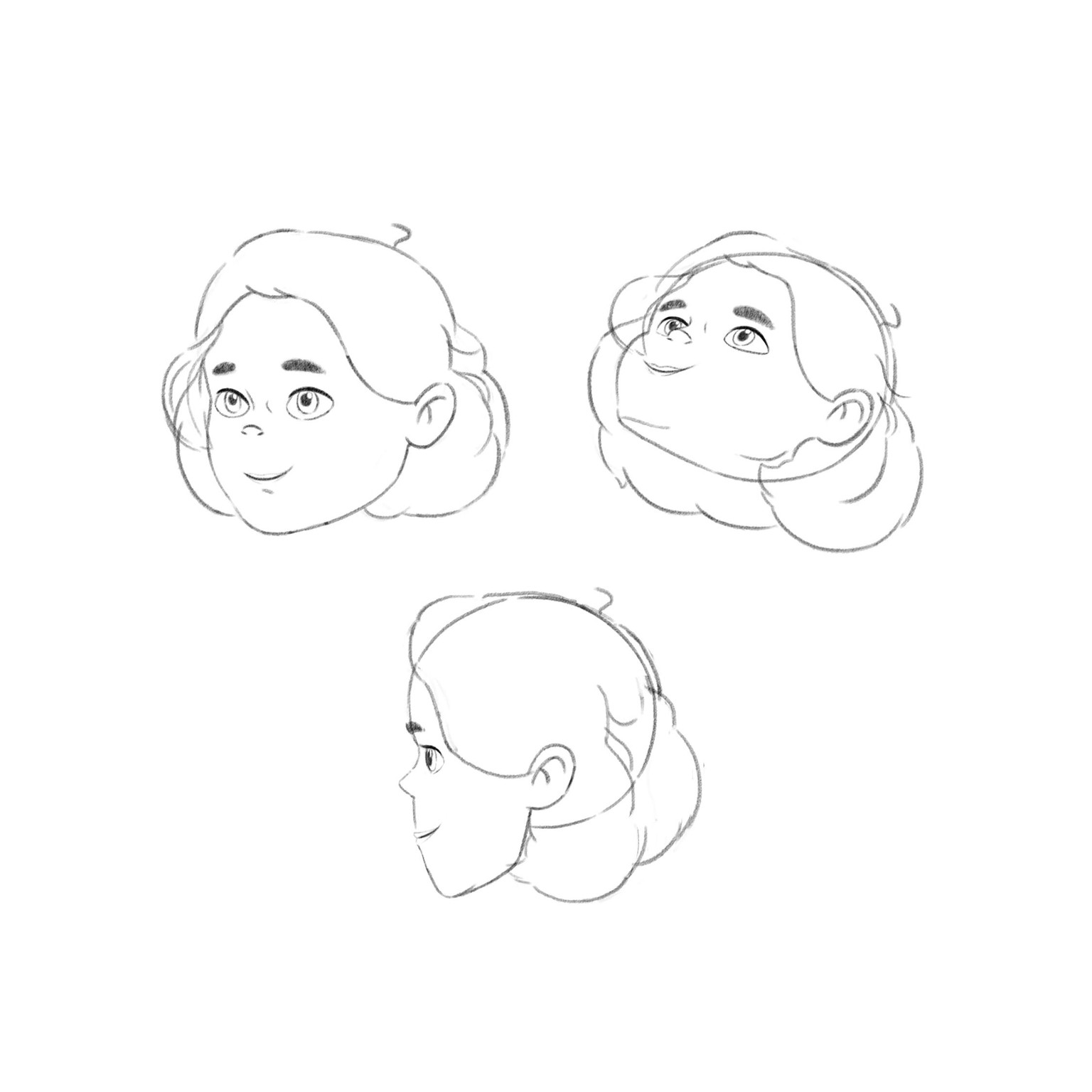
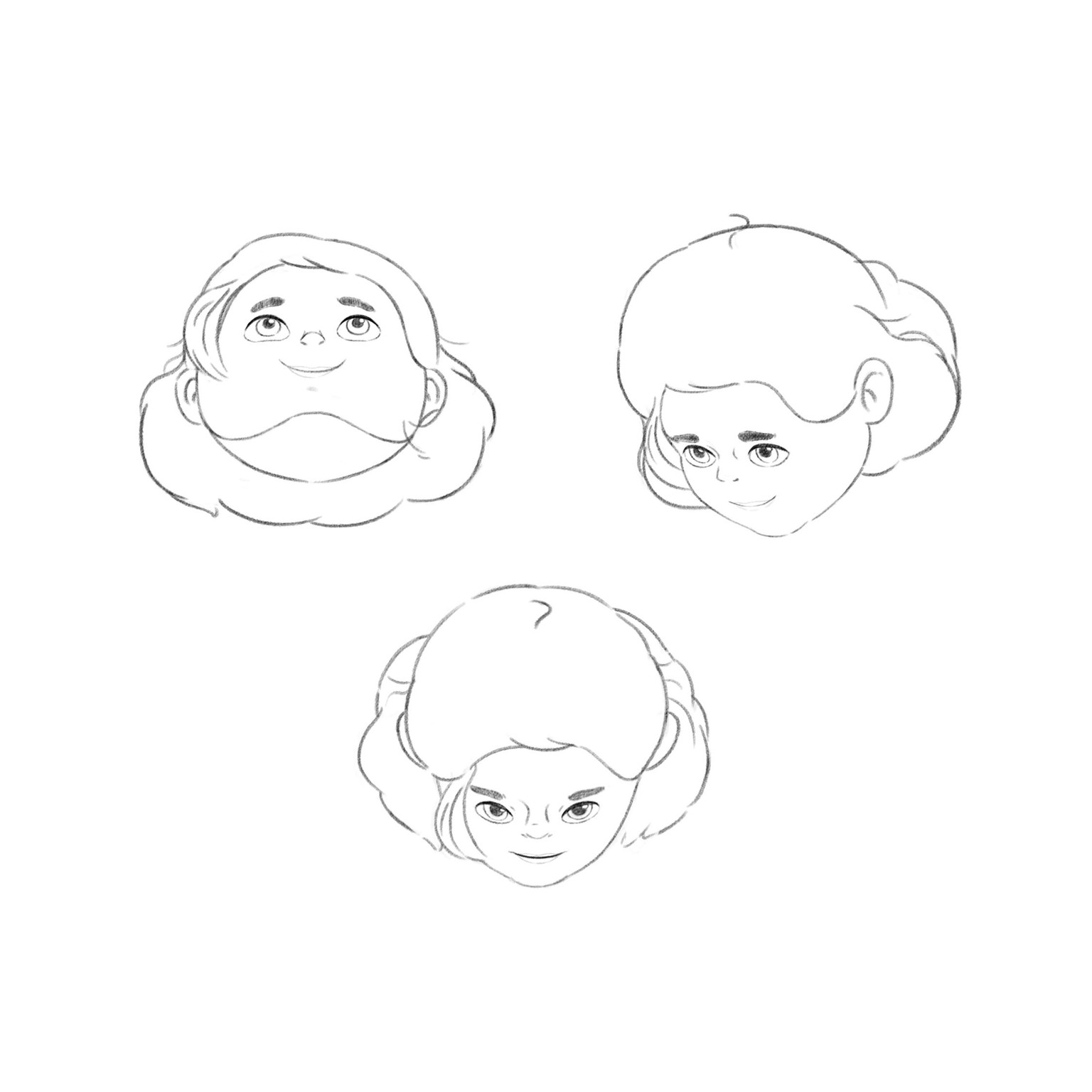
I had a really hard time with the front look down head. Here are some iterations I went through before I arrived at my current drawing: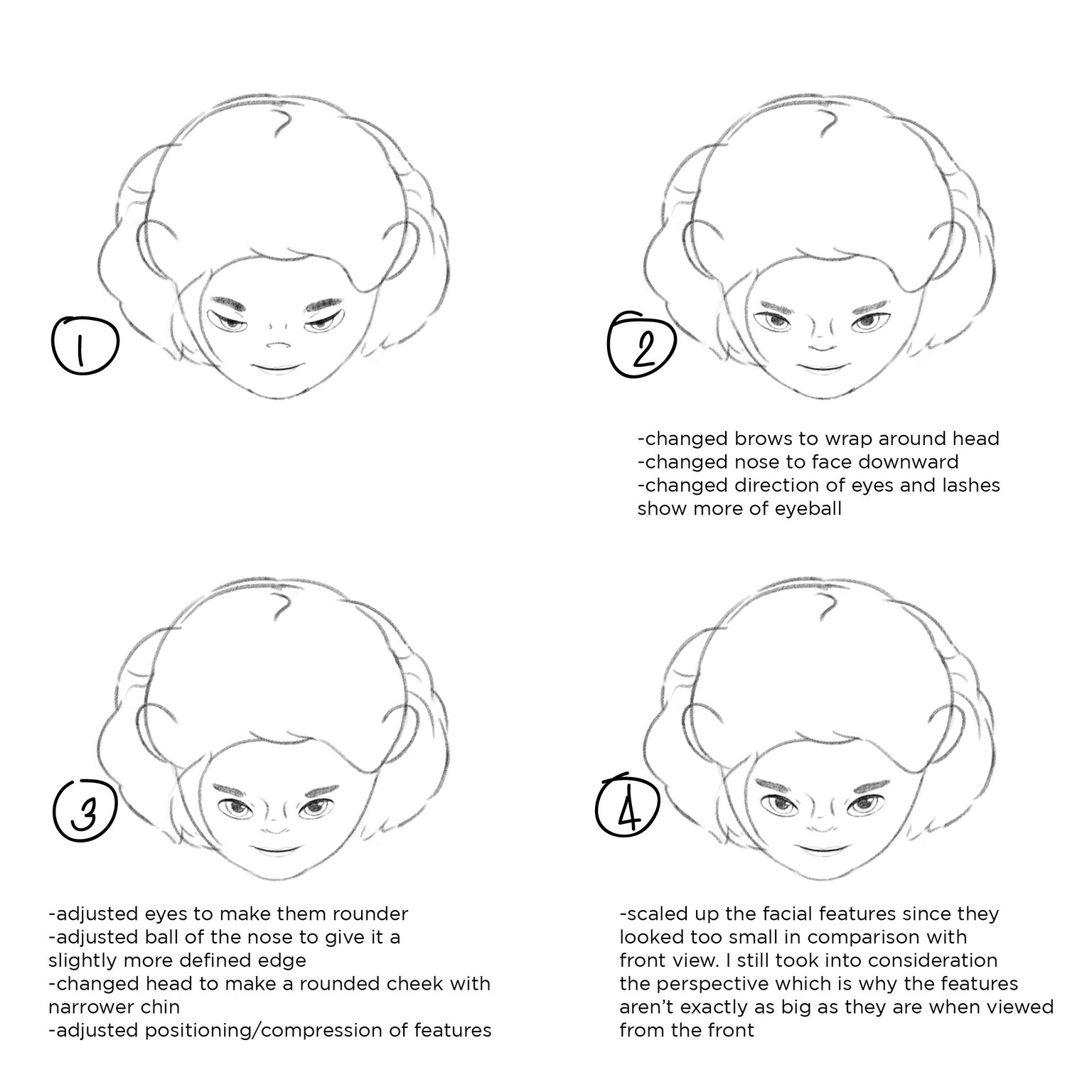
I'm going to rework this view because it still doesn't look right. I'll try to use lasso method on the front view to create a face for the look down one.
The body is not part of the class but I added it in anyway haha. I wanted to give this character a "chibi" body to match the child-like head but none of my attempts looked right so I ended up with this
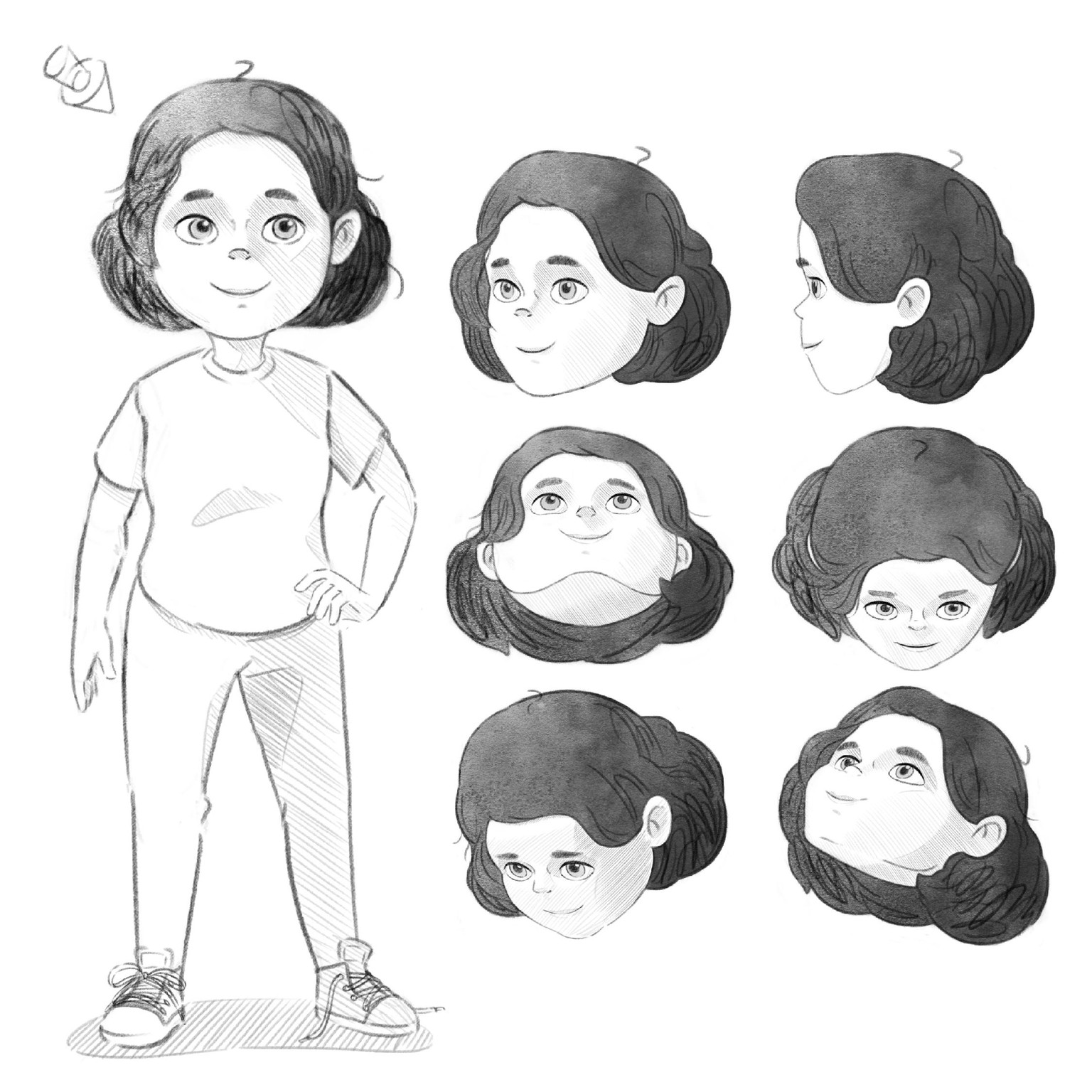
I'll still make a colored version of this but for now I experimented with adding shadows through line hatching. This time I'm using lighting setup B.