Animating Link
I can't believe I managed to finish this! Took me a heck of a while, but I kept managing to sneak it in between work and the kids, and I finally have the full set. Excited doesn't sound like a big enough word to describe what this feels like. I've tried Dragonbones before but never gor the hang of bones and weight, things kept breaking and I never finished and exported anything, so huge thanks for both the class and for all the people that submitted their projects, looking at your lovely work really helped with motivation!
I chose Link because I didn't want to straight up copy the reference, I wanted to have a few different parts to the character to be able to experiment on my own with how they would move. That's mostly the hat and hair in this case, as well as an alternative facial expression so I can practice switching that up when needed.
I made the parts in Illustrator, exported to Photoshop and used Dragonbones's script to import them straight to it, I'm really thankful that exists, saved a lot of stress over putting the character back together I'm sure. 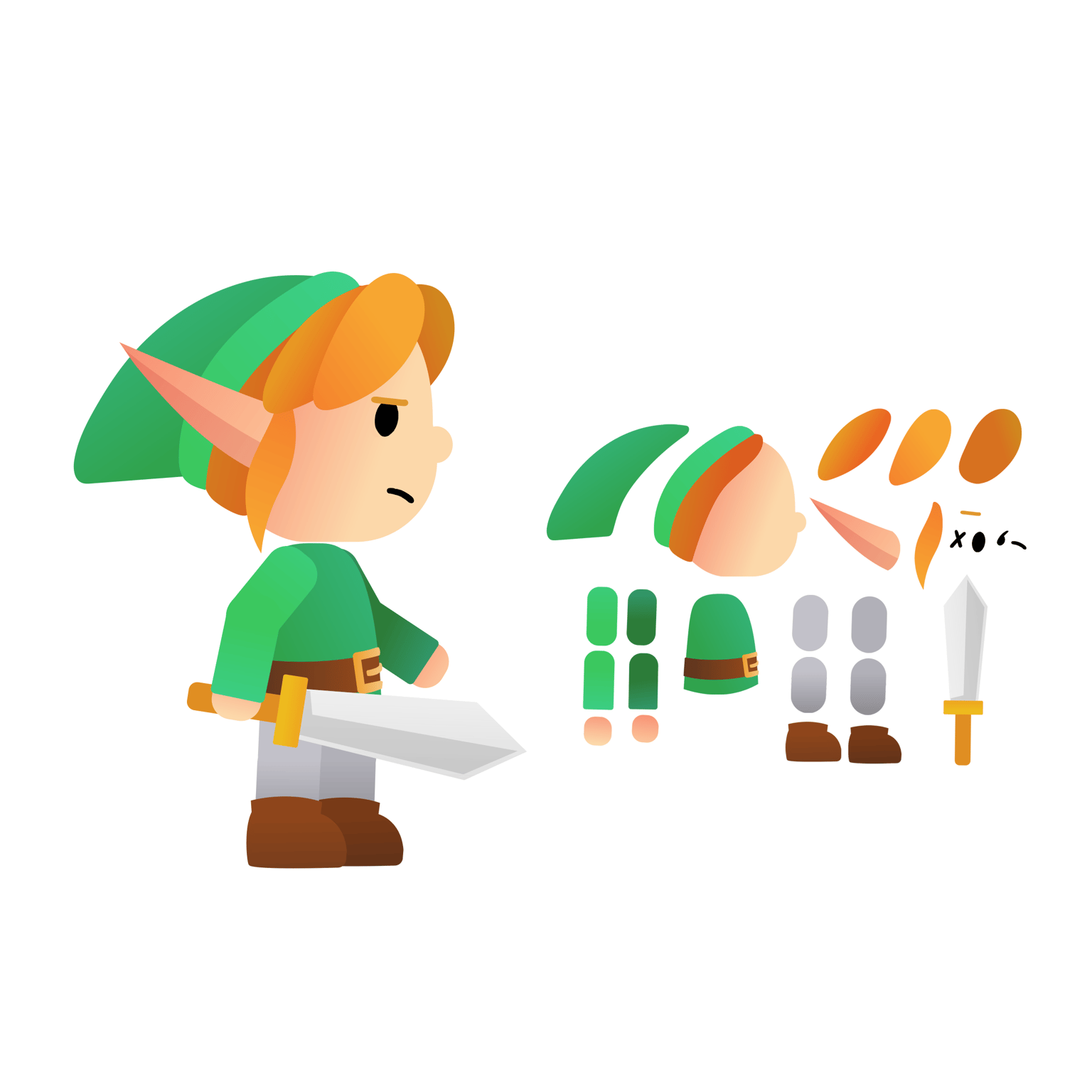 I went over the lessons a few times for each section, and kept watching while making each animation to make sure things really stick in my head like glue. For the idle I didn't really touch the legs a lot, just made a simple sway to practice how all the bones and frames work together and get used to it.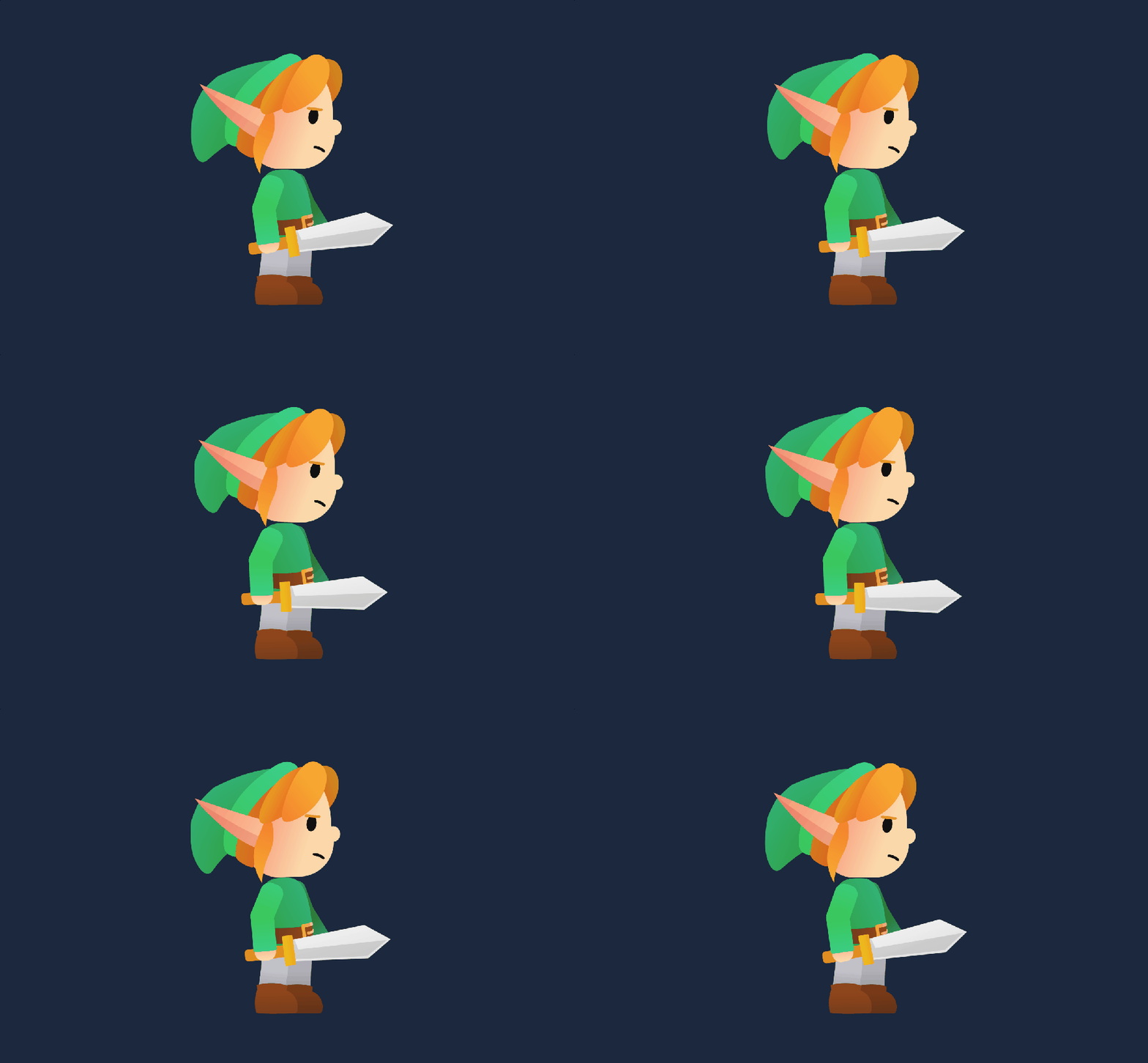
The walk was a bit rough, I found it easier to reference an image with a breakdown of the key movements and use it as a guide while moving his way less detailed parts the way it looked ok-ish. Giving the hair a gentle push here and there is my favorite part.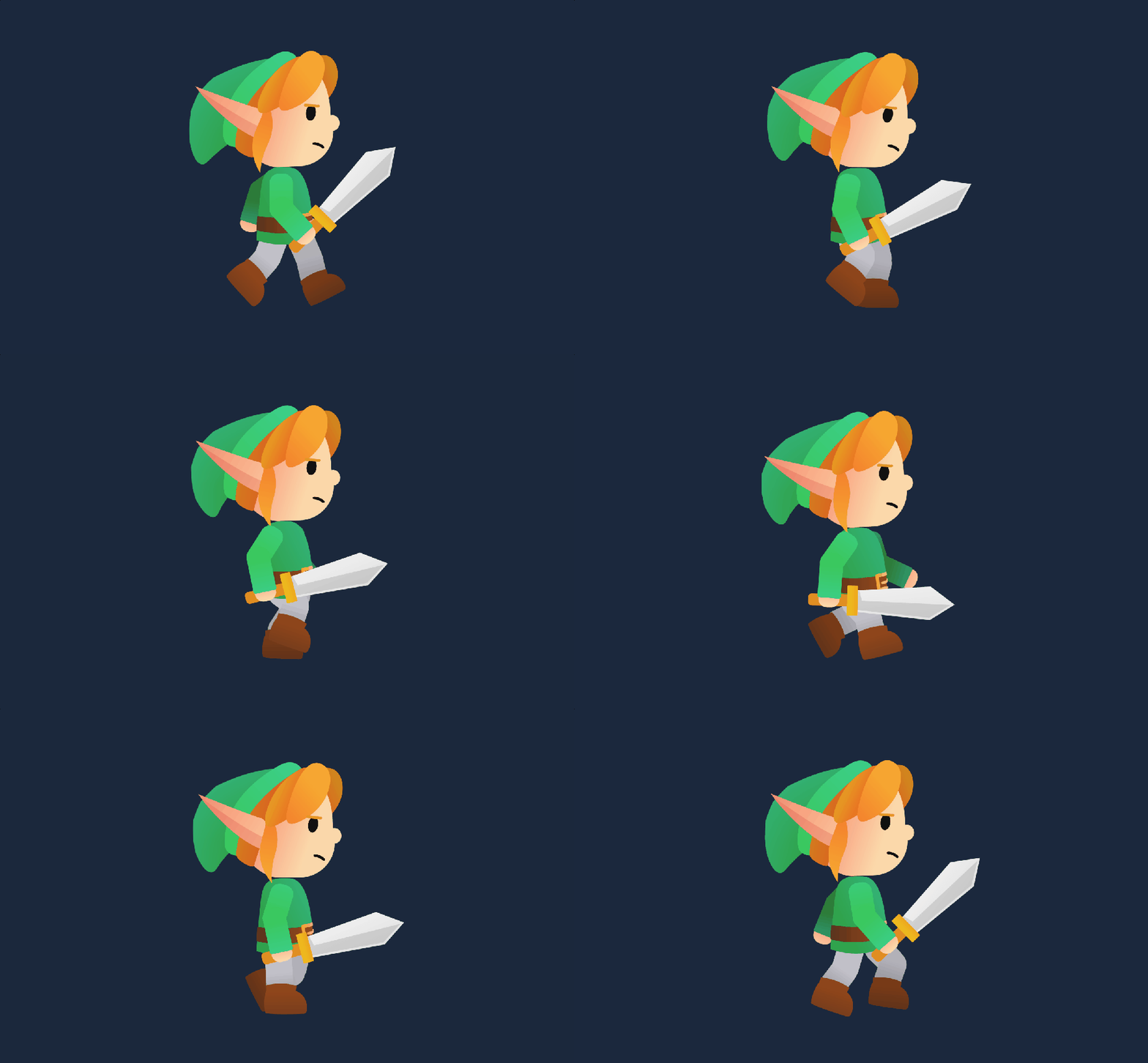
The slash had a lot more movements than I initially noticed, I definitely need to be working more on getting that effect properly placed in the future, something still feels off there but it should still pierce an enemy when required, I'm sure. 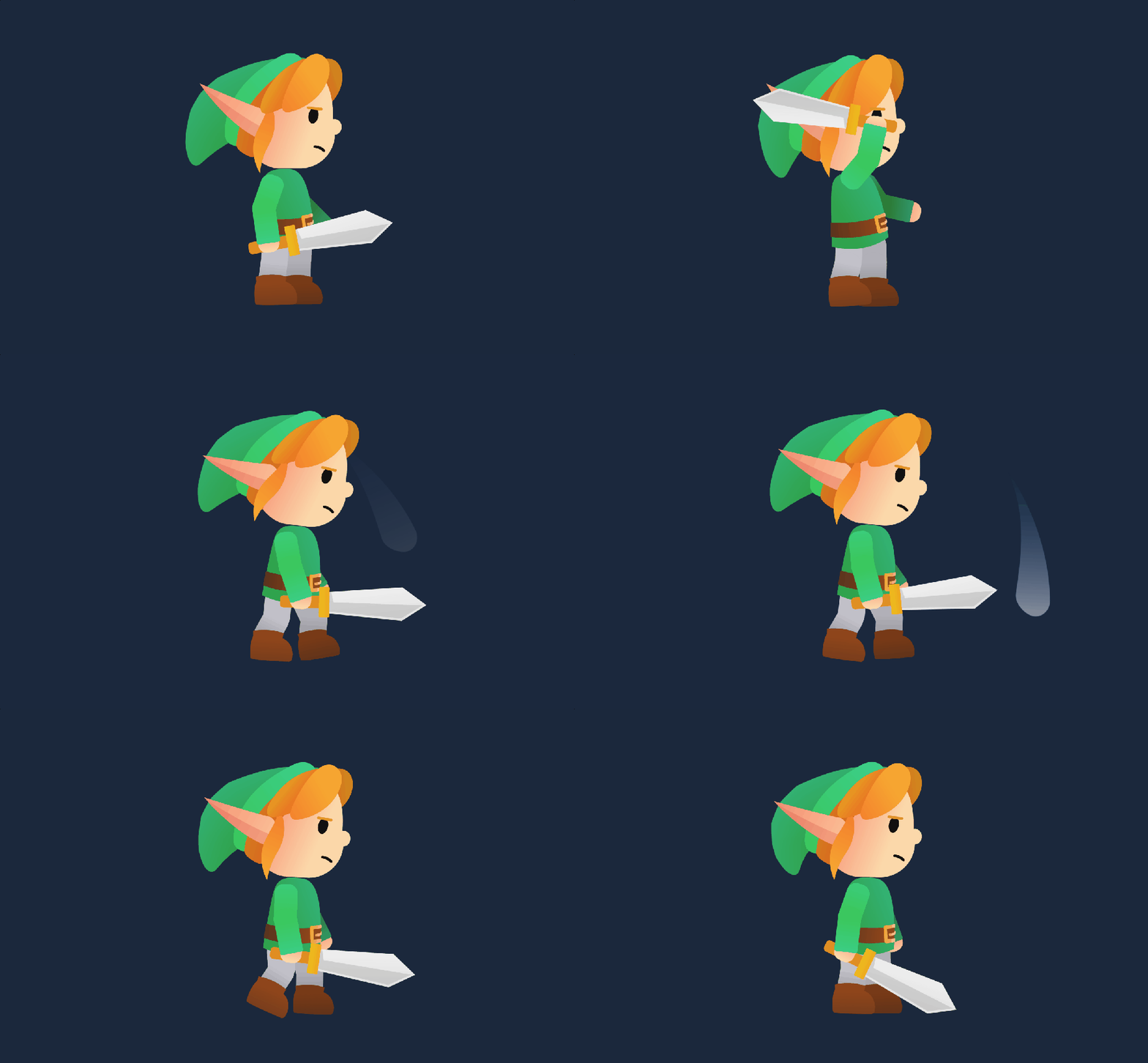
With the dying is where I tried changing the eyes and mouth. So even though I couldn't place the effect on the last one the way I had imagined it exactly, going over that part did help a lot to figure out how to deal with switching assets. I had him drop the sword forward since it was a bit awkward next to his body, didn't really look in place with the design I did cause I couldn't hide it well without feeling like he would cut himself, and I didn't want him to have that harsh of a fate. It does have a little bounce on the ground but for some reason it did not translate in the export, probably didn't do enough frames for that part, but still sorta works I think. 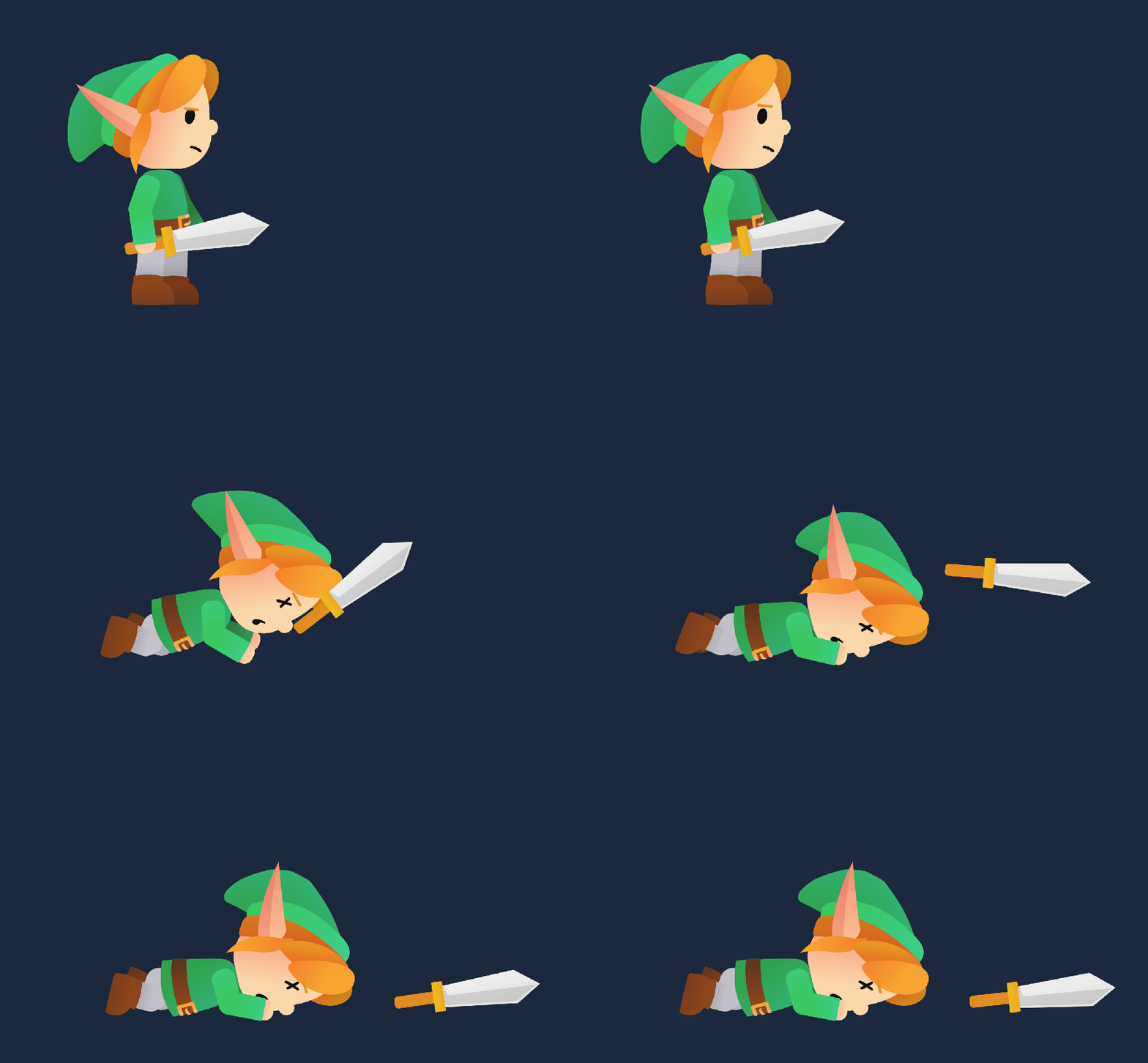
Last thing was to switch the colors for an alternative design. I love that about this type of animation. If it wasn't almost 2 am here I would have probably tried something a bit more drastic for the change, but that was absolutely enough to find some mistakes in my workflow (for the first import I didn't check the size and he had a huge melon of a head when the project refreshed) and to go trough all the steps needed to go forward with a bigger switch in the future. I also tried making him a bit faster here so they aren't completely identical. Took me a while to figure out the export options, but thanks to István I knew where to try and change some numbers, still have no idea why there's a difference between the preview and the gif, but cutting the frames in the export preview by half did the trick. 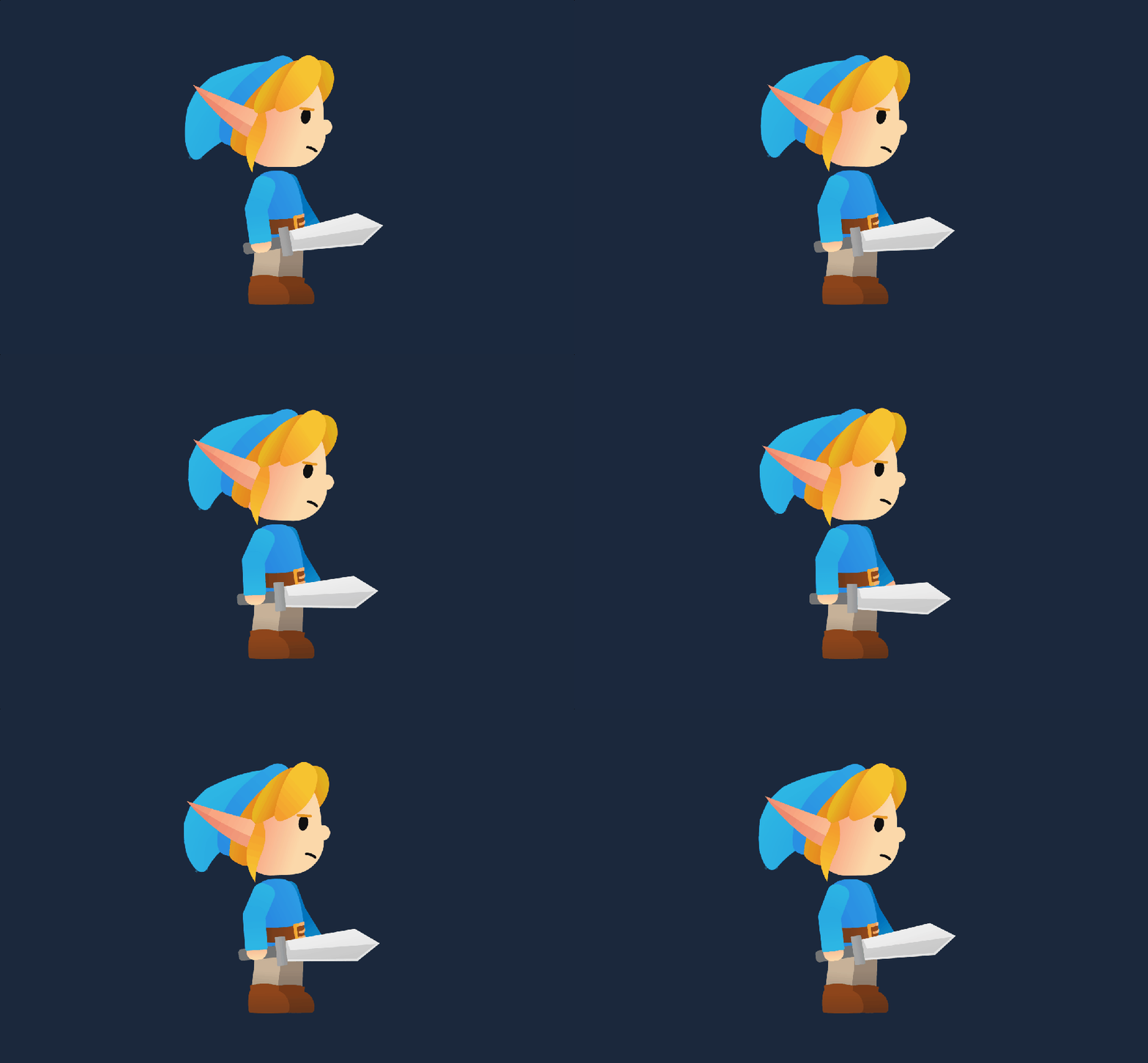
I'm happy with the results for sure, and definitely makes me want to figure out what else the software has to offer. I'm already planning my next character, most likely something a bit more complex to see how far I can stretch what I've learned. If anyone is on the fence of joining for this class, I can say that at least for me it was absolutely worth it István, huge thanks for creating and uploading this here, and for being around in times of confusion. It was a great start for this subscription.
I've also uploaded the little fella to ArtStation, hopefully will be the first of many: https://www.artstation.com/artwork/w6dKLg