Adobe Illustrator CC – Essentials Training


Adobe Illustrator CC – Essentials Training:
Lesson 6: Drawing a fox using the shape builder tool.
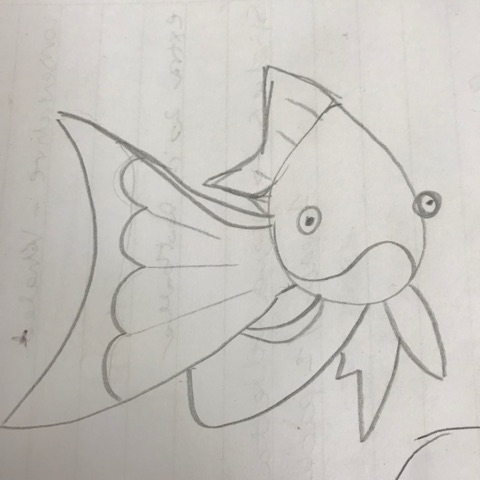
For this project we practiced drawing a fox using an existing template then created an animal of our choice. I chose to sketch out a goldfish and translate this using Adobe Illustrator. I chose a classic colour palette and created a stand alone image as well as a pattern.


Adobe Illustrator CC – Essentials Training:
Lesson 5: Drawing using the shape builder tool.
For this project I was provided with a swan template (referenced above) and had to re-create this in Adobe Illustrator. The shapes reminded me of stained glass so I decided to work with the existing shapes of the swan to create the background. I then framed it in a circle to compliment the curves of the swan.

Adobe Illustrator CC – Essentials Training:
Lesson 7: How to draw custom logo shapes easily in Adobe Illustrator
In this lesson, I learned how to draw an impossible triangle using the shape builder tool.

Adobe Illustrator CC – Essentials Training:
Lesson 8/9: Using the curvature and pen tool in Adobe Illustrator
In this lesson, I practiced using the curvature and pen tool to trace an owl vector

Adobe Illustrator CC – Essentials Training:
Lesson 10: Drawing with the pencil tool in Adobe Illustrator
In this lesson, I practiced drawing freehand doodles with the pencil tool