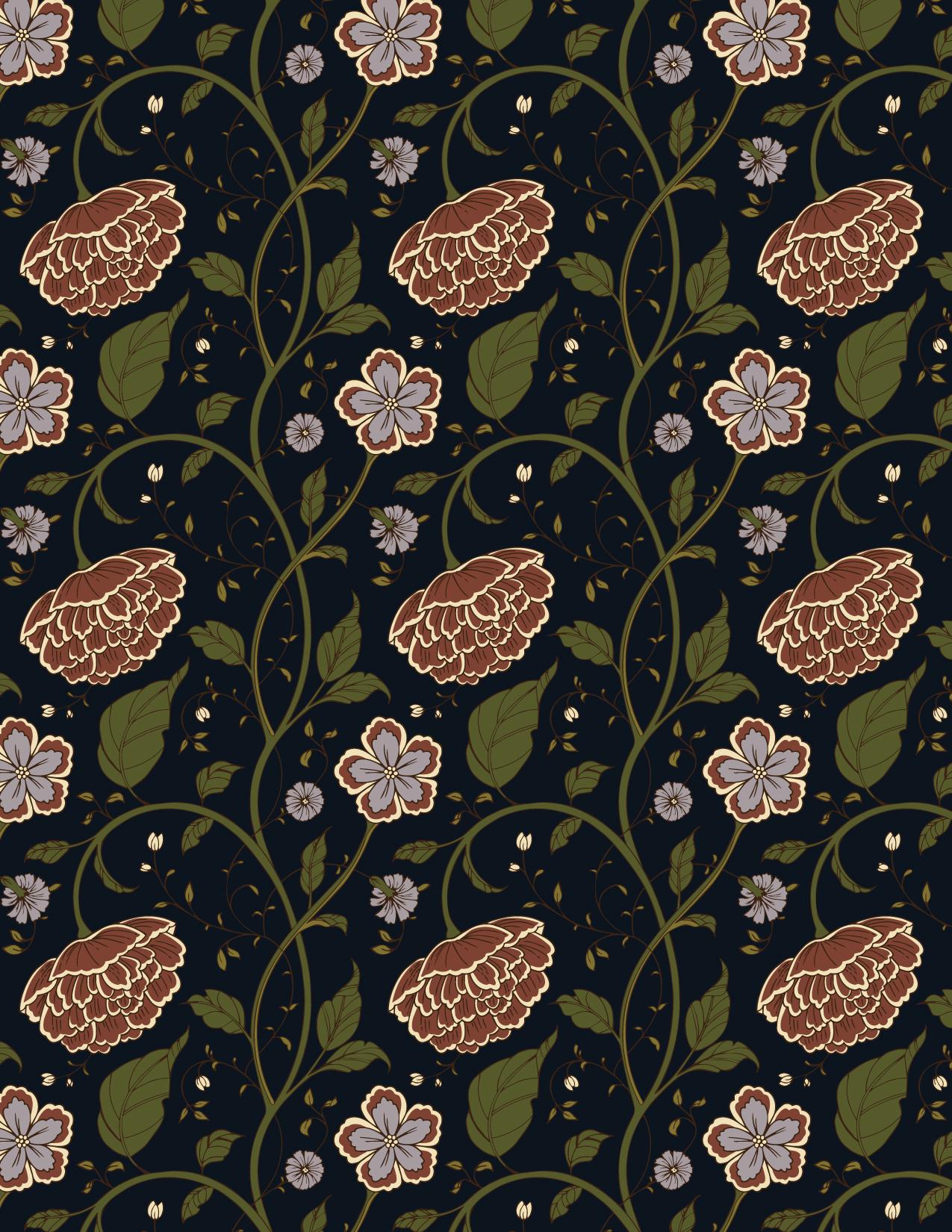
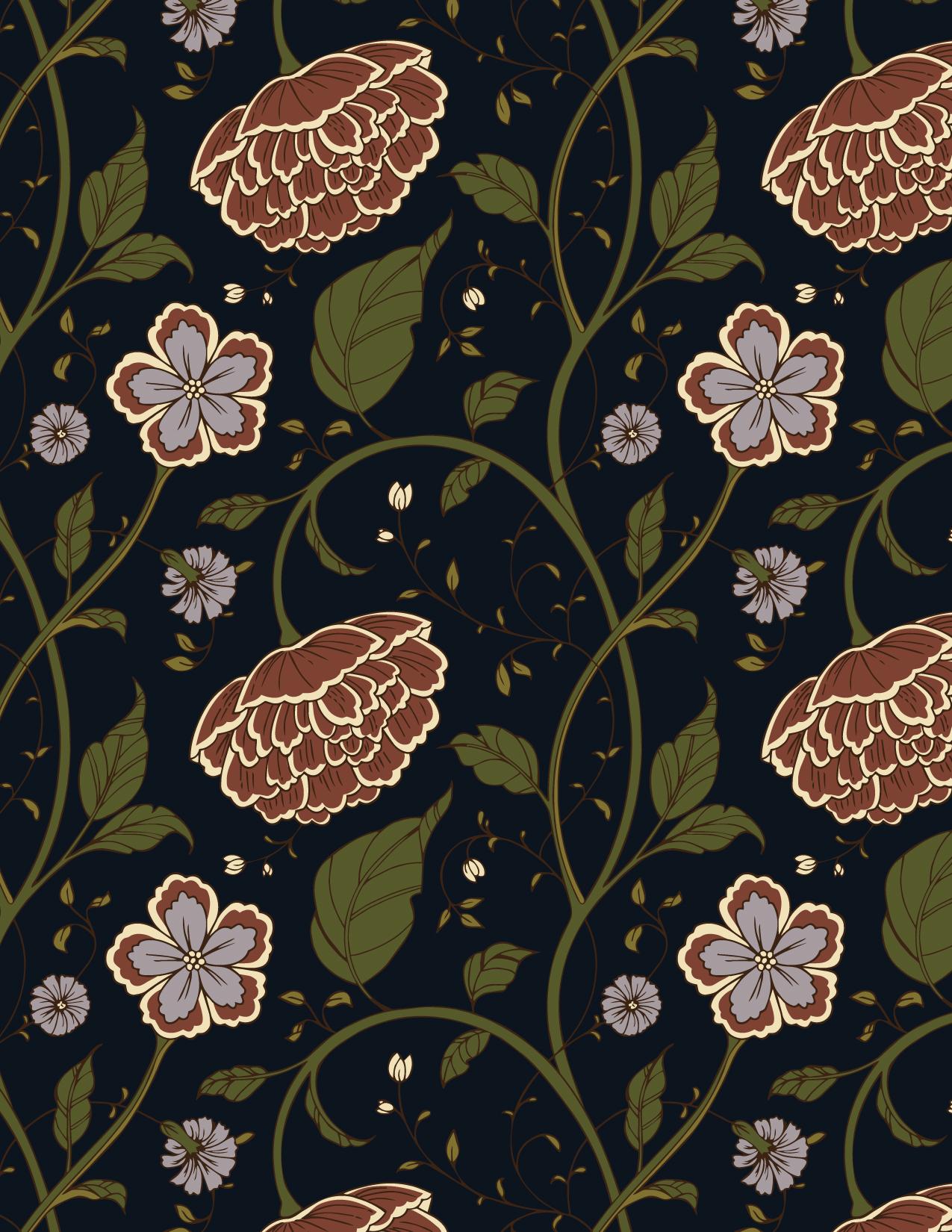
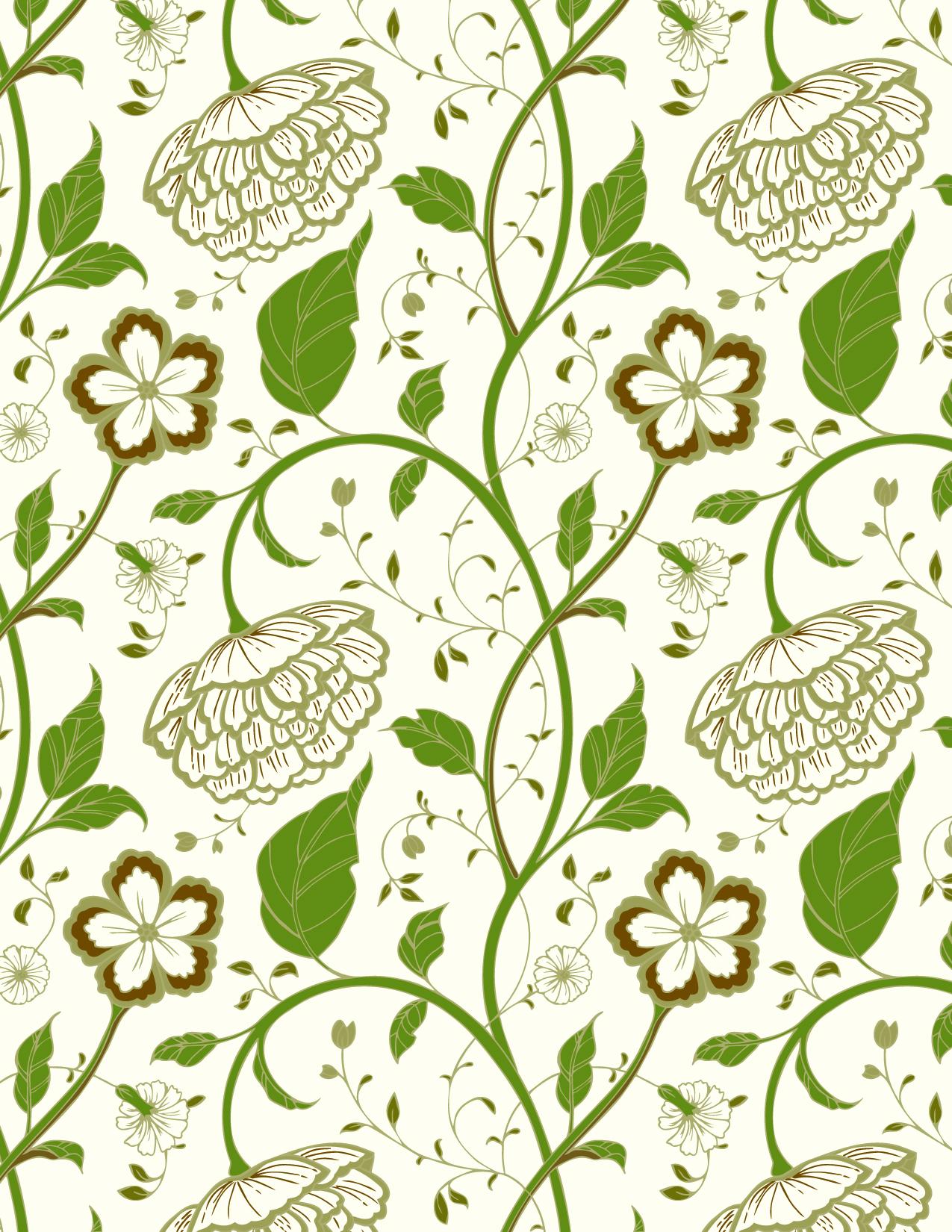
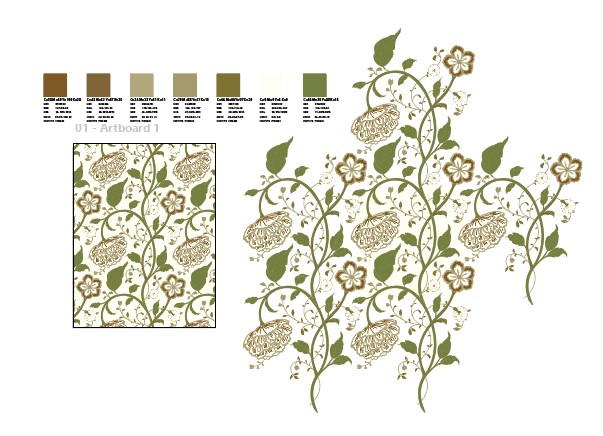
ARTS & CRAFTS SINGLE LAYER DESIGN
Dearest Barbell (and team Bearbell),
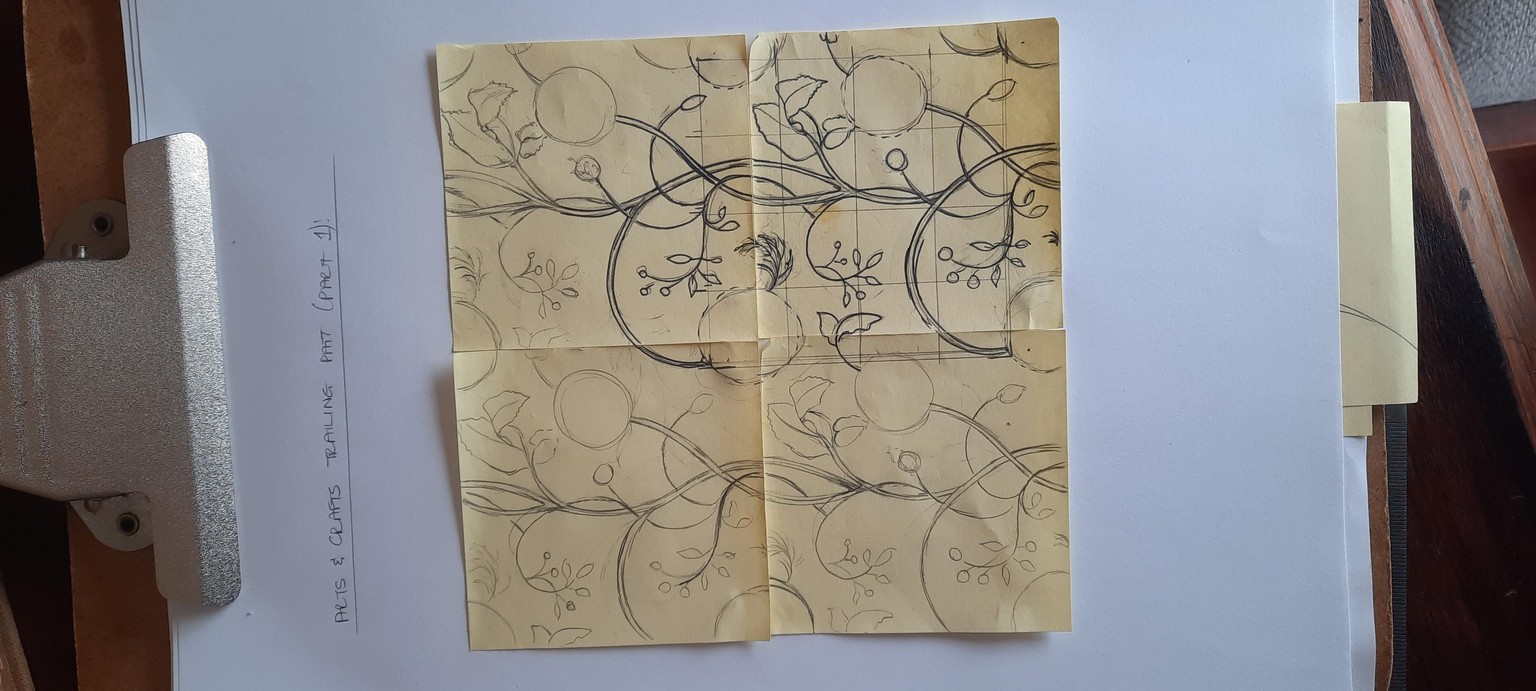
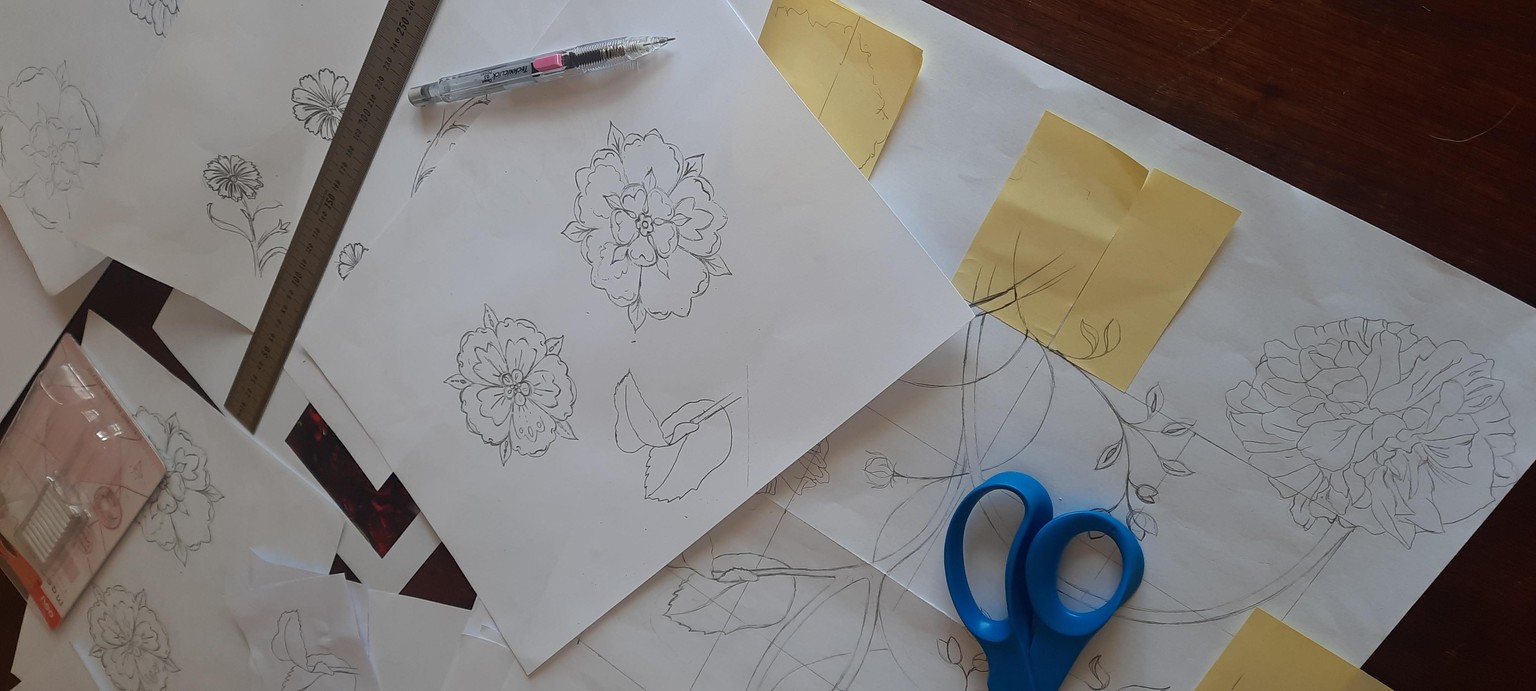
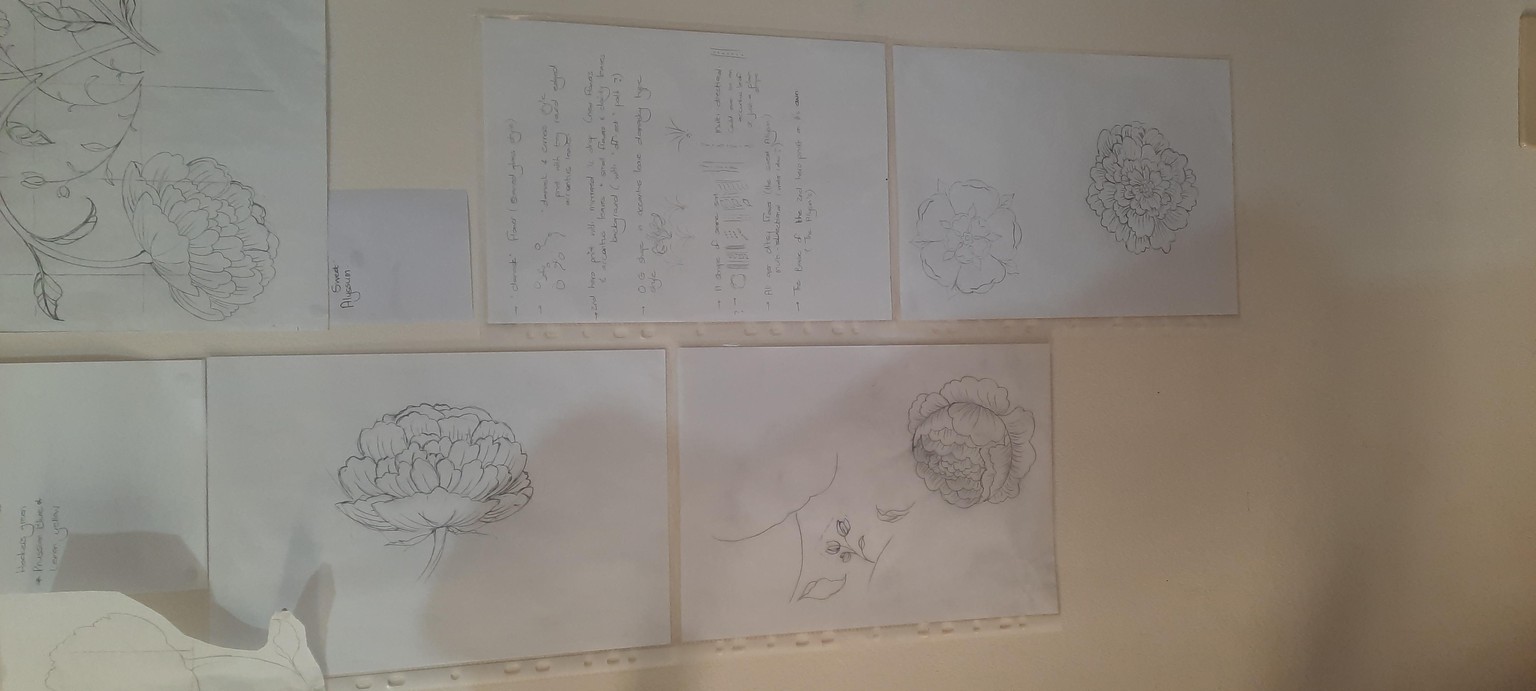
I THOROUGHLY enjoyed this course! I am fairly new to all of this and it both challenged me as well as taught me a lot. I especially love the analogue approach, planning everything out on paper first.
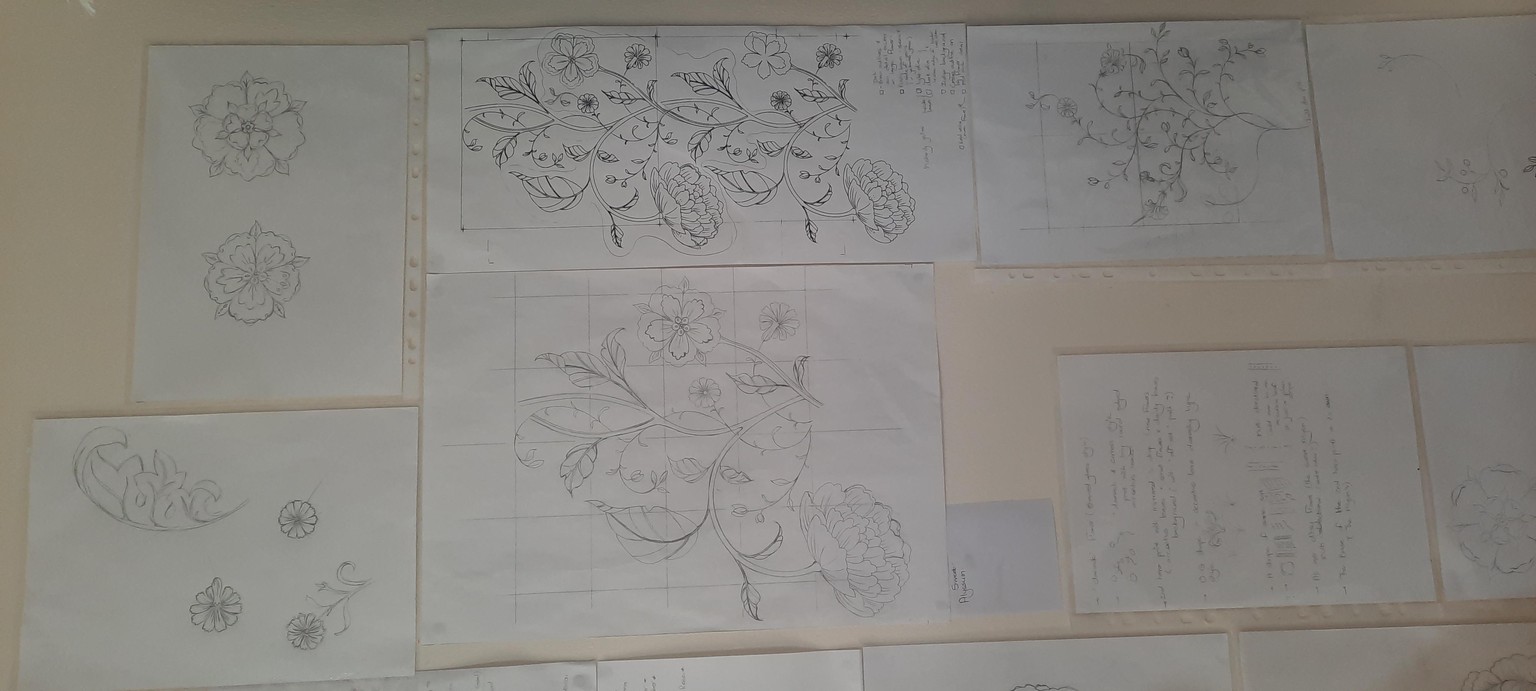
I actually started my design a couple of weeks before your Trailing Floral 2026 challenge (thank goodness I did, as an amateur could never pull that off in a week!) and during the challenge received a lot of valuable guidance and in-put from your team. I am finally laying this one to rest (I had to tweak the angle of my big leaf afterwards as it created an unintentional straight line on a larger scale repeat) and I had to fiddle with a few other little details to rectify similar concerns. I will still try a 2-layer design, but for now, I'll submit this one.
I have played around with some wallpaper mock-ups and on a larger scale and it looks really nice as a wall paper, which is pretty much what I would apply this to. That said however, I am sure an expert eye can give some constructive (critical) feedback on this design, so please feel free to guide and share your opinion on this pattern.
I settled on 2 colourways: one feels more traditionally 'arts & crafts' and the lighter, neutral colourway simply made my heart sing when I landed on that combination (I used the re-colour artwork tool in Illustrator for that).
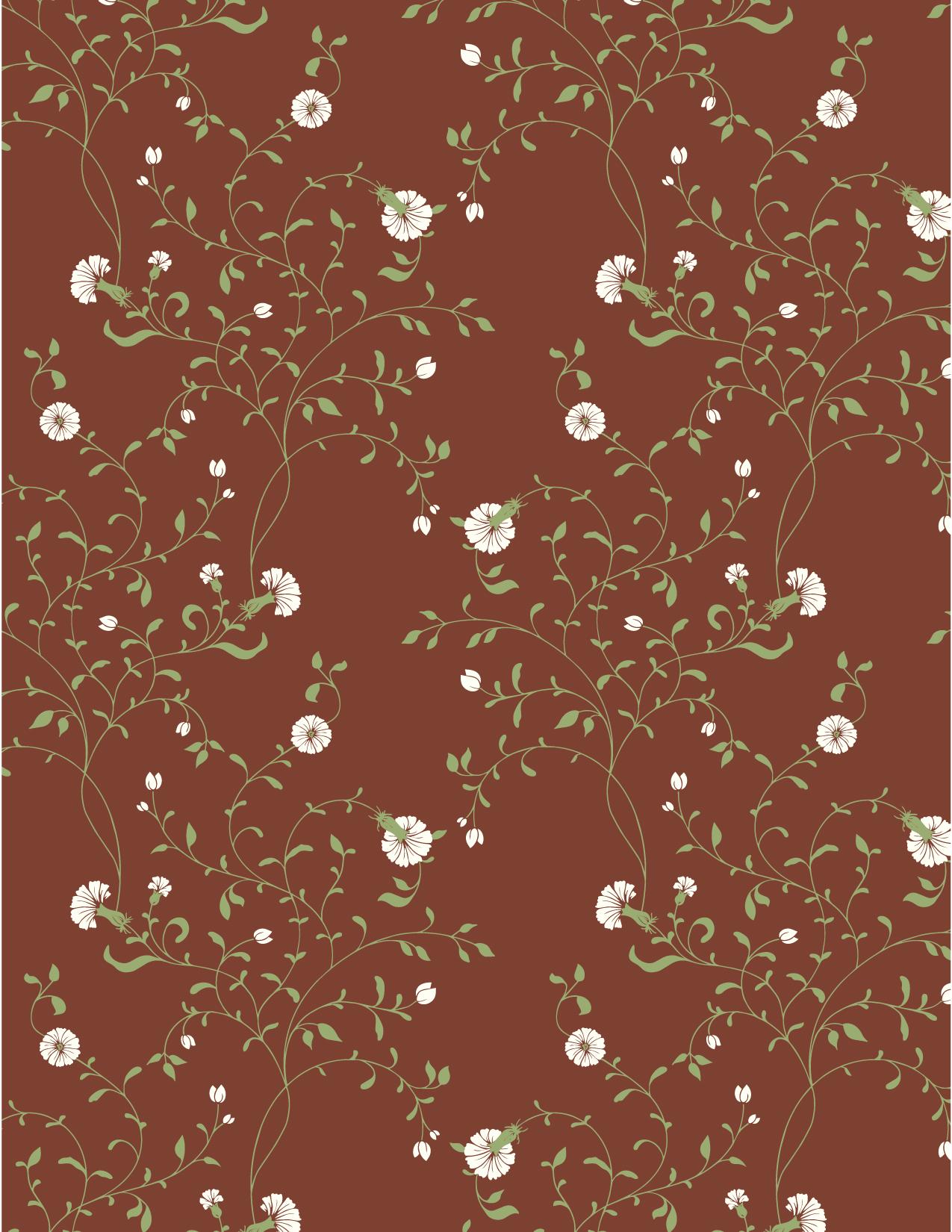
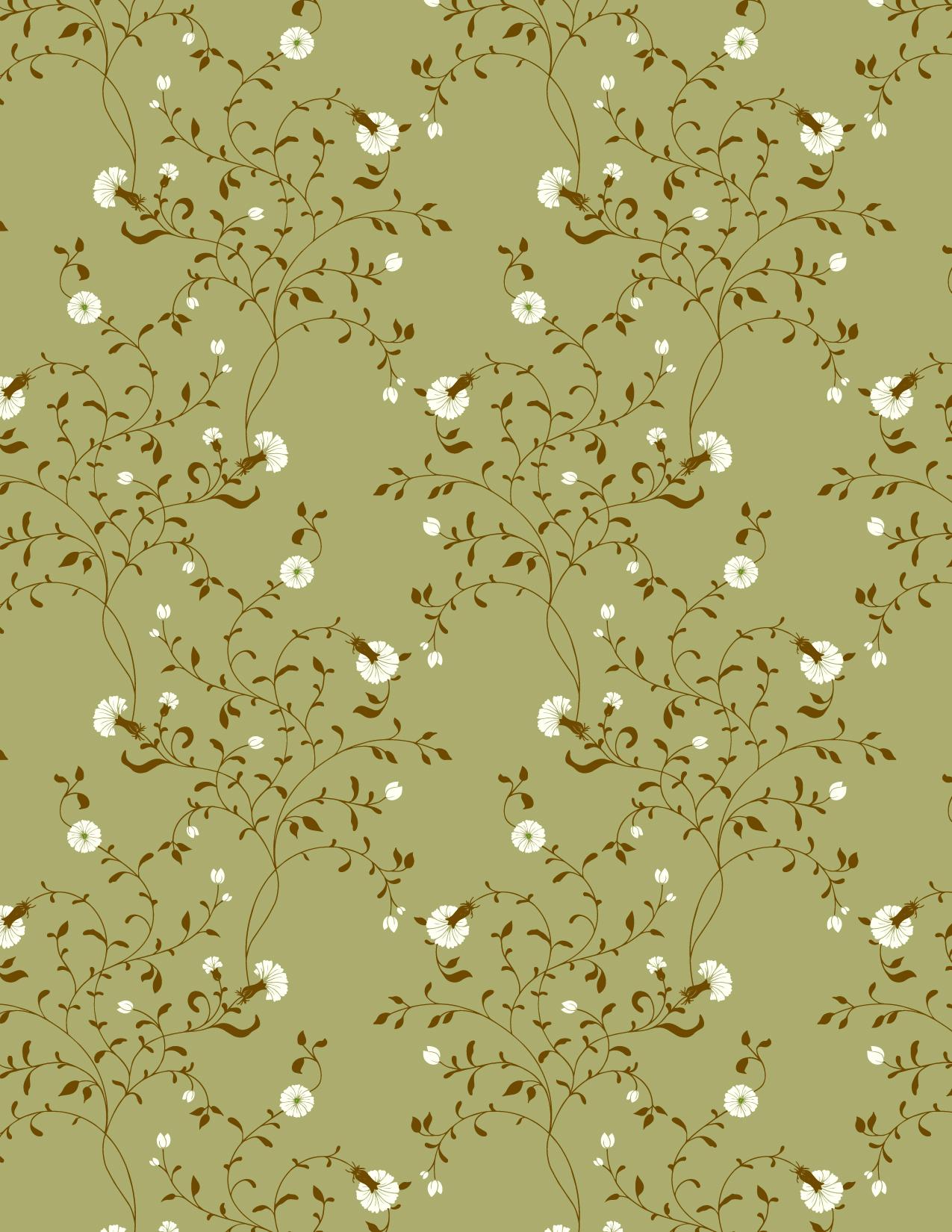
The delicate sprigs turned into a lovely co-ordinate print, which i love and is right up my alley.
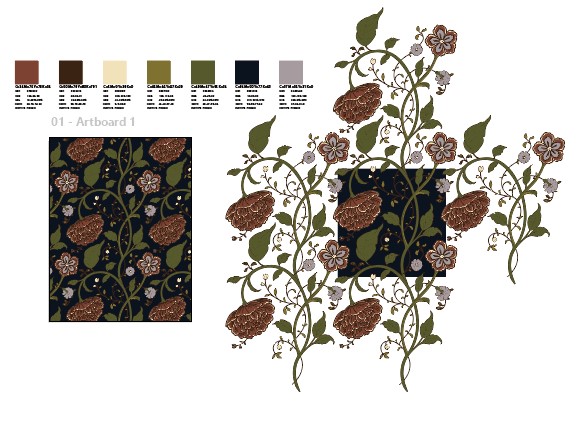
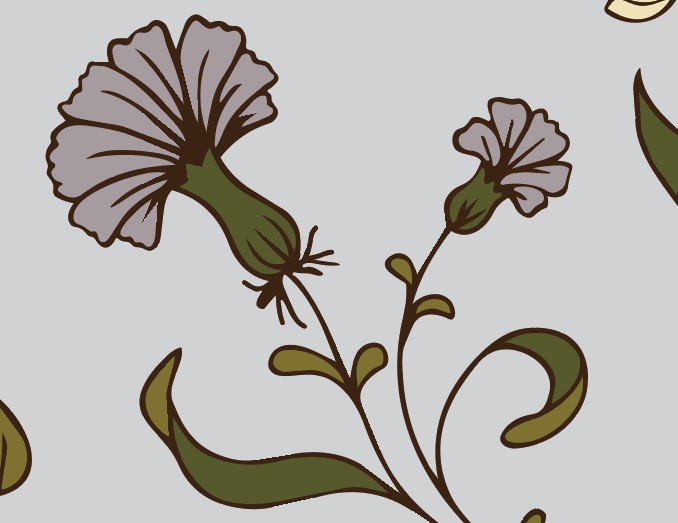
I have run into a very frustrating challenge though, numerous times: if you look at the last image I have up-loaded (a screen grab from my Illustrator screen), you will see that the vector outline of my pattern in certain places had pixelated. This even happened on a simple repeat I did, where I didn't even touch the design after vectorizing it. This is visible in Illustrator, while I am still working on my design, so it is not after I have saved it as a JPEG. At first I thought it might have been from smoothing out lines with the pencil tool, but when it happened with the other design where I hadn't even cleaned anything up (so to speak), I felt at a loss as to why this happened. I have not been able to figure out what on earth has gone wrong since (or what I clicked to make this happen), and would appreciate some guidance, if possible.
Once again, thank you for this amazing course, I truly appreciate the effort and time you & your team have put into it.
Warm regards
Maryke.