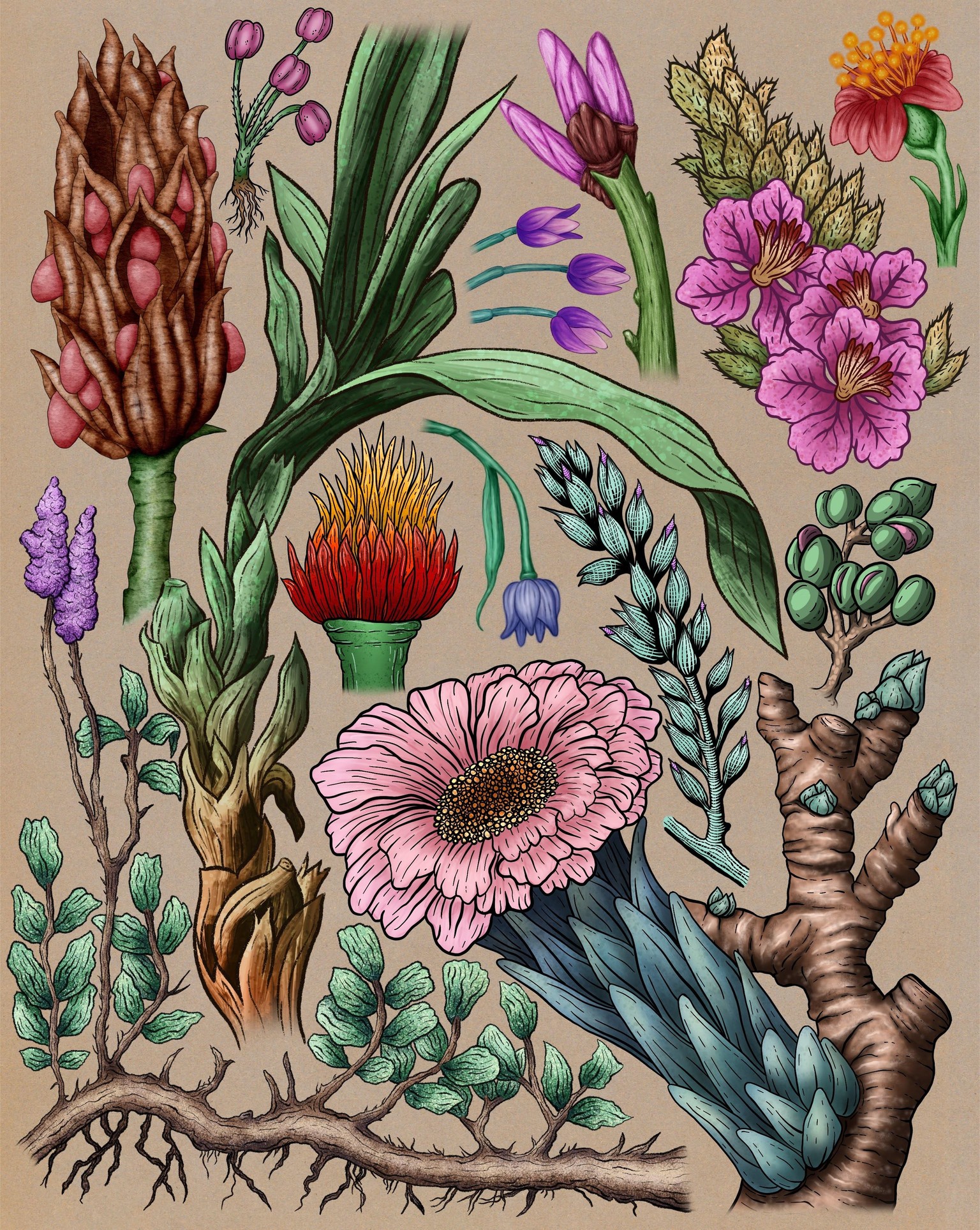
15 Painting Techniques in Procreate
Technique 1: Soft Airbrush
I enjoyed this as it was easy to get nice gradual transitions between shades, and it was relatively quick to do. The result looks quite digital because of the airbrush, but the ink lines make it look nicer, a bit more graphic.
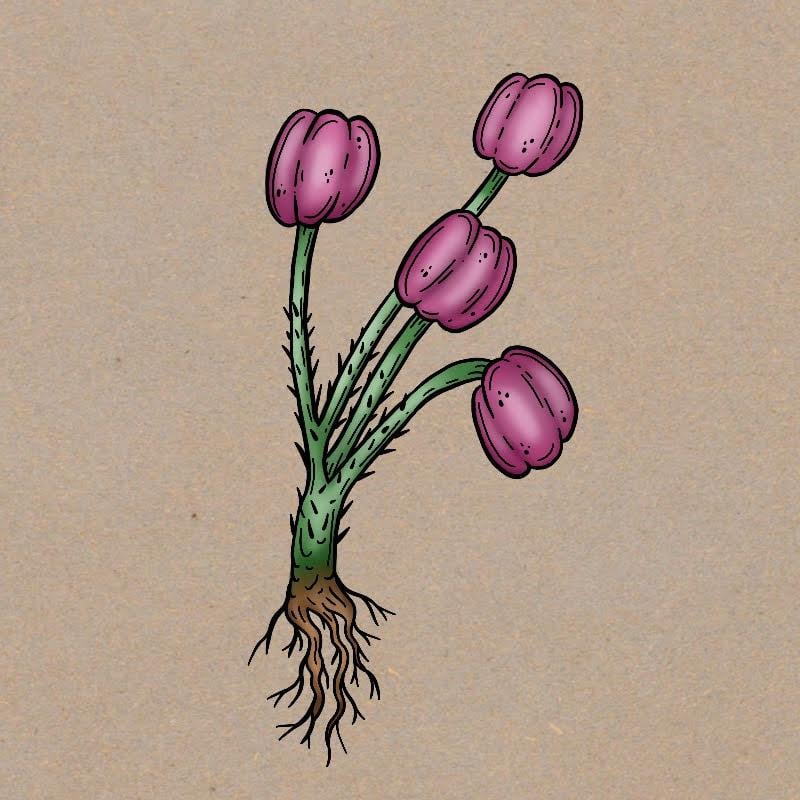
I also illustrated this using the same technique:
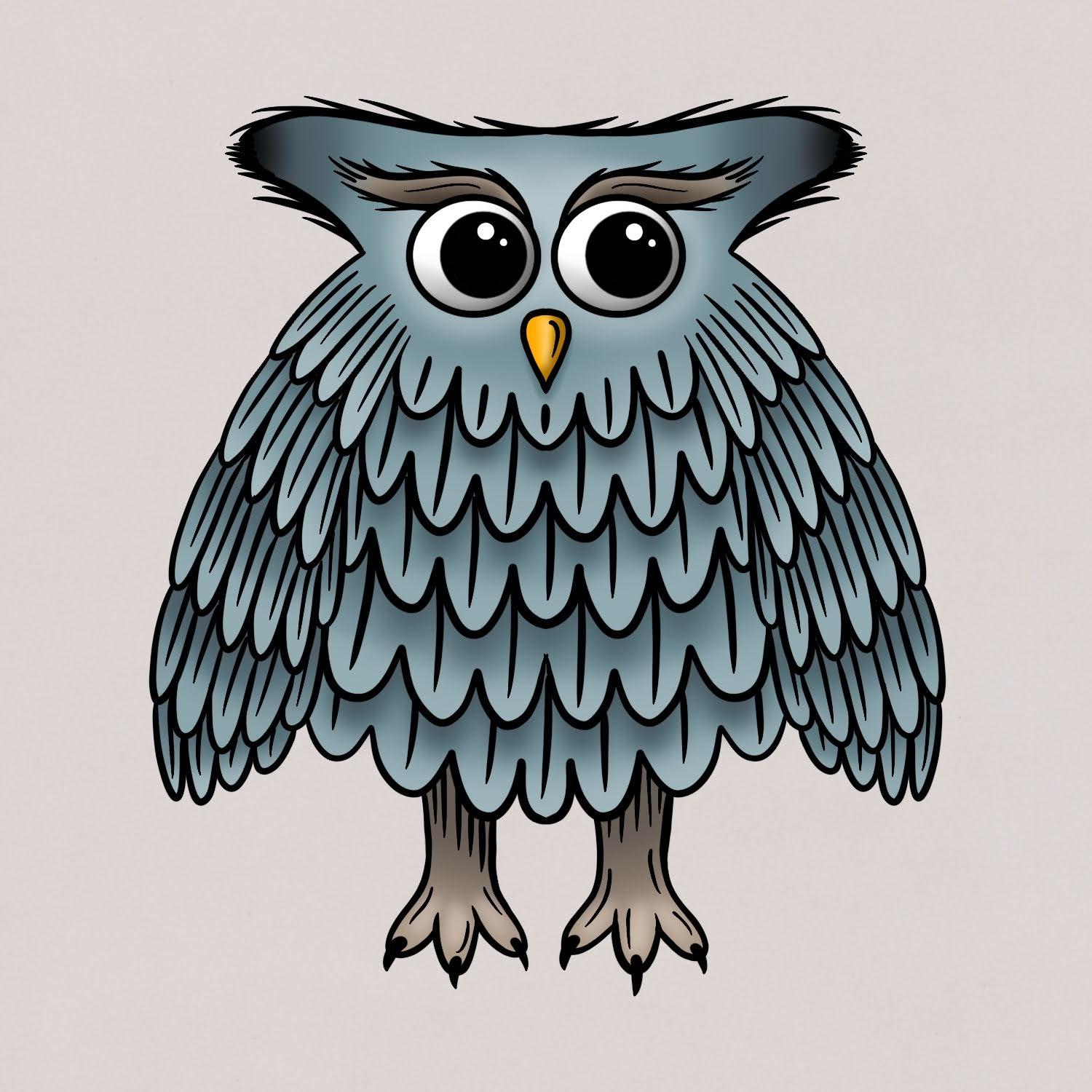
Technique 2: Hard Airbrush
I liked seeing how even though there are hard edges in the transitions, it still works to create the illusion of volume. I also like how you can add texture with the highlights on the branch, as well as with the inking. I always struggled with inking and this class has been great practice and a confidence builder for that.
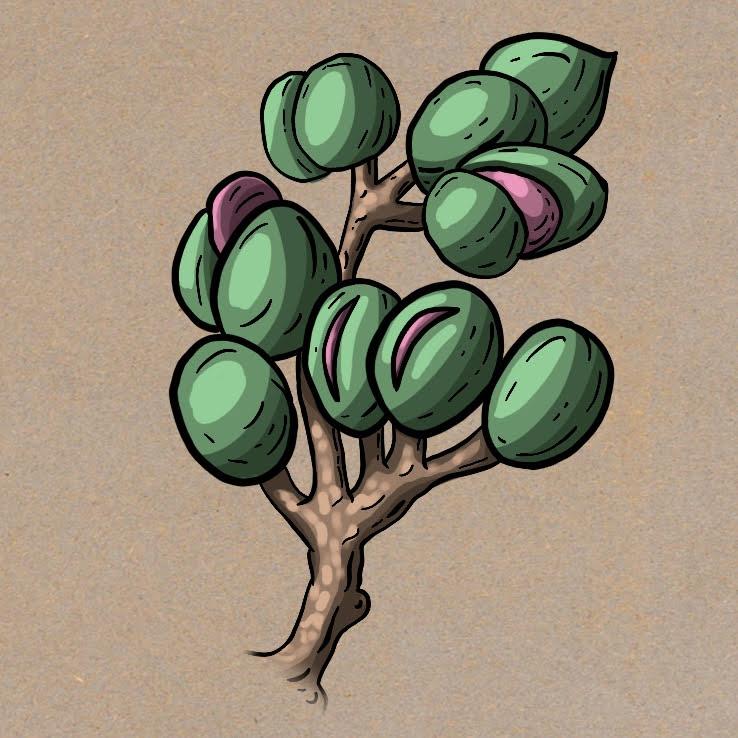
Technique 3: Airbrushes and Flicks Brush
It was fun and rewarding to learn to add texture using the flicks brush at a reduced opacity. It made me realize that I could work with flat digital color and then add texture rather than use a textured brush from the start. I also liked adding highlights in ink in addition to the black ink lines.
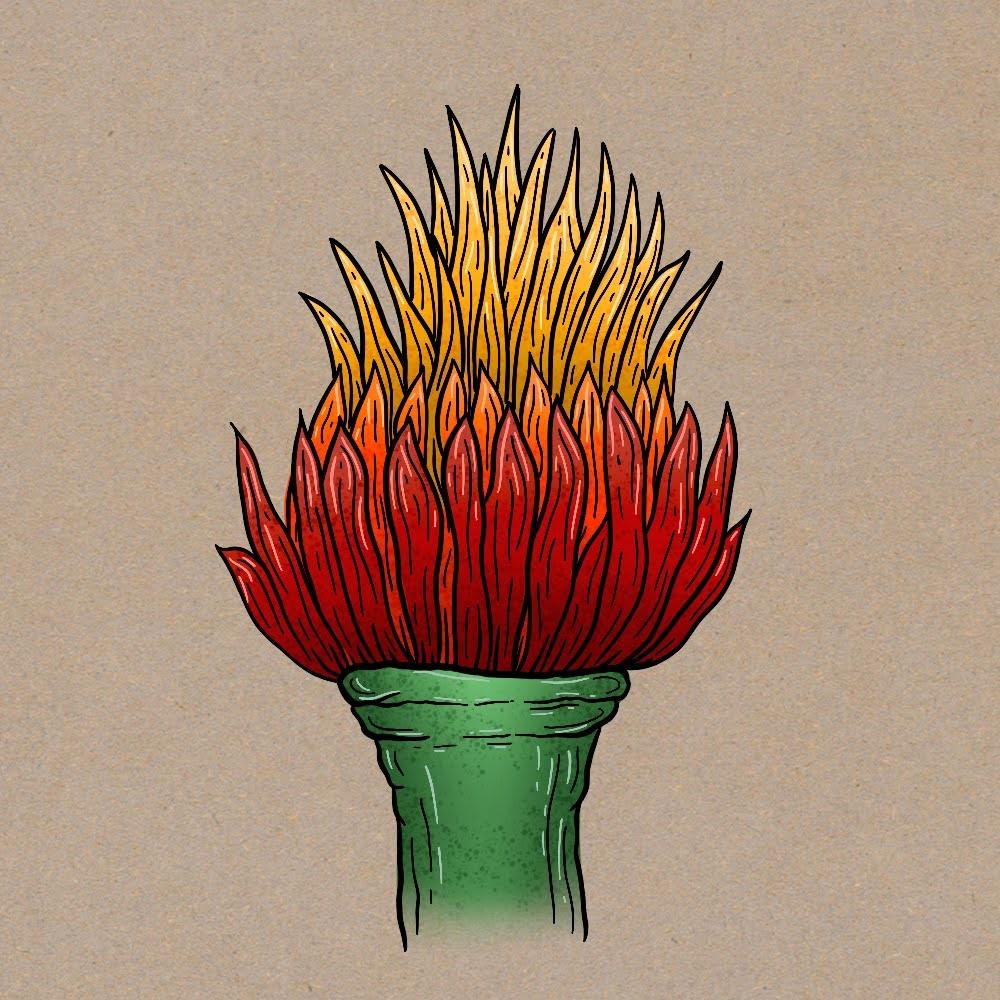
I also illustrated this using the same technique:
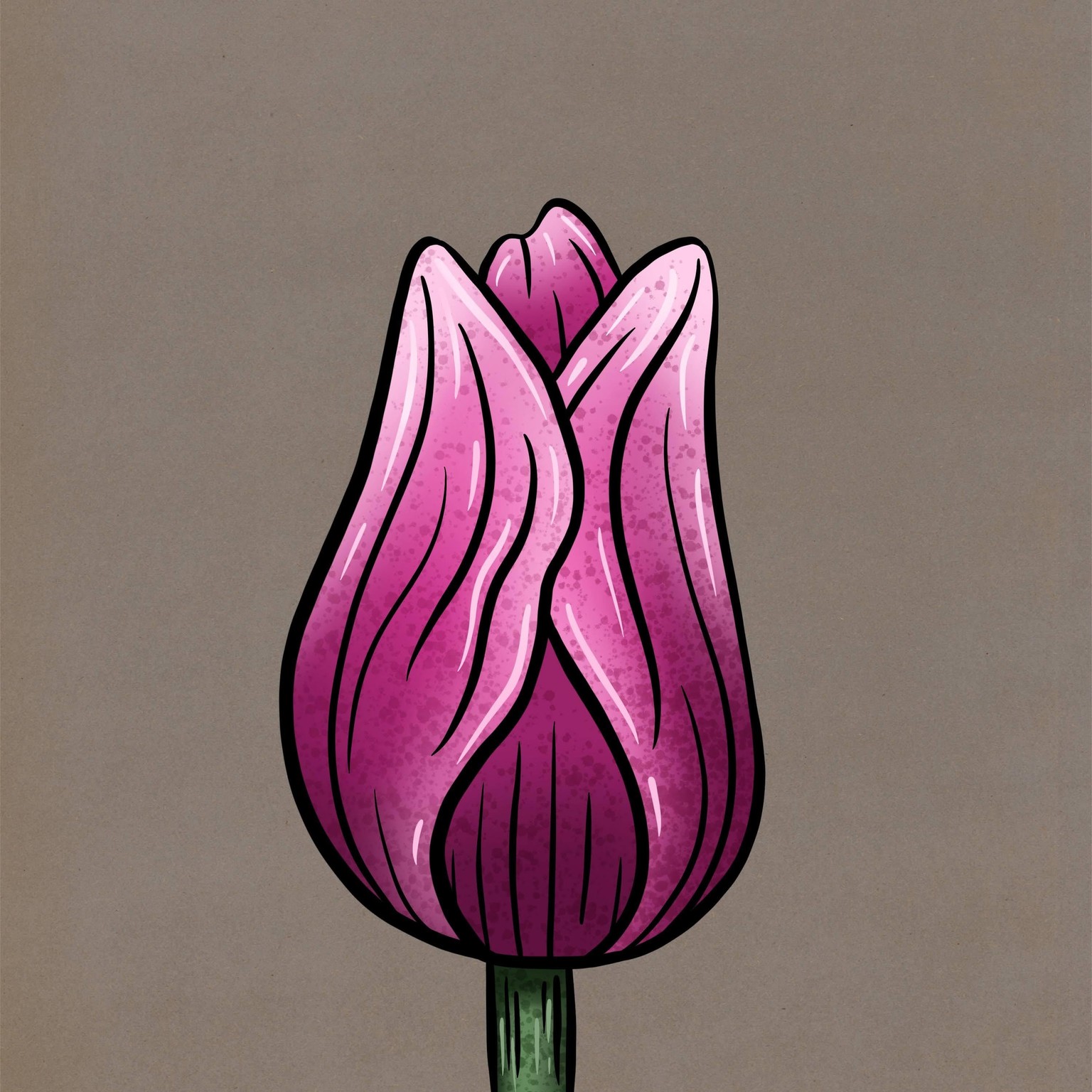
Technique 4: Medium Nozzle and Flicks Brush
I really loved this one! Looking at the finished illustration it seems a bit too digital, but I'm sure I could have made it a bit more realistic if I tried again with different colors and more shading on the seeds. I loved the layering and blurring and layering more flicks to get control of texture and color. I also loved the idea of adding a soft brush for tinting part of the seeds green. And as before I enjoyed adding the ink lines. Great technique, very enjoyable and rewarding!
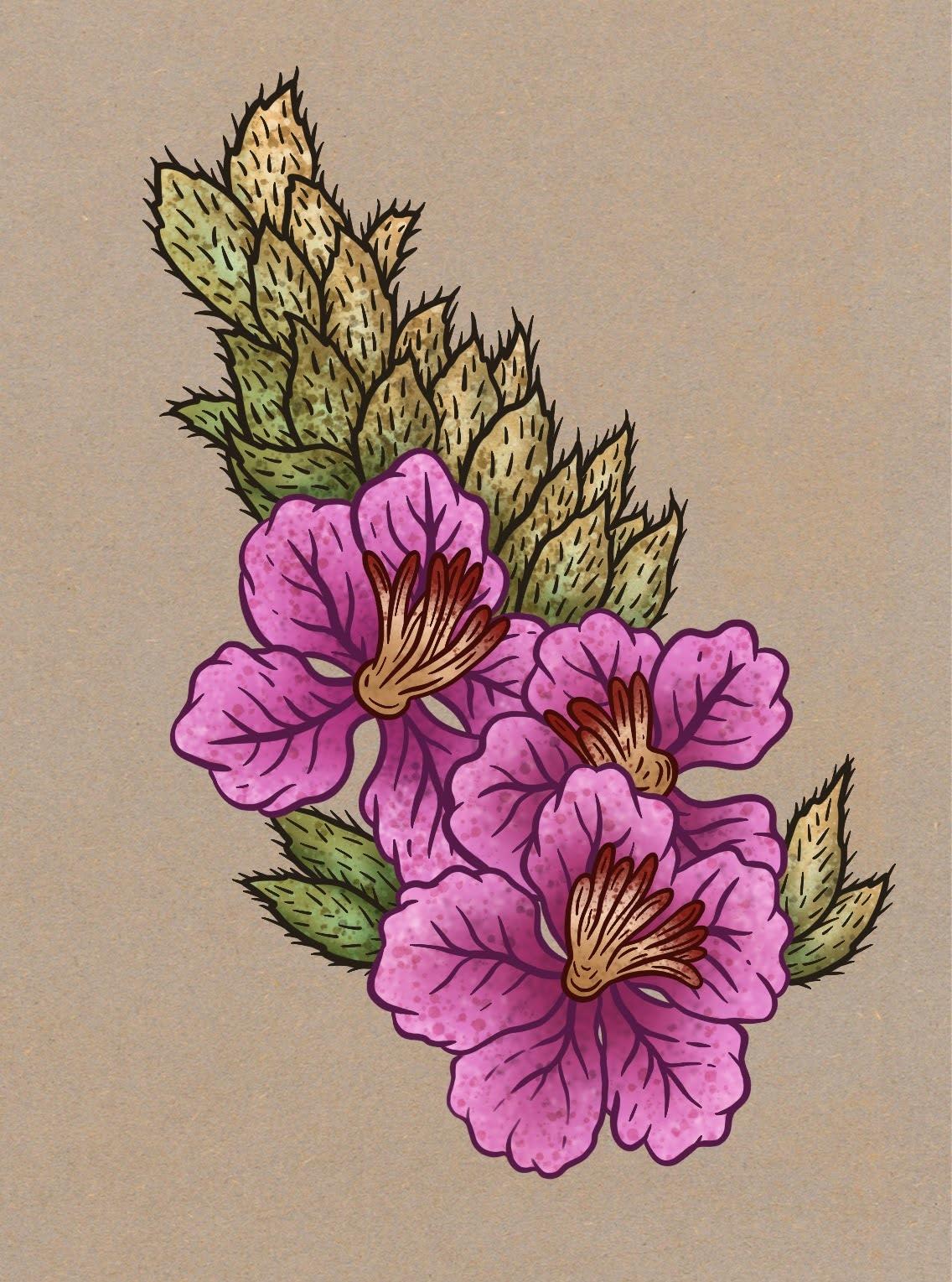
I also illustrated this using the same technique:
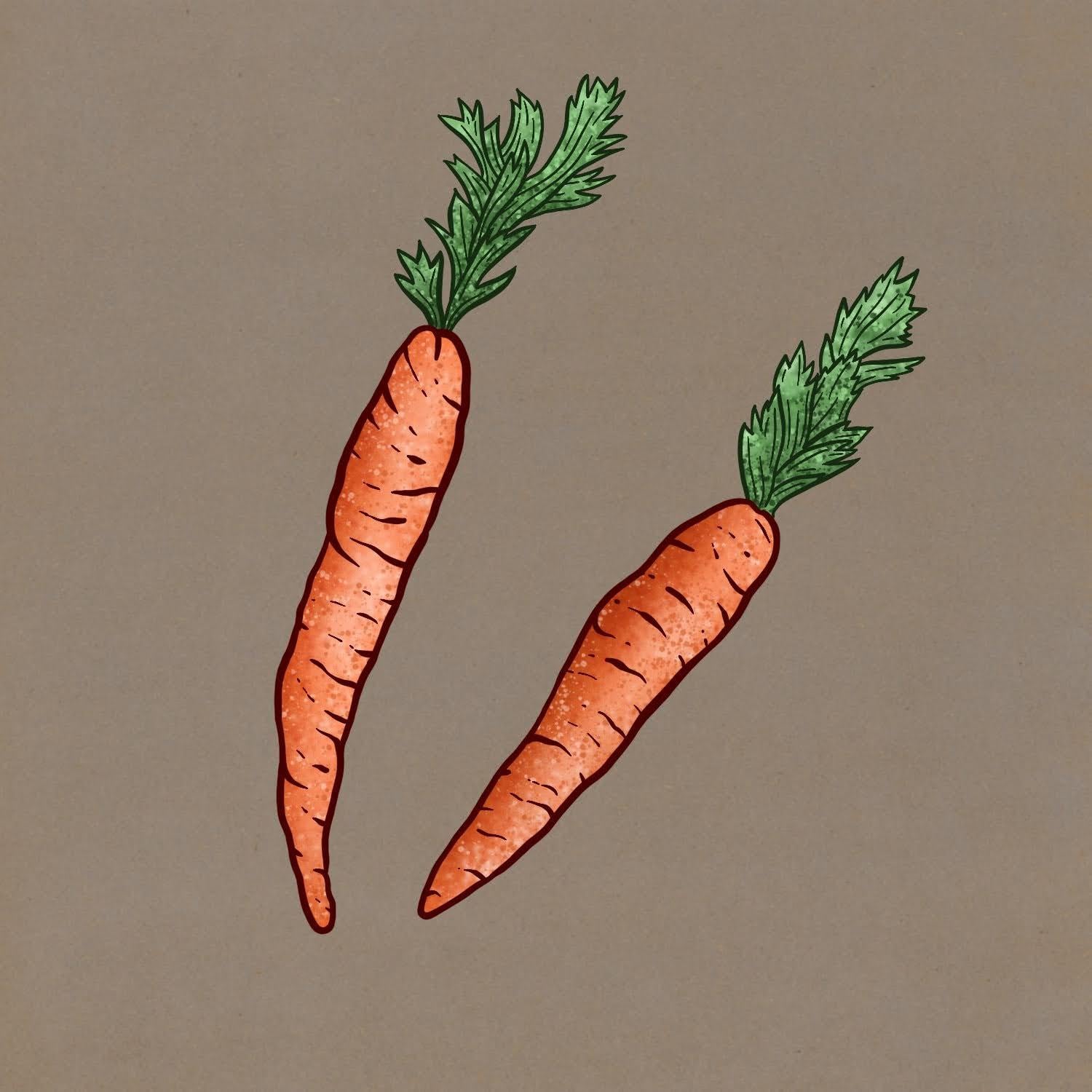
Technique 5: Oil Paint
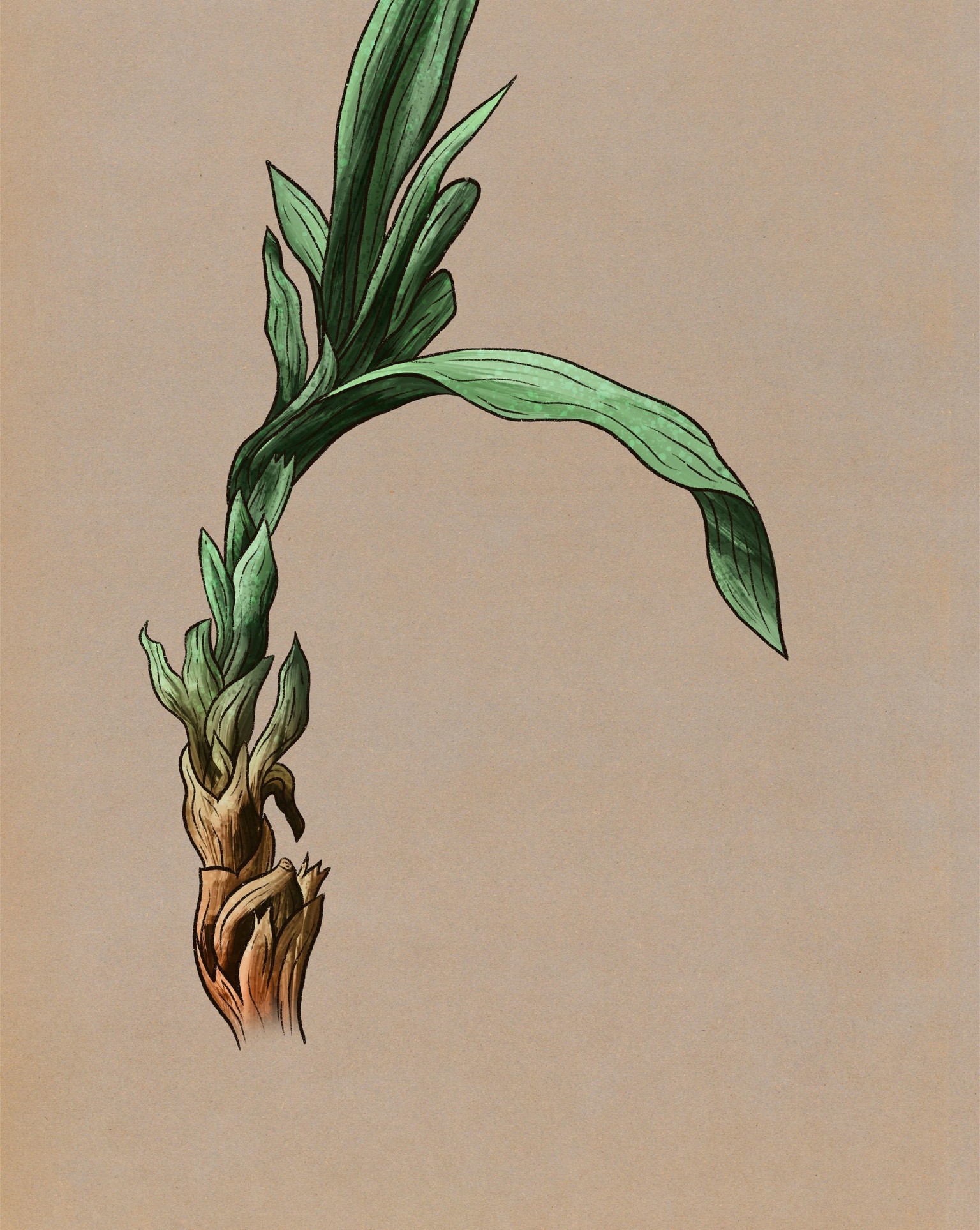
Using the oil paint brush was a struggle, because you don't have direct control of the color. It can be frustrating. But I love the result! And it's pretty quick to do. I also love the technique for tinting of the bottom part.
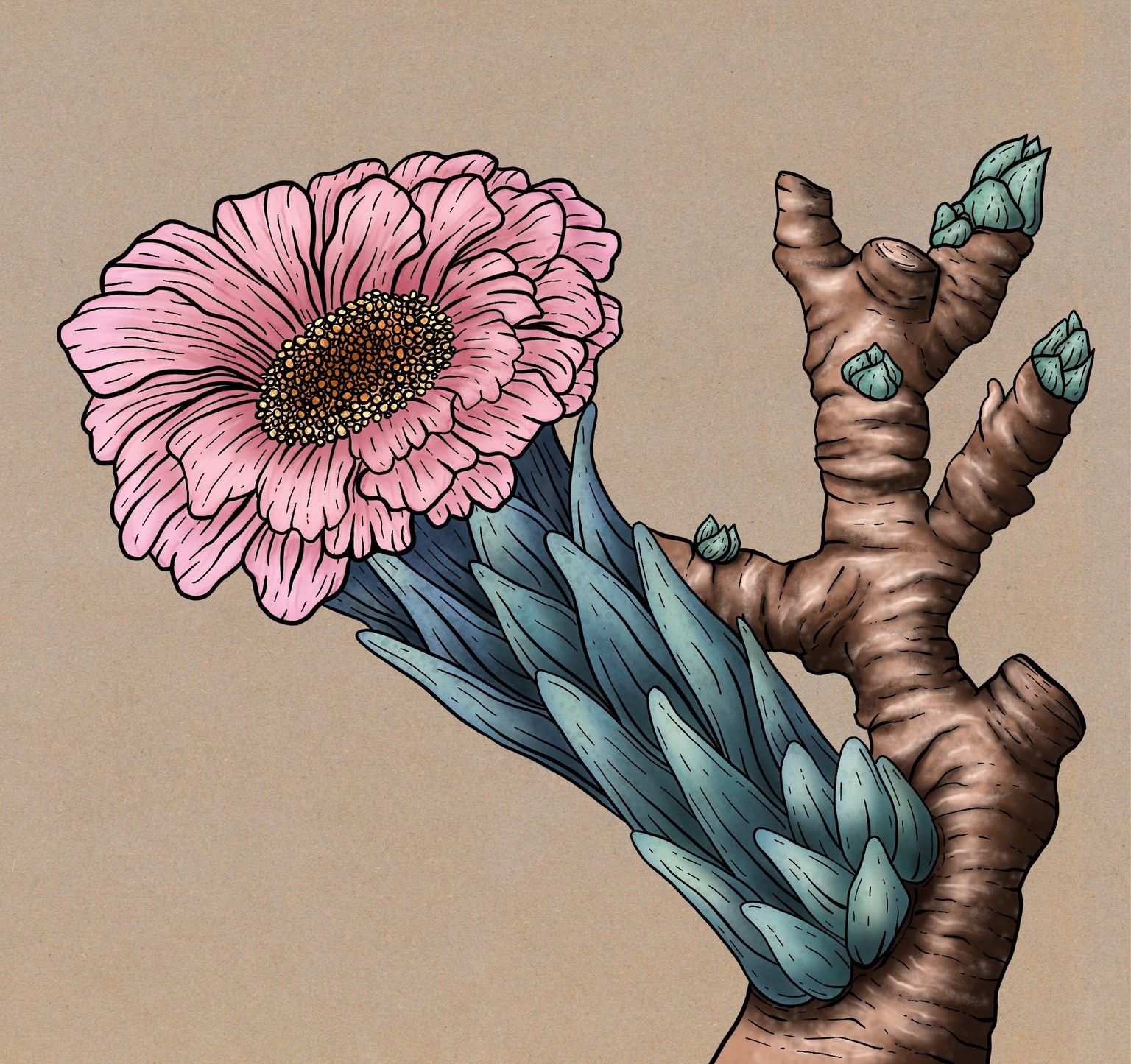
Technique 6: Hard Airbrush - Low Opacity
This was a very time-consuming technique, but it gave me so much control. It takes a lot of patience as you're seeing the illustration progress very slowly, and seeing it for so long in its ugly stages. But I like the result, especially on the leaves. Again I enjoyed reinforcing the illustration with ink lines. The flower was rather hard for me because the petals weren't on separate layers and because there's no hard contrast.
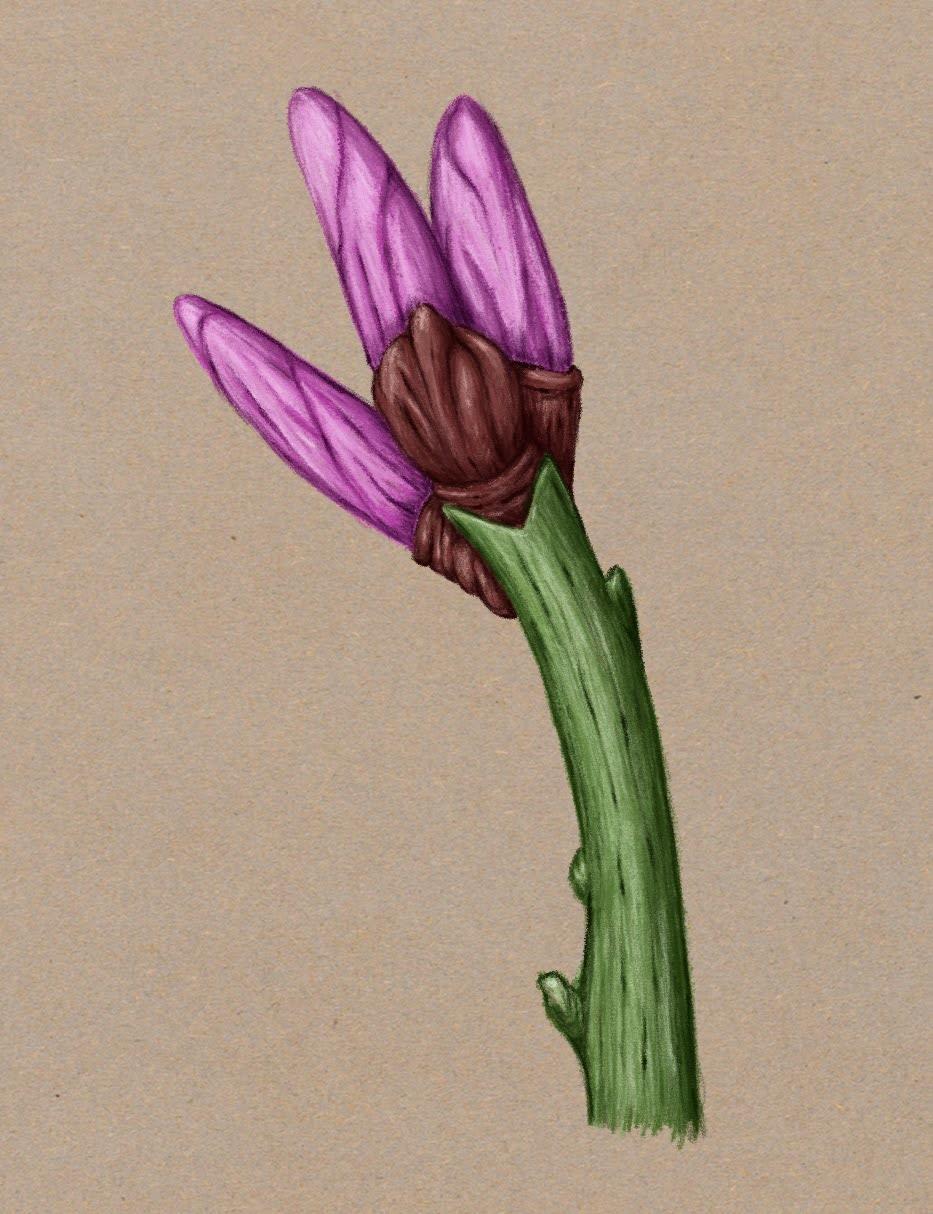
Technique 7: Procreate Pencil
I really struggled with this one. I think the end result came out okay, but shading using a thin pencil line rather than a larger brush is much more challenging for me. The striations were really hard but I ended up being happy with them. The main struggle was again seeing the illustration for so long in an ugly stage and not knowing if it'll work in the end and feeling like I don't know what I'm doing.
Technique 8: Technical Pen
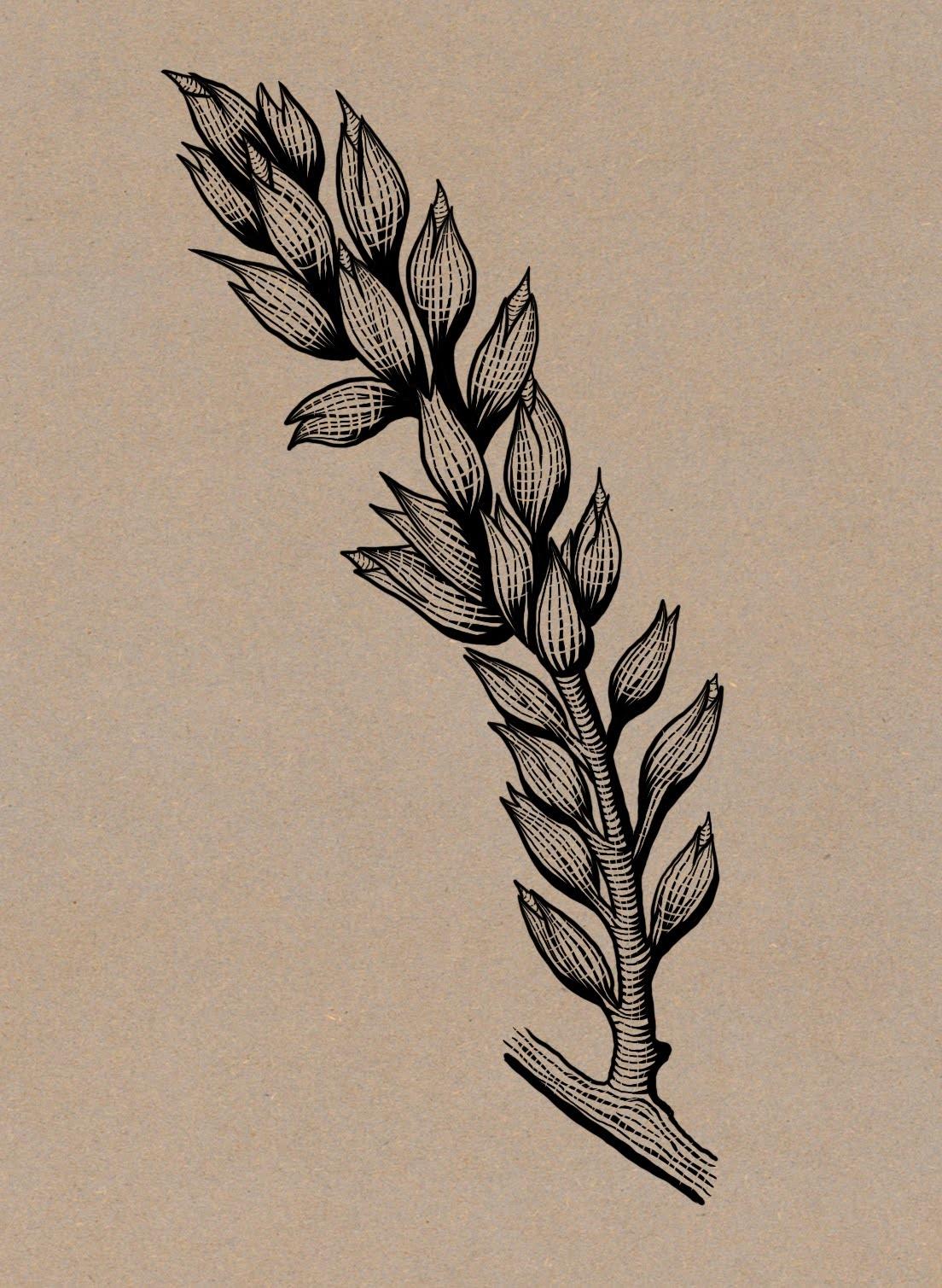
This was super fun to do! And relatively fast and straightforward. I love the triangles at the base of the lines and the very graphic look. I felt very confident with the inking. I don't always feel that way so it's nice!
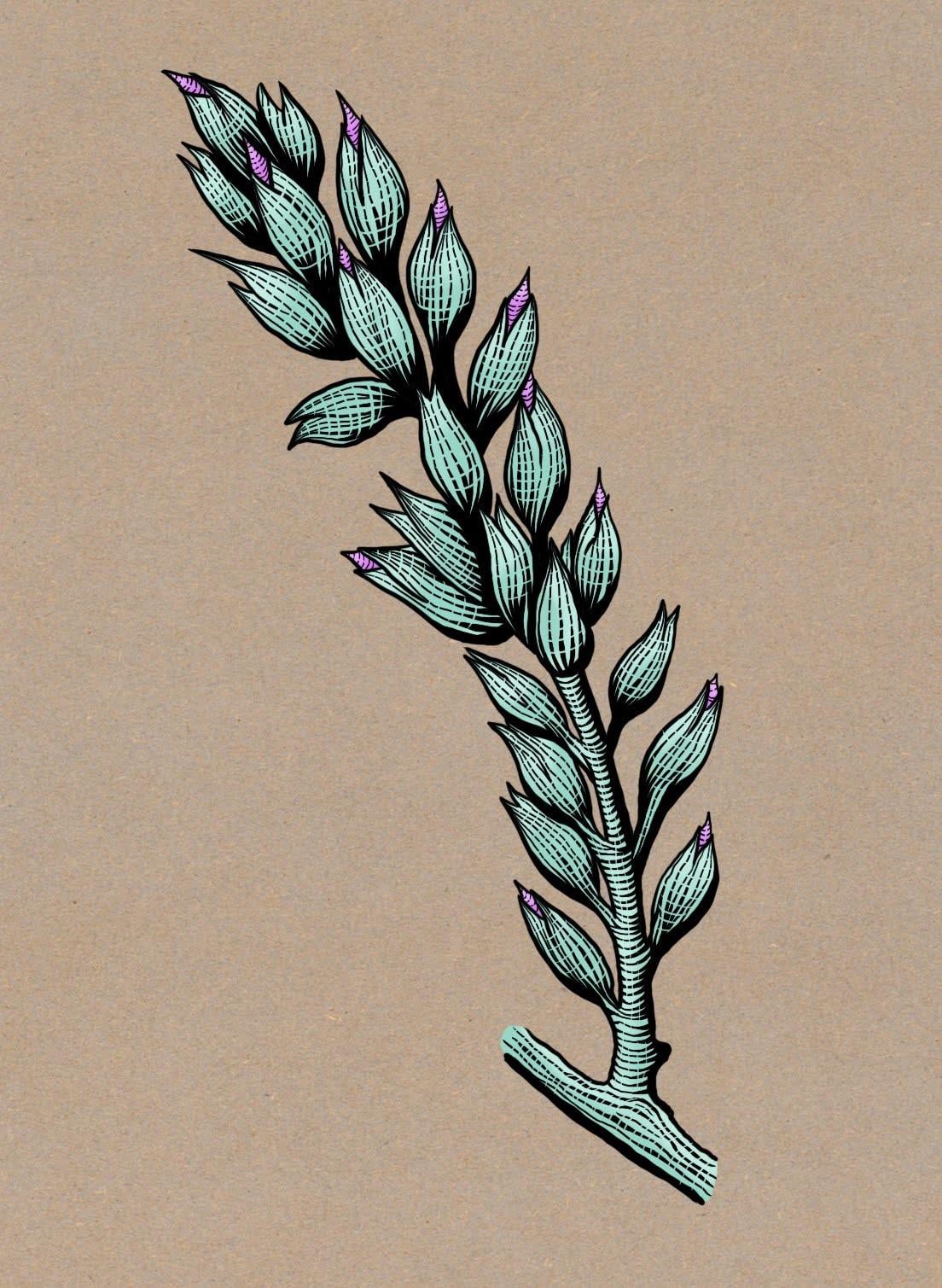
I actually like it better without color.
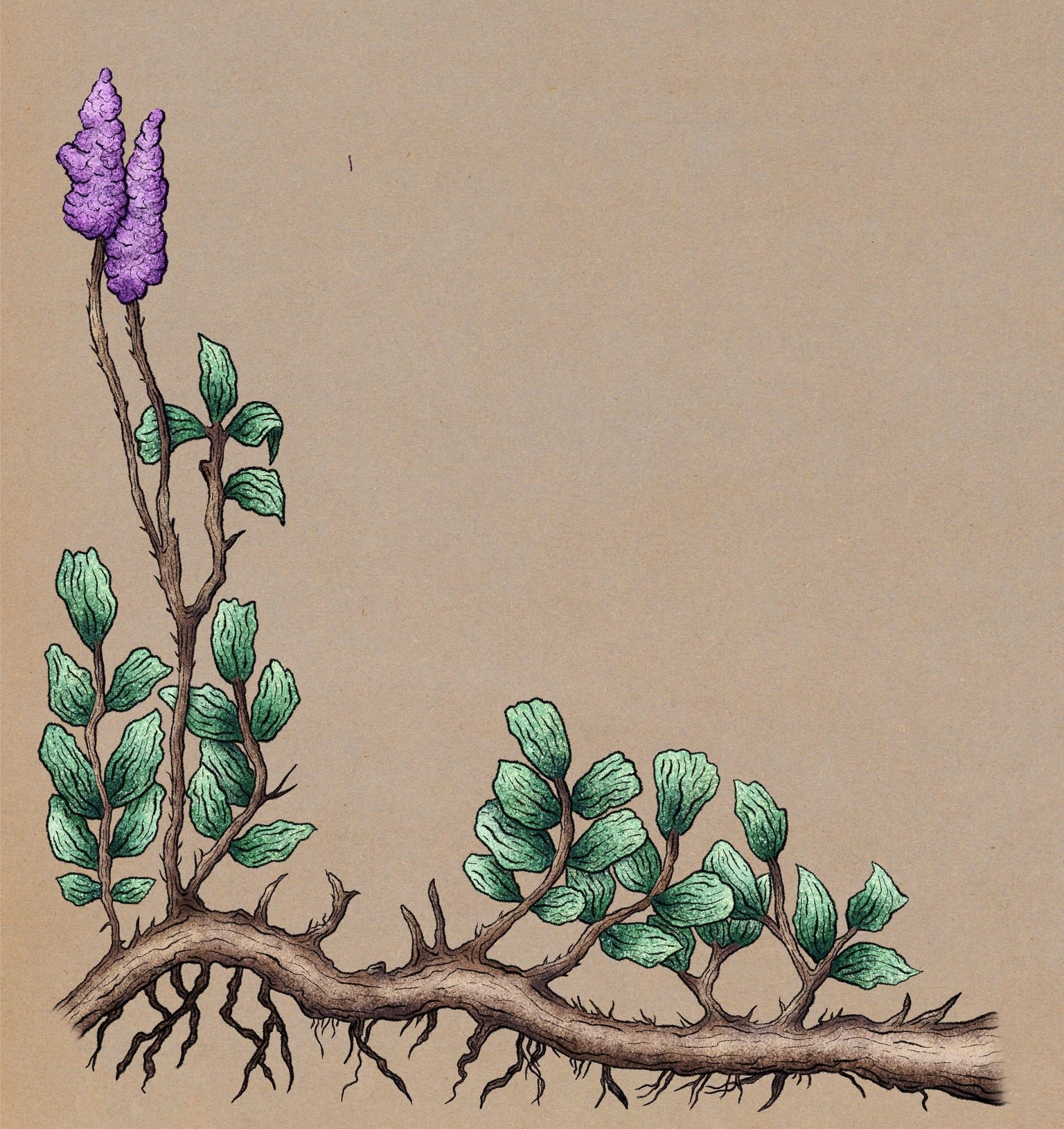
Technique 9: Flicks Brush
This one was my favorite, most enjoyable technique by far. I love how you can add depth in just a few strokes using the flicks brush. It's very intuitive. I don't know if it was the subject that made this super enjoyable for me and maybe with a different subject I would feel that it wasn't giving me enough control. But I loved doing the many leaves, the cast shadows, and I loved doing the linework! I'm not sure if it's the most impressive in terms of finished result compared to some of the others, but I really enjoyed this technique. I also liked improving the colors using curves.
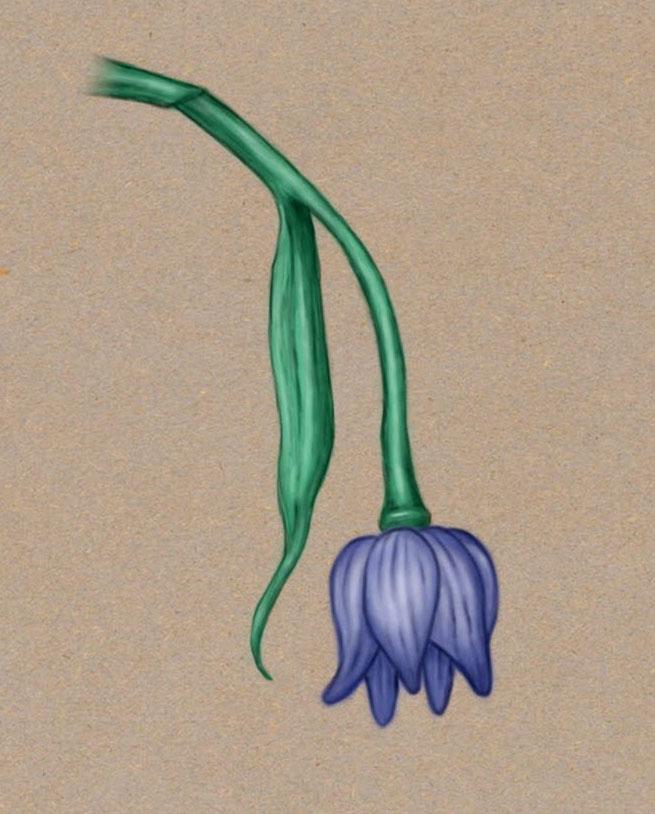
Technique 10: Bonobo Chalk (Noise Brush)
I struggled with this one because of the fuzzy blurriness and because it takes a while to build up the volume. But the end result is okay I think. I used the Noise Brush because Bonobo Chalk is no longer available in Procreate 5.
Technique 11: Watercolor
Wow, this was challenging and time consuming but I'm quite happy with this technique and the result.
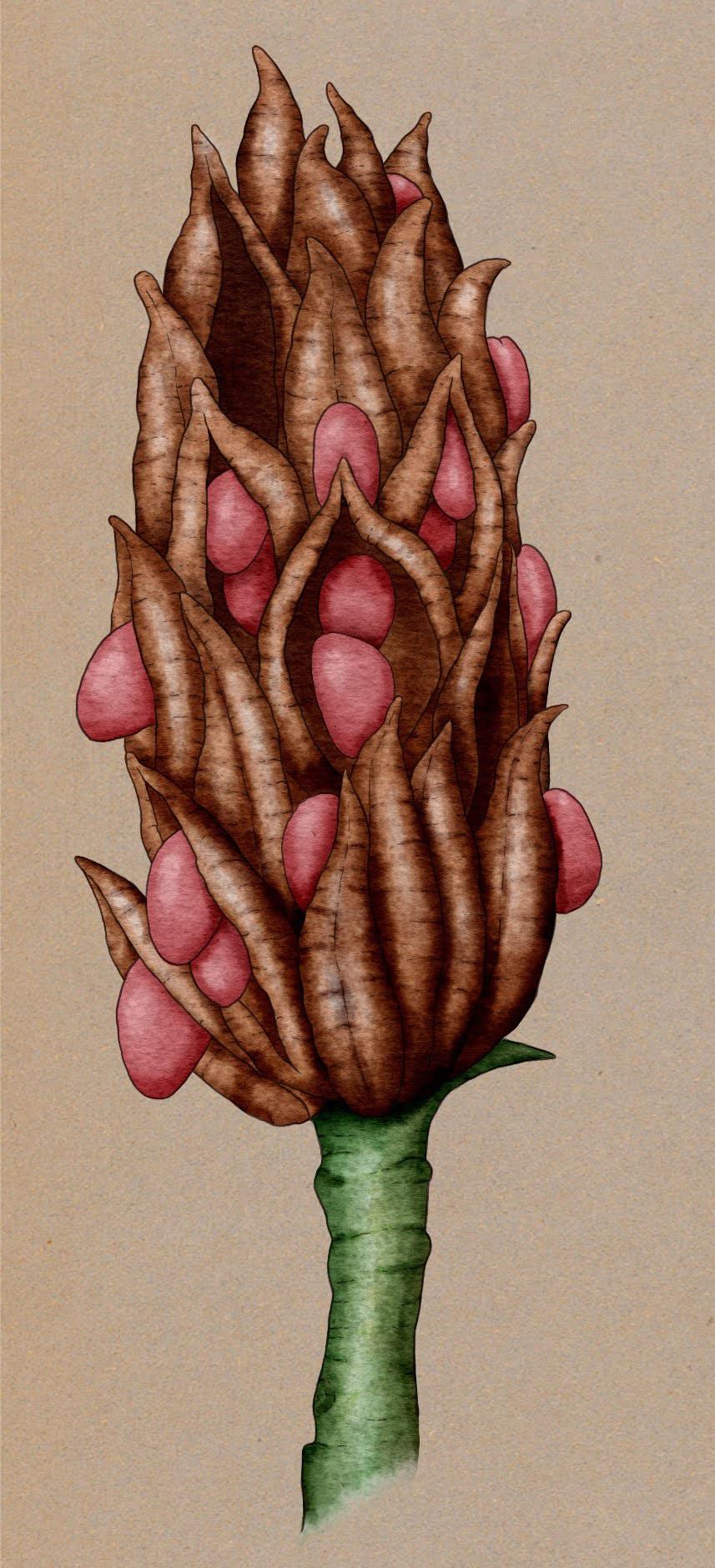
I loved hiding the color and seeing just the fine ink lines! Very cool!
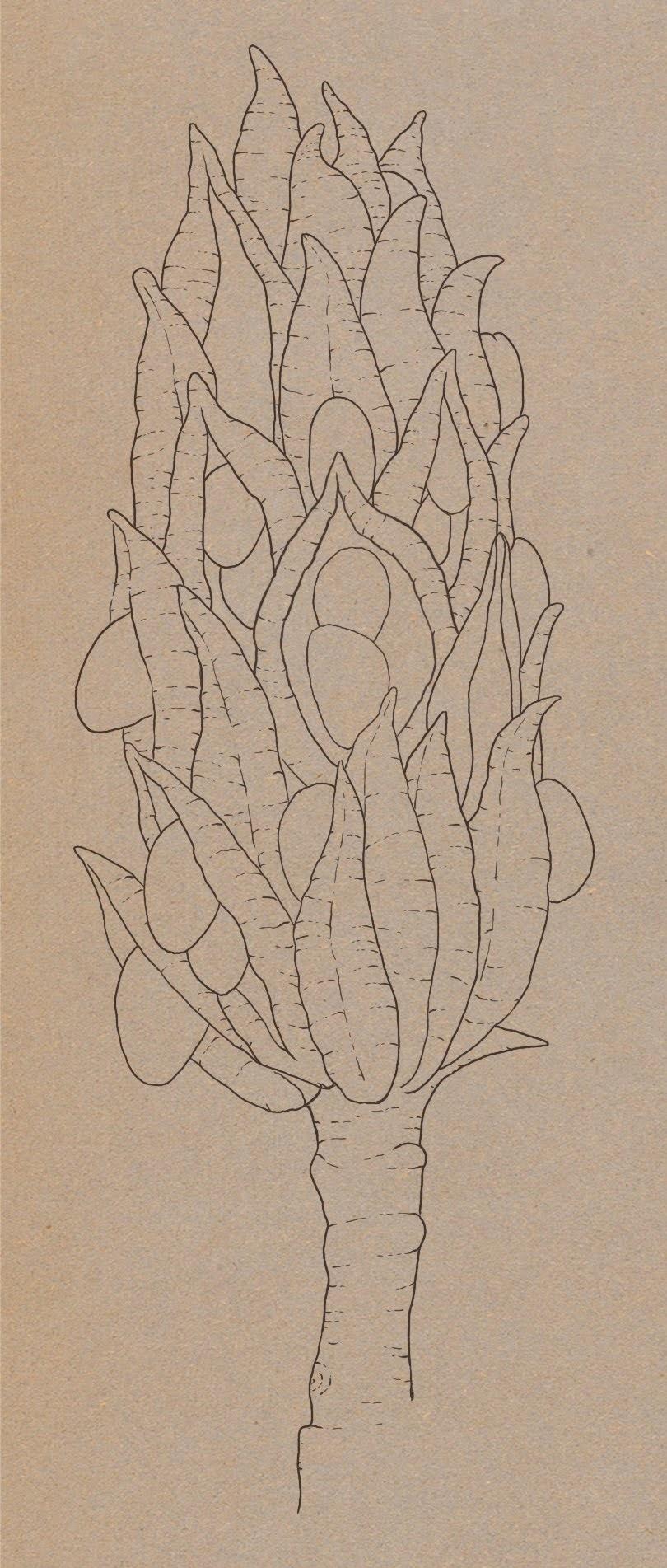
Technique 12: Carbon Stick and Peppermint
I struggled with this technique because of the fuzzy crayon look and the need to spend a lot of time before it starts looking decent. It ended up looking okay but it's not my favorite technique or result.
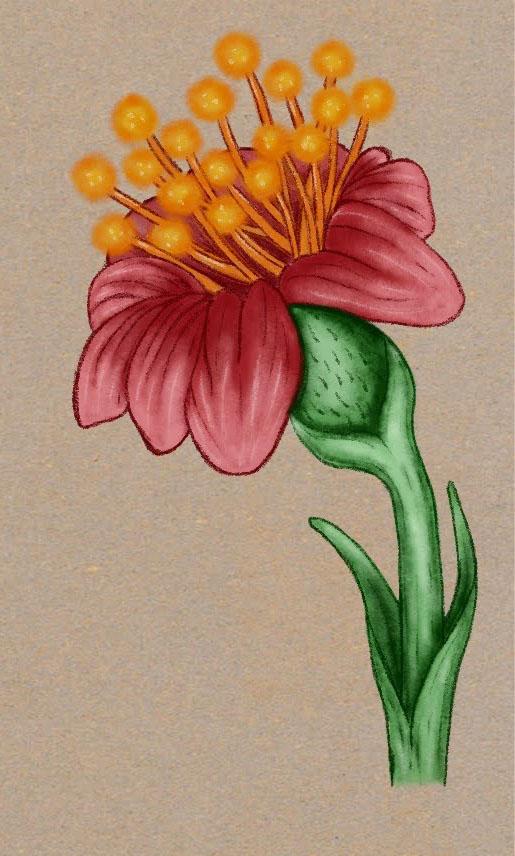
Techniques 13, 14, 15: Acrylic Brush, Jagged Brush, Gouache Brush
The acrylic was a struggle for me because again of the need to take a while to build up the color, and because of how streaky this brush is. The jagged brush builds up color faster which was nicer, but for both the acrylic and the jagged brush I felt it very necessary to use the smudge tool, which ends up taking away a lot of the character of the brushes. I like the gouache brush better because it's not as streaky and doesn't take as long to build up color, but it also required some patience before it started looking decent. These are not my favorite techniques.
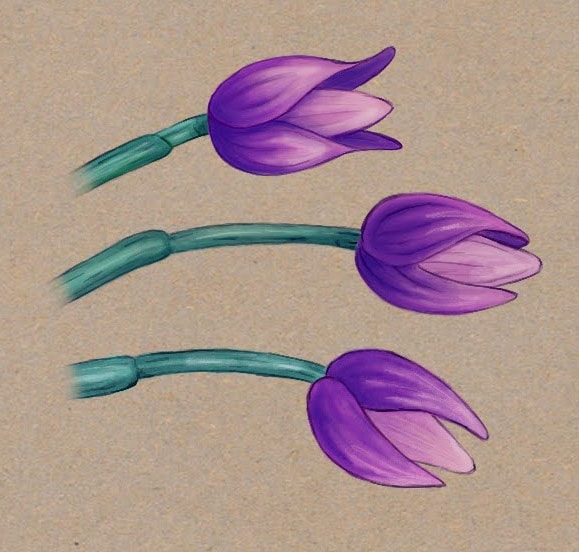
The finished illustration
I enjoyed tweaking the colors using Curves and Hue, Saturation, Brightness.
What a great class! Thank you, Maurizio!