Create your model using Revit 2020 (Part 2)
 Joanna Nseir, PhD, University Instructor
Ve esta clase y miles más
Ve esta clase y miles más
Lecciones en esta clase
-
-
1.
Introduction
1:09
-
2.
Généralités
18:04
-
3.
Généralités (suite 1)
2:06
-
4.
Généralités (suite 2)
5:37
-
5.
Généralités (suite 3)
9:56
-
6.
Poteau
10:34
-
7.
Dalles
17:09
-
8.
Connecteurs
2:44
-
9.
Poteau et fondation isolée
11:19
-
10.
BIM poteau
13:22
-
11.
Annotations
17:29
-
12.
Annotations (suite 1)
8:31
-
13.
Annotations (suite 2)
9:13
-
14.
Poutres
12:18
-
15.
Annotations Poutres
20:55
-
16.
Escaliers
16:34
-
17.
Onglet Steel
9:56
-
18.
Onglet Steel (suite)
7:44
-
19.
Assemblage (suite)
12:25
-
20.
Structure béton
18:27
-
21.
Structure acier
16:05
-
22.
Importer un fichier autocad
10:06
-
-
- --
- Nivel principiante
- Nivel intermedio
- Nivel avanzado
- Todos los niveles
Generado por la comunidad
El nivel se determina según la opinión de la mayoría de los estudiantes que han dejado reseñas en esta clase. La recomendación del profesor o de la profesora se muestra hasta que se recopilen al menos 5 reseñas de estudiantes.
256
Estudiantes
4
Proyectos
Acerca de esta clase
In this class, we will be focusing on Revit Structural. This course has around 20 videos lessons which will help understand and use Revit Structural with ease and will get you to a level where you can start working on your own, with Revit. With hands-on practice, you will be able to become very efficient and learn everything you need to know in order to create professional BIM projects using this course.

Proyecto de clase práctica
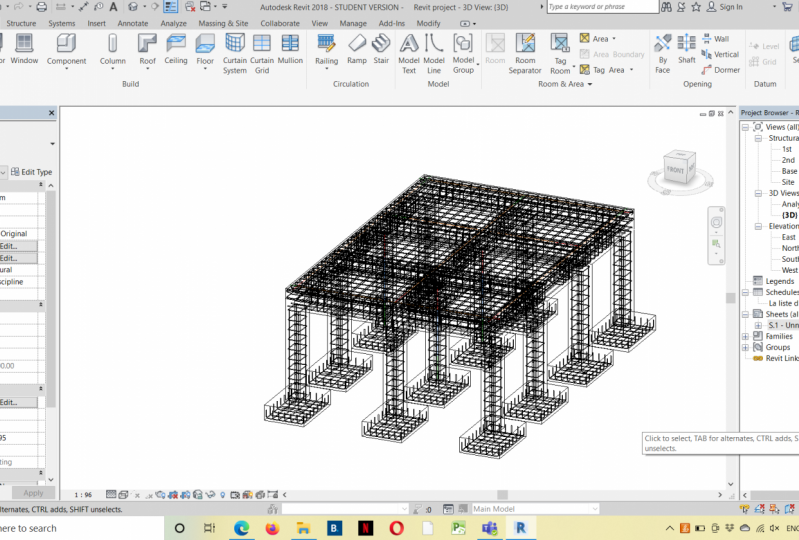
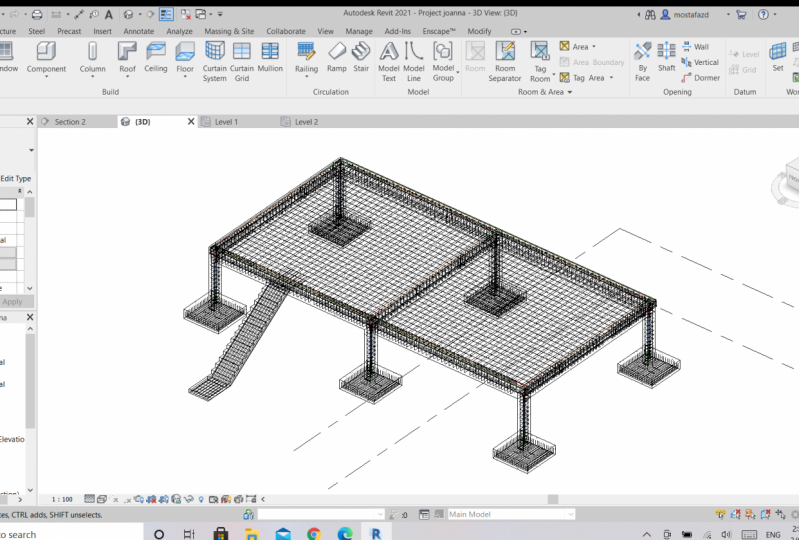
For this class project, you should be able to create your own model using Autodesk Revit 2020 by focusing this time on the structural part of your model. This comprehensive course can teach you what is needed in order to create your model. So, I strongly recommend each one of you to follow the lessons step by step in order to develop and create your model which should contain most of structural elements you've seen in this course. The model should contain the following customized elements created by you:
1- Foundations (any type of foundation)
2- Columns
3- Beams
4- Sheets
5- BIM quantities
Please feel free to contact me for any question so we can discuss it and share your project in the 'project section' so everyone can see it. Enjoy your course!

Valoración de la clase
¿Por qué unirse a Skillshare?
Mira las galardonadas Skillshare Originals
Cada clase tiene lecciones cortas y proyectos prácticos
Tu membresía apoya a los profesores de Skillshare
Aprende desde cualquier lugar
Ve clases sobre la marcha con la aplicación de Skillshare. Progresa en línea o descarga las clases para verlas en el avión, el metro o donde sea que aprendas mejor.


Clases relacionadas