Transcripts
1. Introduction Corrected: Hello, my name is Jill friend in Bergen. I'm a multimedia specialist based in Memphis, Tennessee offline. I teach courses in video, photo, and audio editing as well as multimedia production in general. But on skill share, I like teach each low pressure classes that allow you to have high value skills at the end, often put a lot of weight on our creativity and doing small fun projects like pet portraiture in really reinvigorate our creative processes and our other projects. I know not everyone has a lot of expensive equipment, especially if you're in the beginning stages of your photography or, or creative journey. So I designed this course to work just with your smart phone. At the end of this course, you'll have a handful of amazing pictures of your feathers scale or for babies, pictures that you took yourself. And that came out of a great bonding experience between you and your pet. In the next lesson, we'll talk about what your project is going to look like for this course. And I can't wait to see me there and chat with you about ways to make your portraiture even more exciting.
2. Class Project Corrected: In this course will cover inspiration, equipment, posing the shoot itself, and editing. Your going to take lots of pictures during this course. But your project is to upload one to three of your favorites pictures that you are so excited to share with your friends and family. You're gonna take them yourself, edit them, and upload them, and comments and collaborate with your peers in this course, you're also more than welcome to upload works in progress. Oftentimes when we get stuck, the best thing to do is to ask for help. I chose this course to give you the opportunity to understand that in photography you have to take a lot of pictures, especially with animals. The benefit of working with your pet is that they're usually pretty cute. So you're gonna get a lot of really awesome pictures that you wouldn't have even thought of in the first place. It will help if your subject knows a couple of commands, you know, say stay, shake. If it's a dog, I don't know. Maybe caps can shake too, but you'll definitely want to be prepared with their favorite treats and toys and just something that they love to engage with so that they can focus on you during the session. Keep in mind that this whole project is supposed to be a bonding experience for you and your pet. You're gonna get some awesome pictures out of it. But focus on having a fun experience and really engaging with your animal. Again, this is a low pressure project, but you're going to learn great skills in studio setups and editing, and framing and composition and a lot of other photography techniques. You'll end up with a project that is uniquely yours and with memories that will cherish forever. All you really need for this class is a smart phone. But in the next lesson I'll go over some other equipment that if you have, could make your job a little easier. Two
3. What you might need Corrected: This course was designed with only a smartphone in mind, but here's a list of some equipment that could help make things a little bit easier. Smartphone tripods are super easy to find online and they're really beneficial for stabilizing your image or setting up a timer for if you want to be in the photo with your pet. Additionally, tripods can help you get angles that are more difficult for you to get with just your arms. And oftentimes you can use them in unique ways. Especially if you have the kind of I can wrap around a tree branch or a pole, that being said, a tripod is not necessary to get a stable shot. When we go over setting up our studio shoot, I'll show you a breathing, can stabilize your hands. Outdoor shoots are often expected of pets, and part of that is the fact that there's so much great light outside. Animals love being outside all of the time. You'll get their true personality and they're playful, joyful expressions in pictures outdoors, and usually don't have to worry about lighting too much if you're shooting outside. The only issue is that it can get really high. And for the most part, pictures aren't really beautiful looking if the sun is directly in the middle of this guy just because of shadows and discomfort. And the way that light gets distributed, you'd would much rather take picture is early in the morning or just before the sunsets in the evening. But the Sun is an absolutely wonderful resource. You don't need to buy this equipment if you are doing endorse you. But there are light boxes. So if there is a room that you really want to set up and shoot in, but you don't have a window that is allowing light to come in exactly where you want it. Buying something like a box light or a ring light could be really useful to you. But the purpose of this course, I'm going to be using the free Adobe Lightroom app for my editing. There are likely already editing software is built into your phone, but I find that something like Adobe Lightroom or Cisco or snap seed can really add to the tone and the feeling of your photos. Instagram also has a pretty awesome built-in set of filters and ways that you can change the contrast and brightness and tone of your images. All of this is great because it means that you don't have to pay for an expensive editing software like Photoshop or the paid version of Lightroom. Now if you have one of these more professional editing software is you're more than welcome to use them. I just wanted to design this course so that someone could do basically the entire process just from their phone. You're going to be gathering other materials depending on your vision. Things like backdrops, prox, toys, outfits, everything that you could dream to put in a picture with your pet. But the list that I just went over are the basic necessities for a little bit of enhancement on your smart phone portraiture. A lot of these prompts can be bought secondhand or if you really want something new and quick ego is use Amazon. If you think you are going to be doing your photo shoots mostly indoors, try to find the most well-lit spots in your house. And thus you're going to be wanting to play with some artful shots with different shadows and things. You're going to want yourself to be positioned between the window and your pet, but slightly off at an angle so that your shadow isn't becoming part of the image. Additionally, start taking mental and maybe even some real Notes about your pets quirks. My dog Talk does this really funny thing where she kinda sits like a person and she always looks really confused when she does it and it's very cute. And it's definitely something that I want to take a photo of so I can remember it forever. My puppies Hugo likes to tilts his head back and forth when my husband makes really weird sounds. And that's just another fun thing to try to capture. So go ahead and start making a list of works that your pet has. And maybe even take notes of their coloring and specific expressions that you love, that they make so that we can start to brainstorm how you can capture those with your camera. In the next lesson, we'll talk about gathering inspiration for your photos.
4. Inspiration Corrected: In this lesson, we'll cover some basic places that you can look to for inspiration. Now these may seem obvious, but with some close looking, you can really get a good idea of what kind of photo you want to create for your pet. You're definitely not limited to these places, but they're free and easy to access. Hashtag pet photography on Instagram is fantastic. In fact, there are a lot of really wonderful animal accounts on Instagram that are worth looking at. If you have a hard time finding ones that you are specifically attracted to, you, try typing in the type of pet that you have or looking up top ten animal Instagram influencers lift. A lot of these animals are popular for a reason. The photos that are taken of them really identify their works and their edited in such a way that makes the whole feed really attractive. Additionally, you can look up PET photographers specifically and see if there's any one person's style that you're particularly attracted to you. Now you're not going to be able to get exactly the same vibe if you're not using the expensive equipment, but you'll get pretty close. And it doesn't hurt to shoot for something really awesome because your pets probably adorable and you're going to end up with a really great product anyway, Pinterest is also a great source for tons and tons of different photos. I personally don't use it that often because I don't like having to open a new link, but I went ahead and made a Pinterest board for our class. So feel free to share inspiration images that you find on that board. Now go ahead and screenshot all of the images that you think are fun if there's something that you're kind of attracted to and a picture and you think, Hey, maybe I could get my pig to sit that way, or I see my bird do that before. That's really fun. Go ahead and take a screenshot and save it to your phone. We're gonna pick somewhere from two to five images to try to work with. Notice the lighting, the composition. Did they use any prompts? Some of my favorite pictures of dogs zoom in on a very specific element of their being. So like some portraits will have them from their nose up. And I just think that's really cute. So see if there is something recurring that comes up a lot that you find really fun and that you would want to maybe hanging your house, take out a piece of paper, and take note of any sort of tools or materials that you might need to reenact these pictures directly or just take a photo that is inspired by them. Don't be afraid of pinning or saving a bunch of images. The whole point of the creative process is to get your brain juices flowing and a more images you see, the higher likelihood you'll see something that you think that you can actually create with your own pet. And the next lesson we'll talk about how to train your pet to actually sit for pictures. Go ahead and upload inspiration photos to the project gallery. And I'll see you in the next lesson where we talk about actually setting up the chute.
5. Photo Shoot Corrected: Congratulations, you've done all the prep work and now you're actually ready for the setup and the photo shoot. In this lesson, we'll be talking about setting up the actual steps that go into having a great photo shoot. You wanna make sure that all of your props are set up before your pet even comes in. If you're doing it outside shoe, you either want to be shooting at golden hour. So when the sun is just beginning to set or pretty early in the day, this not only helps with not overheating you or your phone when you're trying to take pictures, but also keep your pet way more comfortable. If you're indoors, make sure that you're in front of a well-lit window and that your camera or where you're going to be holding your arms up isn't going to be casting a shadow over your pet as you take pictures of them. After you get a handful of shots that you like, feel free to move the camera and move the lighting around. This is a time to experiment. Just make sure that you keep checking in with your pet and making sure that they're happy. I'm willing to be there. Some smart phones actually have pet portraiture Settings. If they don't have pet portraiture settings specifically, a lot of them have Portrait settings that were totally fine with animals. Those are worth playing with. Definitely, it's great to know what all of the possibilities are with the particular tools that you have, that being said, you can also do so much just with the point-and-shoot options with your smartphone. This is a tip of the tree. You definitely wanna take every picture a little bit wider than you think that you want it at the end. The reason for this is that you can always go back in and crop a picture, but you can't magic back the space around the photo that you took. So go a little wider first and then you can always crop it down. Additionally, if you don't have a tripod and you're shooting with your hands. Go ahead and take your phone and hold it with both of your hands that'll stabilize everything. And then put your elbows into your sides so that your straight up and down get the framing that you want, again, a little wider than what you think you want the end composition to look like. Take a breath in and then take multiple pictures as you breathe out. You also don't have to take multiple pictures if you're more comfortable taking one picture at a time so that you're sure that the phone is focusing the way that you want it to. You're welcome to do that, but your body is going to be at its most stable as well as your hands. You are exhaling. So make sure that you're doing that nice and slow. About ten seconds. A final note for the shoot itself. Always take more pictures than you think that you're going to need to. Because of this, you'll want to go in with some extra storage. So maybe go through and delete a bunch of pictures on your phone that you don't need. Clear up some room on your iCloud if you're using a Apple device, just make sure that your phone has enough storage for all of these great pictures that you're going to be taking. Some of it is a numbers game. You might have a dog that links a lot. You might have a fish that likes to swim to the back of the tank. A lot of pet where future is honestly trial and error. If you set up a fund prop stage, check in with your animals, sometimes it makes sure that it's not giving them anxiety or freaking them out. Make sure that you have tested how hot the lights are. Because if an animal is sitting there under hot lights, they can't let you know that it's getting overheated, their safety and their happiness or the most important thing. So just make sure that you're keeping that in mind as you're photographing them. Most importantly, at the end of the shoot, make sure that you tell them, thank you. Give them so many treats. And if they're the kind of animal that you can pet, give them lots and lots of pets and just make sure that they had a great time to that way. Next time that they do this, they'll know that if they sit through a photo shoot at the end, they will get rewarded. In the next lesson, we'll talk about how to edit these pictures with your smartphone. Good. Good behaves.
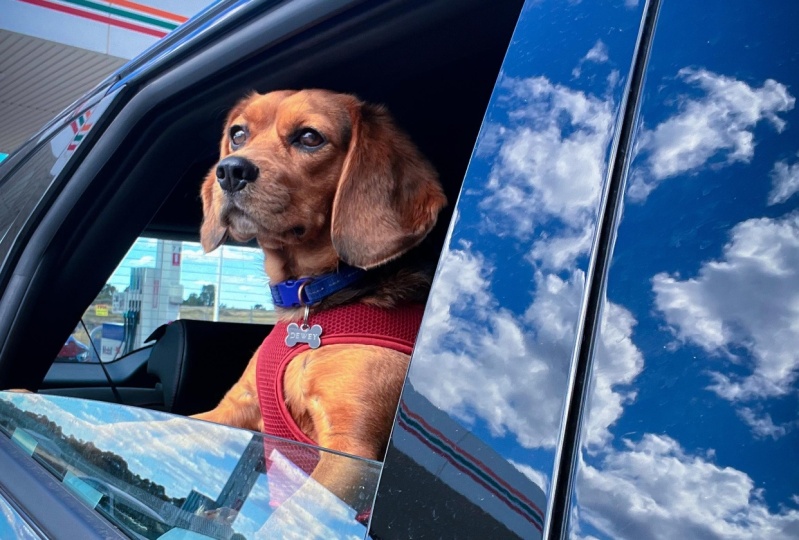
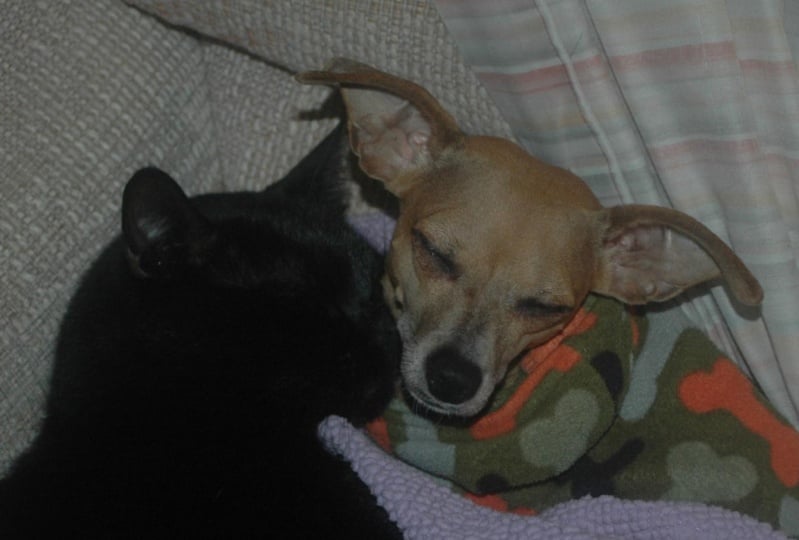
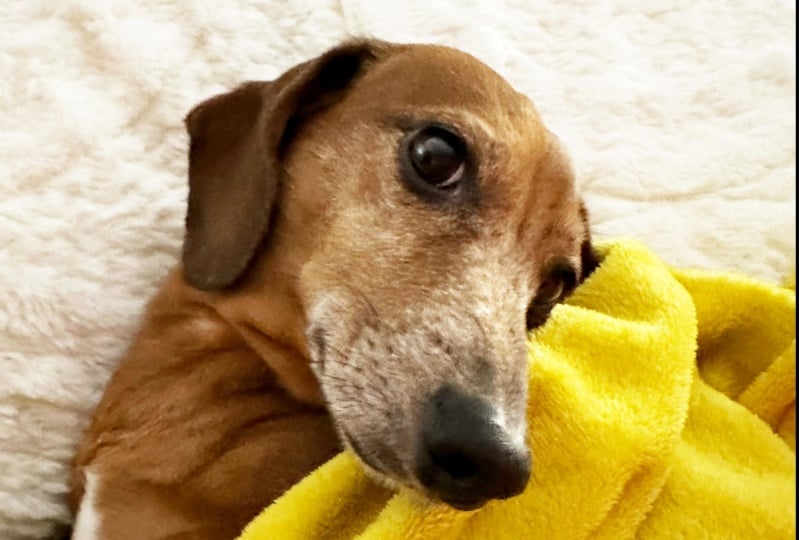
6. Editing Corrected: In this lesson, we're going to be talking about editing all of these great pet portraits that you've taken with your smartphone. You can do so much with editing tools, but you do want to get as close to your final composition as you can and the actual shoot process. The reason for that is that it's much easier to take a coffee mug that isn't supposed to be in the background, out of that background before you take the picture and it is to Photoshop it out later. That being said, that's totally possible. It'll just save you a little bit of time if you can get as close as you can during the production process, rather than rely on editing something out in post, glance at your inspiration photos again to get a feel for the tone, contrast, and colors in the photos, you might not want to copy these Exactly, especially if your animal has different coloring or as different size, or if the shadows that touched their body is different than the ones in the original photo that you were looking at. So just keep that in mind. If you did use a specific pose or a specific crop that you think can easily be traced back to the inspiration photo. Or if you just think that the photos are similar enough, you do definitely want to cite the person that you took inspiration from. If you're going to be posting your portrait anywhere, it's just a nice thing to do. And honestly, the best part about being in a creative community is that collaborative mindset. No one's going to be upset at you for using their picture as inspiration, so long as you actually cite their work as part of what gave you this idea, I'm gonna take a couple of these photos that we shot with my dogs and edit them in the Lightroom app. Like I said in the what you might need less n. There are also other acts like snap seed and VSCO. Those just take a little bit more time to learn how to use. And I think oftentimes your pictures might risk looking too much like other pictures if you use a set filter. So that's all my opinion. It's up to you what you wanna do, but be experimental. So it you've been watching me do is just experiment with some of the functionality that is already in my iPhone. Whatever smartphone you use will have some sort of editing tool and it's worth playing with their automatic function to see what that does and how it enhances your photo. In addition to this, I have already up to the contrast of my photo and I always like to take the highlights out a little bit. Looking at this picture from obesity Ozzie PUB, I can tell that they've kind of washed to the photo out a little bit. It looks like they shot up the brightness a whole bunch. So that's what we're going to do. And then they also up to the contrasts that you can still see the details in the dog. But it's definitely an edited photo. And so it's worth trying to kind of mimic that feel. Because a lot of my living room is blue and because x2 Go is a black and white dog, I added just a little bit of warmth to the photo to try to mimic obese brown spots. I played with the straightening function on my iPhone for a little while, but then I decided that because it kind of cuts x2 goes pour off, it wasn't worth the level NIS of the photo to make it look like he didn't have his bottom Paul or like that something. It just cuts his leg off in a weird way. So I decided against using that straightening function after experimenting with it for a long time. This is the beauty of working with digital photos, is you can edit them and then always undo what you did. You can even go back multiple steps so that you don't need to have any fear around editing. And I'm going to pull this picture into the Lightroom app and edit in here as well, just so that you can see the difference. Now, just like with the iPhone functionality, I'm gonna lighten up everything and up the contrast a little bit and also increase the highlights. As you can see, this boats lightens the photo and brings Zuo his color back. I messed with the temperature of the photo a little bit. Temperature is just how cool or warm tone to the picture looks. I ended up going a little warmer than I did on the iPhone. And again, I just did this because obese picture has a little bit of warmth in it and I wanted to have that contrast with the blue in the carpet. I added a little bit of the white vignette just to make everything seem a little bit more dreamlike. And I rounded out the photo just a bit. Now I can stick with this photo or I can play with the presets. And so I decided to show you guys what that would look like. I actually do really like this vivid preset that like the Lightroom app has. I think that that is a very natural looking photo, but it does have that brightness and a little bit of that fade. So I'm gonna export that to my phones that I can share it. But I could have stopped at any point in that process and had a very different looking photo. Now for the next lecture I'm going to edit for you guys. I have this picture of tough that I really loved, but the water looks kind of gross. So I'm gonna see if I can cool that down a little bit. And after enhancing it in the Lightroom app, make that water just look a little bit less dirty. So I'm going to up the highlights similar to what I did with x2 goes pictures, but the highlights in the contrast will get increased in order to just make everything a little bit clearer. And I like to show the extremes when I'm teaching just so that you understand what exactly is changing. I'm gonna up the whites in the picture a little bit just because I think that will make a better impact on cooling it down. And now I'm playing with that temperature and you can actually see how the water is looking a little bit more blue rather than green. I'm trying to go far enough that the water actually looks cleaner but not so far that tough looks like she's a color that she's not. Now I'm just going to up the vibrance and saturation a little bit just to my liking. And then fix anything that might have gotten shifted in all of these movements. I am going to sharpen this photo to say a little bit so that I can get the detail of the water. And then similar to what I did with this Hugo's picture, I am going to look the presets just to see if I like any of those better than what I was doing. Oftentimes the presets can serve as a really great base. So again, I found myself really enjoying this vivid preset. So I'm going to choose that, but then go back and make all of the adjustments that I had before. It's really important not to think of editing as a linear process. You can always go backwards and you don't need to worry about maybe taking a misstep and circling around and making the same decisions that you made at the beginning of the editing process. Again, whatever gets you to the end result that makes you the happiest is most important. Now here I had never actually experimented with the white balance tool on the Adobe Lightroom app before. So I'm just playing with that now. But as you'll see, I end up going back to what I was working with before. One way that I pay attention to how I feel about the tone or the temperature, excuse me, of what I'm making as I like my whites in the image to actually look white. So if I make the temperature too warm or too cool than the whites in the photo will end up not looking White. They'll end up looking either orangeish or green or blue. And here are the end results. I can't wait to see these edited pictures. Please upload them to the gallery and join me in the next lesson for some final thoughts.
7. Final Thoughts Corrected: Thank you so much for taking this course. I hope that you and your pet had a great time bonding and that you cannot listen really awesome pictures that you'll cherish forever. I can't wait to see how you played with composition, lighting, prompts, and most importantly, your pets, unique expressions and quirks. Please remember to post a few photos to the product gallery and to comment on other people's work. I hope that you found this course freeing as being creative should be a source of joy. Please feel free to follow me here on skill share. All of the classes that I teach are geared towards giving you a low pressure projects that gives you high value skills. Thank you again, and I cannot wait to see what you make.
 Jill Fredenburg, Digital Content Producer, Author