Transcripts
1. New Intro: What if you posted something
that you made that is funny, relatable, tasteful,
and not cringe? And on top of all of
that, it went viral. This class is for people
who want to make fun, relatable messages and share
them in the form of memes. AI is the main tool
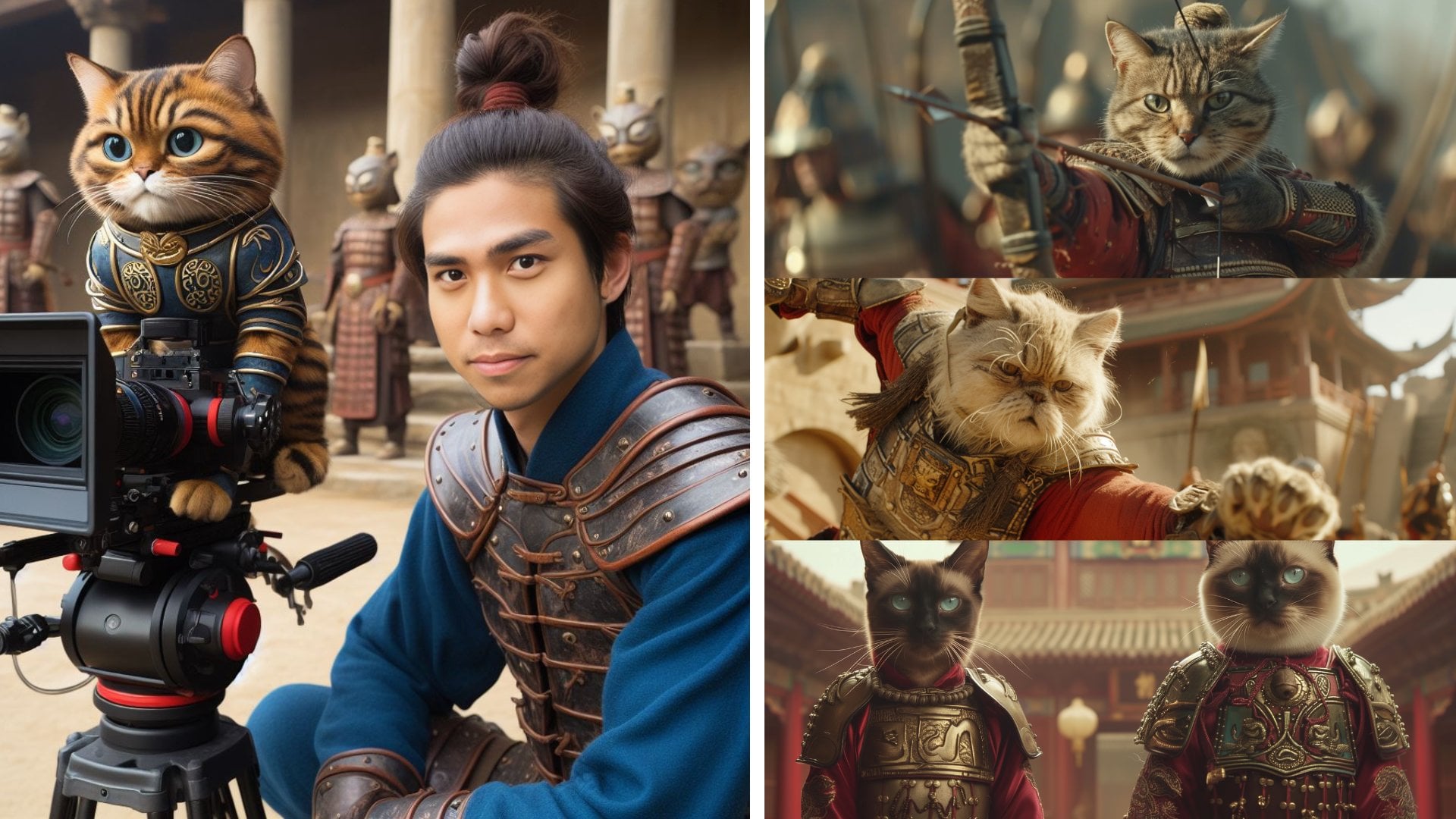
you need these days, and with it, you can create just about anything. Hi, I'm Arnold. I made this wizard cat
meme a few years ago, and it went viral all
across the Internet, getting millions of
views, countless shares, and taking its own life in
many different countries. Best part about all
of this is that you actually have to tap into your own creativity to
make something relatable. And that's what social
media has evolved into. In this class, we're
dissecting memes, learning trends, joining
social media conversations, and then putting all
of that together. Now, before we begin,
in the next video, I'm obligated to warn you about AI Slop. Let's
go to the garden.
2. AI Slop Explanation: Let's talk about AI Slop.
AISLPs a funny thing. You see this being tossed
around on the Internet a lot, and you're wondering,
what is actually AI Slop? Because you can
make something with AI and it not be Slop. And our goal with
making stuff with AI is to make it with
intention, creativity, and to understand that there is a deeper fundamental element to you that you can pull out and bring into a different
image or creation or something else that
you might not have been able to do before
without the help of AI. But ideally something
that you could do before, and now you're just amplifying
it with the help of AI. So, AI Slop goes back
to social media, and I'm going to define it as a formulaic unthought
out generations solely for social media
views and follows. And this is the same as what's happening a lot in social media. People are creating all of this formulaic posts
that are just valueless. They're having these
carousel slides, for example, on Instagram, and it's all of these
generic information that is not going to help you improve your
life in any ways. And at the end of that, it's
like, leave a comment here, and I'm going to send you my lead magnet to
sell you something. This is ultimately
just funneling to their advertisement system. And a lot of this stuff can be shared and posted
around the Internet and go viral because
a lot of this slop is just very sharable. If you go and look at some of the Veal three videos when
they first came out of AI interviewing
certain people or AI doing these types of videos, like the YouTube interviews, those were very popular. And a lot of that was AI Slop
because it's all formula. They have this certain style, a video that they're doing, and they're using
that same style, just plugging in
different elements to change it up a little bit. It might be something shocking, might be something humorous, it might be just
something that is not going to be very
valuable to your time. You watch it, you laugh, and it's like a cheap laugh. You're not going to
benefit from it. Our goal is to make
something with thought. So when you're
generating for AI is that you're using
your own thought to create something creative. For example, something
like the cat meme one, where we're coming
up with a quote to put into a cat image. That could be AI Slop if it's
just formulaically done. But for our practice, the goal ideal of it is to have something that resonates with you and communicates a vibe, a feeling that you have, and to put that and communicate that in an image of a cat
doing something random. Random is an unpredictable, like a cat in a spa, snus, wearing a costume,
a cat in uniform, cat putting out fires,
stuff like that. Stuff that relates
to your situation, why you make it, and your
own personal creativity. And this is what makes
AI generations good. This is also why art
needs a human input. And if you need
some encouragement, when you're doing this, you're putting that plus
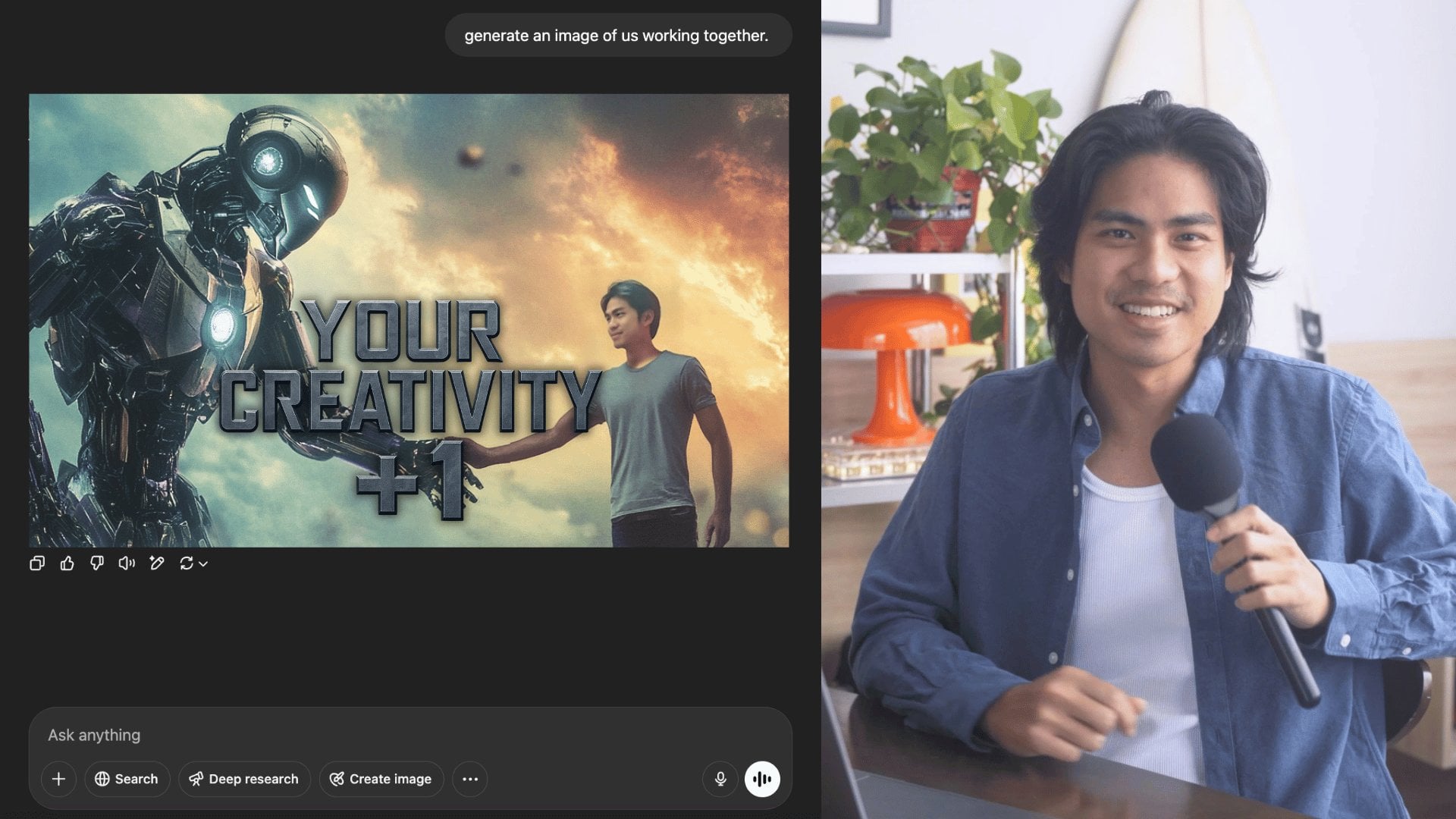
one element on top of all the AI information and data that's
previously trained on. So your job as a creative artist is to be one step
ahead because you have the capability to think of all
these new concepts that AI can't because it's only being trained off of old information. With that being
said, let's not make AI Slop and put some
creativity into what we're
3. Project Video: So the project for this class is going to be really simple. All you have to do is come
up with a text based meme, and that meme can go many
different directions. We're going to highlight
the way to format it, but it could be an
image and video or any different type of
format that you think works. Now, what I'm giving you is a blueprint for
you to practice. But as the landscape of memes and Internet
culture shifts, there's so many
different ways for you to approach making memes. And to easily break this down, there's a few steps to consider. First is the tool you're using. Second, the message that you're trying to communicate and third, putting it all together, which also includes
coming back to the first part of it and finding the tools
that you're going to. Does get easier. If
you continuously build memes and post, you get into this habit of knowing which tools are
best for your workflow. And I'll give you an example that might sound
counterintuitive. I have a background in design, and way back in the day, I used Photoshop in design, the big Adobe tools
to create content. And these days, a lot of times, if I'm making posts
for social media, I just use Canva because it's
so simple and quick and it doesn't take up a ton of memory on my laptop because with AI, it's making the cost of
RAM go up significantly. So it's good to know what
tools would work best with. So the deliverable
for this class. I want to see a meme. You're going to do so by
creating images with AI, and you can use
tools like GBT that I mentioned, Claude
or Nano-banana. These tools will be able to help you come up with texts and images for you to put your meme on so then you can build
the text based meme. Once you've considered the
tools that you're using, the next step is to consider what message resonates with you. So say, for example,
you are somebody that spends a lot of time on
your phone, scrolling away, maybe have over 2 hours screen time every
day on your phone, you can start making
memes about screen time. And a Quik we just
popped up into my head. It's like, when you
check your screen time, and it shows over 5 hours. Seems like a lot
of time. And I'm sure a lot of people
relate to that. So if you have a
meme with that text, you can have an
accompanying image that's funny that connects to how you're feeling to communicate what
you're trying to feel. And this makes for a meme
that resonates with people. And so as you're thinking
of these messages, consider what to you
personally will strike a chord with other
people because we're not trying to do
surface level stuff here. We're trying to relate
to people online. And like I mentioned, this is the way that the
Internet is shifting. People are getting more savvy. They're seeing through AI. And so this is building on
top of the level of AI. Like you cannot be
beat through relevant. Everything that is related to you, your personal experience, is not something that AI can do without sounding
very bland and dry. And these things get really
niche on a microscopic level. Depends where you're
at, the city you're in, and maybe there's
certain restaurants something's happening
in that restaurant, certain conversations
that's going on in that restaurant
in that city, and that becomes a meme itself. So it doesn't have to be stuff that's entirely huge
on the Internet, but it could be stuff
that's on a conversation, a social media
conversation that is in your particular
area of interest. Now, finally, your third step
is to put it all together. Now, simply put what I expect from you is
going to be very easy, just an image and
text on top of. AI generation in here is
to push your creativity to really tap into the emotion of what you're
trying to communicate. And that's the beauty of AI. If you want to create an image of something kind of cheeky, you can do that in a cute cat. And in that way, it's able to get that
message across without sounding crass
because some things you might say and it'll
sound kind of crass. But if you put it
in a medium that's easily digestible and saying
it in a cheeky, fun way. It's something that people might resonate with and
might see and be like, Hey, you know what?
This is kind of funny. And so to summarize, your
project is to create a meme that uses text and AI generation.
Alright, let's move on.
4. Making Cat Memes: This part of the project, we are going to talk about
making cat memes, which is one of my
favorite things because cat memes are an amazing way to communicate something
you want to say through cute medium format,
which is cats. So we're going to
do this by first getting the structure
and the style, which will help you understand what type of
meme you want to do. And then from
there, we are going to AI generate our meme. So what I have here is the
Explore page for my cat page. And on this Explore page, there are a lot of different
formats and styles that shows what's popular and trendy right now for
different cat memes. So what we're looking out for is a style that you want to do. For example, right here,
this is an easy one. I like this a lot myself. It's got that cat
with a yellow hat, kind of like the
step Zisu movie, and it has a faded
Be yourself on top. You can scroll, and
there's more of that, and this could be
something that we do. So we'll note that. I'll scroll down a bit more. We'll look for a few.
I'll go through it with you so that you can have an
idea of what you want to do. Now, this is also another one that I've done similarly before, which is a cat on the airplane
and he's just going crazy. He's saying, Life
update I'm up again. I've done this image generation before so I'm going
to note it Tear. I don't know why it's not
loading when I click it, but we're going to note
that one, as well. We could even take a screenshot
of it just to remember. And then this one's
also really funny, this and no one asked me what
I want to do with my life. So it's just a cat
next to a gnome. This can go many
different directions. And this one was
actually something that I have made a lot, and one of the posts
got super viral was a cat with the headscarf. Looking relaxed,
drinking champagne or martini and just
living a good life and, like, have something that
says, I don't really care. I'm relaxed. I'm
having a good day. Let me be in my own lane. So this is actually something that I would probably go
through with you guys because you can see the
process of how this comes out to be
something really funny and how this is made. So you get to make the cat with AI first and how
you add the text afterwards and how
you model it after something that's proven to
be working on social media. Like, this one, for
example, has 52,000 likes, and it's a very cool concept. It's just cute. And relatable. Super cute and relatable is like the name of the game
to make cat memes. And the beauty of it is
these are things that you can't really get your cat
to do. It's gonna be hard. So having AI generate
something like that is going to
be a lot easier, like making your
cat wear a dress or just having your cat
do very human things. Like, for example,
this is a dog, but you could also have a
cat doing this, as well. Now that we have a
few potential styles and structures of what a
cat meme can look like, let's hop on and
make that cat meme. Okay, so for this,
we're going to need Midjourney and Canva. Okay, so I'll start off
by going on Midjourney, which is where we're going
to generate this image. Now, a precaution is to make sure all your
sizing is correct. I'm doing nine by 16, which is going to be
for vertical format. And if you're doing for
post photo post only, you can do it in a four by
five format or two by three. So I took a screenshot
of that image earlier. Now, we could use
this screenshot. We'll do another one
and take out the text. This way, it
understands we're just trying to go for this
certain aesthetic. Now, from here, we
can go and drag this in and drop this
image to describe. Now, when you describe it, it will show you the types of prompts that you can use to generate something
very similar to this. Now, the whole vibe of this is what is really carrying it. So what we're going
to do is grab this one again and
we're going to go with style reference. And with style reference
of that being there, we're going to also use some of these prompts
and generate it. Now, I'm going to
take off the aspect, the ratio part right here and only keep the
style reference. If you want more control, you could also have the same
cat be an omni reference, which is referencing
the character. But we're just going
to do style reference and the prompt. So I'm going to generate
that. I'm also going to lock this so it keeps the
style reference here, and I'm going to run a few. I'm going to use
the second one that it described for me as well. And then these are now running. We could also keep
going and use this one, and you can see it's
starting to come out, and it already looks pretty much on point with the
vibe that we want to do. Now, this is where you
can get really creative, because the cat doesn't have
to be drinking a coffee. It could drink wine, champagne, martini, whatever it is
that you want to do. And it could also be
sitting in a hot tub, Jacuzzi son wherever
you want it to be, the creativity is the part
that you want to tap into. So we can see that this is
the vibe that's coming out. Okay, these prompts are working. The style reference is working.
Let's change it up a bit. Go and use this
same prompt again. This one looks simple and easy. I'll type in I'll press the use tax part so that
it copies over here. You could also do it manually. And let's look at this prompt. A white cat wearing
sunglasses and a headscarf holding a
coffee cup in front of a burning plane in
a polaroid photo with the 90s aesthetic
and grainy film effect. From here, it seems like
the main thing that we could change or should change to keep everything else in place is holding a coffee cup in
front of a burning plane. So let's bring up one of the
examples that I just said, holding a champagne
glass sitting in a hot tub with a burning
city in the back. And we will run this. It's keeping the same
style reference, and we'll wait for
it to generate. And so now you have a cat
at the end of the world. This looks like Los Angeles
is ending and the cat is just chilling with its
champagne glass in the hot tub. Okay, so I like this one. I like all of them, actually.
But this is in focus. Now, this part I don't like it looks kind of fake and
people are gonna be like, Oh, this is AI, even
though it's obviously AI. But we can use something
like this one. I also really like
the composition of this. This is
actually my favorite. So one more thing that
I could do if you like one of these images is
you can go and very subtle, which will do other generations of this same image
with the same seed, so it's going to have
slight differences, but for the most
part, very similar. So from here, we
have a few more. The cat is more in focus now. And this one, for
example, I like. So we're going to download this, and then let's move
on to the next step because am needs
more context to it. So I'm going to have an
Instagram post template. And here's an Instagram
post template. I'll dig that cat image in And we'll just have
it fit in here, and then from here, think
about what relates to you. So it could be a
quote of the week. Something that you're
trying to live by, a mantra that you're
wanting to do. This could be your
reminder of that mantra. A good place I like to
find quotes is Pintris. You can just type in quotes
on Pintris and see what pops up if you don't already have a mantra
or something to say, but You can go on pinches quotes to relax or
sassy quotes or something, since this is a
sassy cat, right? So let's do sassy quotes. And so I was searching around, I found some like
this one that I like soul too pretty to
deal with ugly energy. Okay, perfect. We're
gonna use that one. Now, looking back
at this one again, I'll also pull in the reference. So this is our
initial reference. Now, some things to note about this initial reference is
the text that they have. If you like the
certain font that they have, we could use
something similar. So Cs. It looks something
like this. Come on. And we can have so too pretty
to deal with ugly energy. And of course, I'd like
to stylize it a bit more. The initial text was white.
Let's make it white. And I'm going to zoom in
a little bit white text. The spacing is a little closer. So I want to make this line
spacing a little closer. Letter spacing a bit
closer to to be trend. It also has a lifted
effect or a shadow. Depends what you want to use. Essentially, just get
your text popping out. So there you have it. So too pretty to deal with ugly energy. Now,
we move this here. Depends how you want
to stylize it, too. I might do something like this. I might even have these words italicized just depends on the vibe that you
want to go for. And essentially, that is
how you make a cat meme. Now, this is also
something that you could use for your wallpaper, as well on your phone or
just something every day to remind you of a mantra for
the week or have a mantra. You put it in a
creative cat image, and from there, go on and do
whatever you want with it.
5. Conclusion: Yeah. Oh, hey. I just got through watching
some of your memes, and they're really enjoyable. Now, thanks again for watching this course and finishing it. I'd love to see what
you post down there. Now, to make it even more
interesting, if you post, share about the context behind
it because maybe you're making something that is niche
to your particular world, your industry, your bubble, and other people might
not really know about it. So when you include
them into it, they'll understand
what's going on, and it'll be a much more
enjoyable experience. Now, this is also
a good opportunity for you to put your work out for other people around the
world to see because the students on Skillshare
are all over the world. I also have a ton
of other AI courses on Skillshare of content on AI. So if you want to make images, videos, everything, I'll show
you all the nitty gritty. So check the profile on Skillshare. I have
everything on there. And once again, thank you so much for watching this class. I'll see you again in the
next class that I put out.
 Arnold Trinh, Multi-Disciplinary Creative