Transcripts
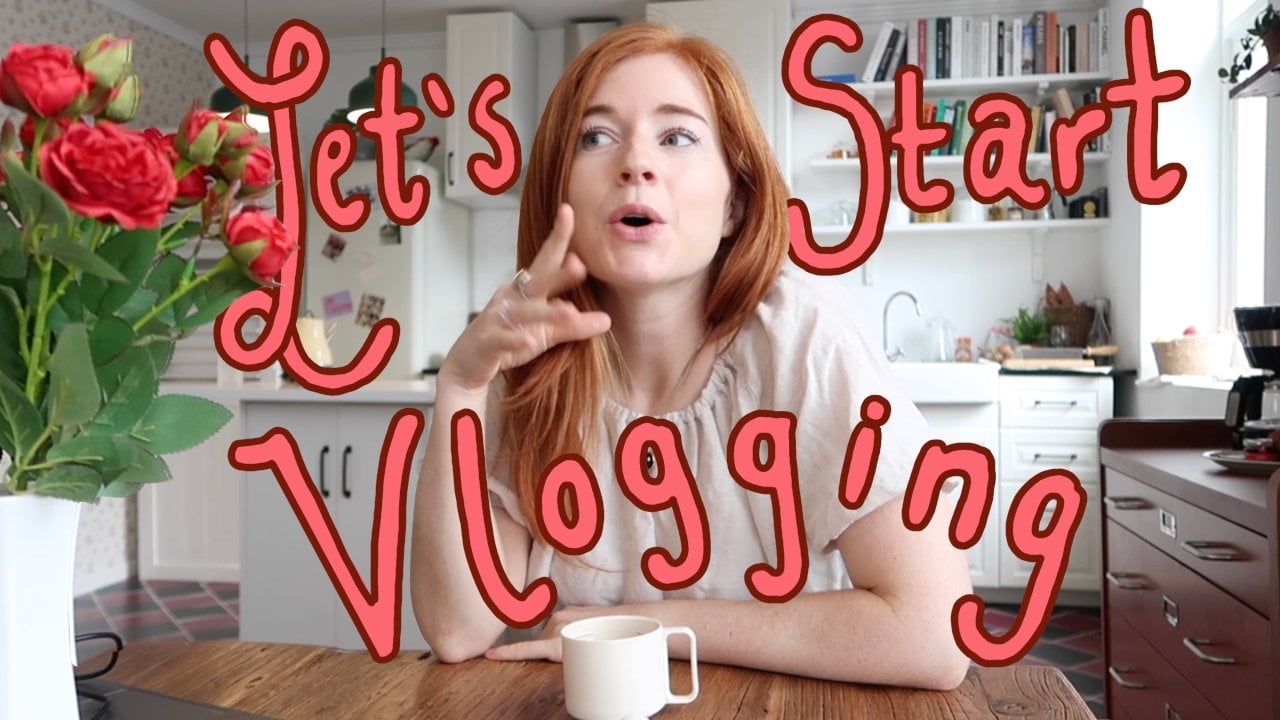
1. Mess to Success: Welcome to Class!: Content creation is a lot more than just
filming and editing, and it can often get
pretty overwhelming. In these short lessons,
we're going to take your current
workflow and show you how to make some easy
behind the scenes changes that will help
your channel performance, your creation process, and
hopefully your stress levels. Whether you're brand
new to content creation or you've been at
this for years, it's always a good
time to get organized. Hi, everyone, and
welcome to class. My name is Kerri, and
I've been a creator on YouTube for over seven years
with two different channels, and I actually have been doing this full time for
about four years now. I really think that
the thing that has gotten me to this
place in my career has been my creative workflow and my organizational process. So in this class, I want to share this process and focus on scheduling and being intentional with your time and your content. We're going to be covering
content calendars, working with sponsors, tracking your finances, and just generally setting
yourself up for success. I'm going to include
some personal examples and my own analytics, but I really
encourage you to try and find a process
that works for you, like our content,
we're all unique. I just hope that this
class guides you in the right direction and
you're able to find a workflow for you
that helps you stress significantly less while
your channel grows. If you are ready to organize, you are behind the
scenes workflow, I will see you in
the next class.
2. Let's Talk Content Calendars: Prior to YouTube, I
actually worked in social media and marketing
for about five years, and a tool that was
absolutely essential to my job was a
content calendar. So what does it do? A content calendar
is a calendar, but it does a few very
important things for us. First is that it
helps keep track of your publishing dates
or your live dates. So you know when you need to publish something or
when you plan to, and that helps you plan
backwards to think, Okay, well, I need to film, and edit
starting in these days. This helps you stay on track and helps with your consistency, which I will talk
about why that's so important in a second
with some examples. The second thing
that it does is it tracks holidays,
trends, and events. So, for example, right
now, I live in Korea, and the cherry blossom season usually starts at the
very end of March. So, for me, at the beginning
or end of February, I start planning
my spring content. Because if I start
planning on spring starts, that season is already over, and I will miss out on a lot of opportunities to create content. It also depends on your niche, so I'm much more
travel oriented, and people use my content
to plan their trips. So if they're searching for best places to see the
cherry blossoms in Korea, they're going to be
looking for that content, before that season starts so that they can
plan their trip. It's important for me to look
at my calendar and plan, I need to be posting this
a week or two in advance. It helps keep your
content fresh, relevant, and valuable
to your audience. It also helps you keep track of your collaborations
and sponsors, which we will cover extensively
in the next lesson. But let's go back to
that first point. A question that a lot of
content creators have is, how often should I be posting in order for
my channel to grow. And I don't think anyone has
an actual answer for that. But what I do know is
important is consistency. I always post on Sunday mornings and I've been doing
this for years. So my subscribers have messaged
me that they've made it a habit to watch my videos
every weekend over breakfast. And so creating that kind of routine is really
helpful for people to know when your
content is going to be posted so that they
can engage with it. When I started YouTube, I was just a very excited,
enthusiastic creator. So I would post
randomly at all times, and then I would just
disappear for a few weeks. And it wasn't until I started
posting consistently with a schedule that I saw clear and steady
growth in my channel. So this is what my current
workspace looks like. I use a browser called
mirror that helps me really organize everything
on the left hand column. So you can see that
I have my calendars, my campaign tracking, my scripts, my thumbnail
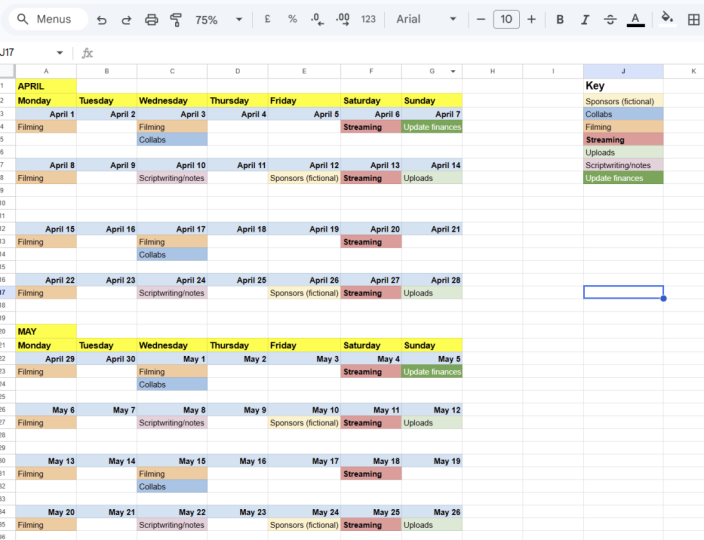
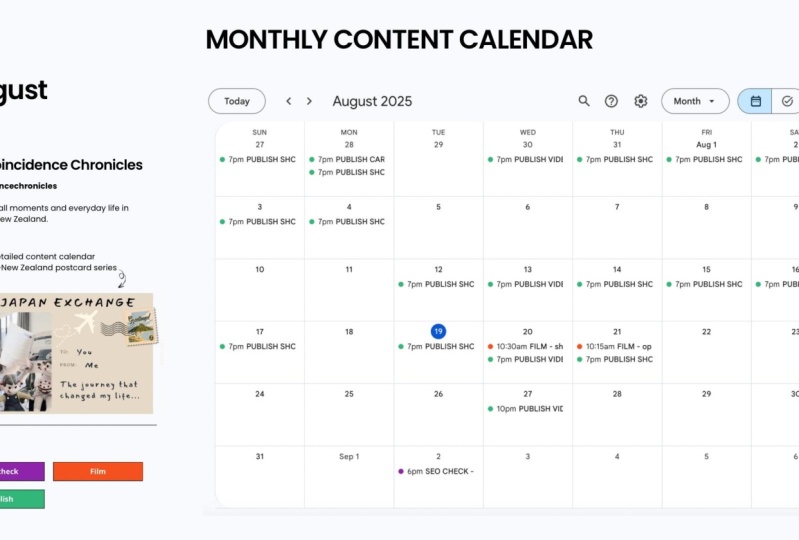
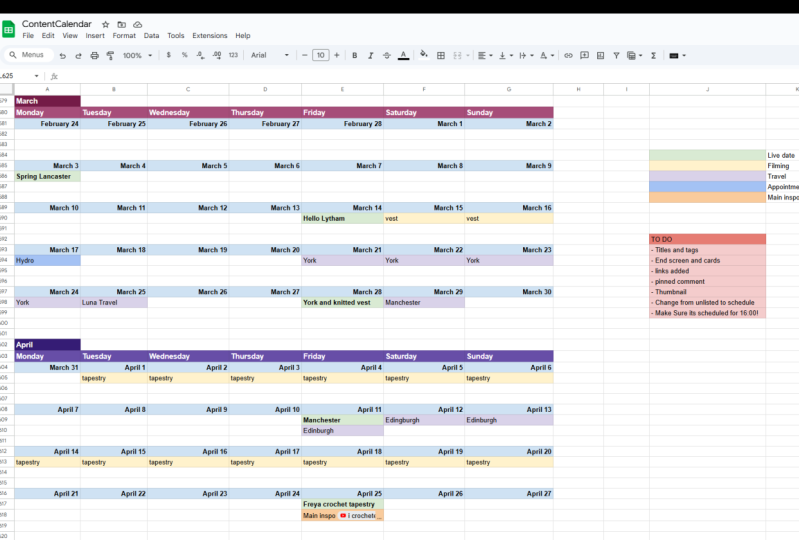
creation sites, all in one place. And this is what my calendar looks like a little bit edited, but you get the idea. In green, I have my live dates, usually with a working title or the theme that I'm
trying to go for. Then I go back with yellow
and I mark the dates that I'm going to be actually
filming and editing these. Usually in a separate notes app, I will write down, if I'm going to specific places, I'll have more details. But this is just marking your time and what you
should be doing that day. I also in blue, add any
kind of appointments or things that I have just so that I'm not overbooking myself, and if something
changes and I have to rearrange my schedule,
I know what's going on. I also have a separate tab
simply for inspiration, things that I'm hoping
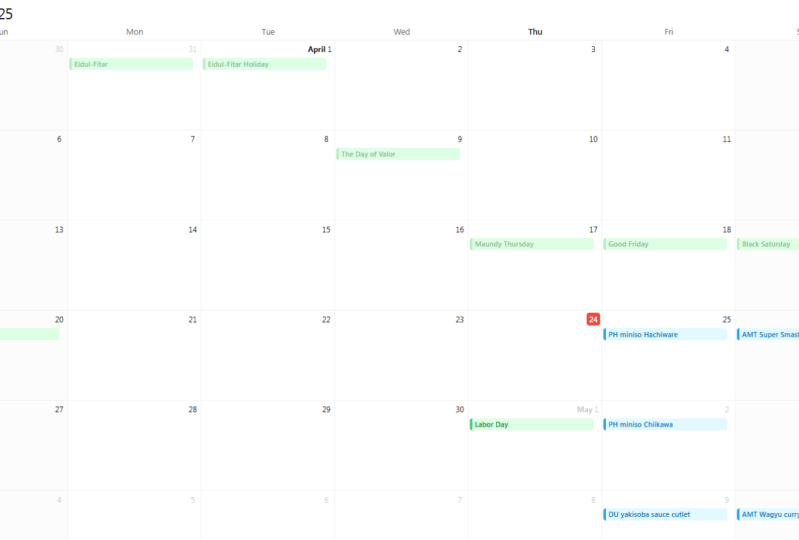
to make and also keeping a list of events,
holidays, et cetera. Again, this is
going to be really dependent on your niche. If you are doing film reviews, when are the Oscars?
Write it down. This all sounds really
common sense, and it is, but trust me, you will forget, and it's just easier to
have everything written. I'm a very visual person. So having that down
just helps you really plan your content out
and stress a lot less. And if I then am in a kind of creative slump and I
don't know what to film, I suddenly have a list of ideas right there
for the taking. That brings us to
the class project where you are going to make your very own content calendar. You don't need to have
a certain size channel to create a calendar. In fact, it might even
be helpful to start a calendar before you even
start posting content. I personally use tools
such as Google Docs, a browser called Mirror, and I have started
fiddling with Notion. All of these tools are
free and easy to use. Just pick what works for you, and I'll be attaching
examples of my very bare bones
calendar in the notes, and it does not
need to be pretty. As evidenced by my calendar. As you can see, a content
calendar really depends on you and your workflow
and your niche, and it's pretty fluid. So if something comes up, you can scramble some things around. But what happens if
there is someone that is counting on you and you
have some hard deadlines? In the next class, we're
going to talk about sponsorships and finances.
I'll see you there.
3. Sponsorships and Finance Management: I have found myself more
than once frantically uploading a video seconds before I had planned
for it to go live, and because it's my
schedule, I'm in charge. You can do that. I don't
recommend it, but you can. But what happens if other
people are counting on you? What happens if you
have a contract? What happens if you have
a deadline to meet? I've been making
sponsored content for about six years now, and this is where
your content calendar really comes in handy. Brands will always need to see your content before you go live. So usually they ask for a
window of up to a week, two, maybe two to three
business days before you post so that they can review it and ask for edits
and things like that. With your content calendar, you can track that
and really plan for, okay, I need extra time to film. I need to start filming here. I personally try
to have my video edited about a week in advance, and that's reflected
here in my calendar. Now you can see a rather
glaring red color, This is all of my sponsorships. Keeping track of your
content and how much time you will need will
really help you stop making promises that you
can't keep if a brand reaches out to you
and you simply can't work with that timeline. This is where you
could ask them. Perhaps, could we try again next month? This is
what I'm working with. Look at your content
calendar before you agree. You will hopefully
not burn any bridges by making promises and
then not delivering. Let's say that all
went smoothly. You got a sponsorship deal, made your content.
It went up live. Perfect work. Now, Let's track your finances.
This is my next tab. I keep it in my content
calendar just so that I can have something in
a hub in one place. And I've been tracking
my content for years for a few very
important reasons. As you can see, I have years of finance tracking
on my Google Doc, and I originally started doing
this simply to see if it was feasible that I could
make this a full time job. I wanted to see how much I was making if I could
ever make the switch. The second reason is simply
to make sure I got paid. When you're freelance,
a lot of times you're working with a bunch
of different agencies, you're getting money
from different sources. Sometimes they pay
you within two weeks, sometimes they pay
you within 30 days. Keeping track of,
have you been paid. Have you sent them an invoice is very important because things will slip through the cracks. And the last point is the
most important to me, and it's really important
to people who are maybe very new to working
freelance or contract work. For me, I'm a US citizen, so I pay US taxes, and we can be taxed up
to 30% on our revenue. Let's say you are
given a $1,000 deal. That's incredible.
But come tax day. That $1,000 is actually $700. So I write down
what I have earned, and then I immediately
have a column that subtracts 30% just
as a guestimate, so that I'm not
going to be shocked, come tax day, that I have
thousands of dollars. I need to give the government. That will really help
you with your budgeting and will not have you having a horrible wake up call come April or whenever
your tax season is. But if you're not ready
for sponsors yet, I would highly recommend
in your content calendar, writing down the people that
you dream to work with. And I encourage
you to dream big, but also dream small. When I first started,
I actually just cold e mailed a bunch of
people I wanted to work with, and I actually still have
a great relationship with the small skincare
company that was my first sponsor
seven years ago. So tracking your hard
deadlines, your finances, and your dreams and
goals, honestly, On a content calendar is really going to set
you up for success. Making content clearly involves
a lot of moving parts. For our next lesson, we
are going to be focusing on a final checklist
before you go live.
4. Your Last Minute Check List: Okay, you have filmed
and edited your work. If it was sponsored, it
got okayed by the brand, and you are ready to go live. Let's talk about your
last minute checklist. This is my last
organizational tip, and it is one that I
still need to perfect truly because I will always forget one
step in the process. I personally use mirror
like I showed you in an earlier lesson where I can have everything
organized for me, including my calendars,
my campaigns, my thumbnails, et cetera. So you can also use a notes
app just anywhere that you can have a checklist that you can physically
look at and be like, did I do all these things
before I press publish. These include obvious
things like your title, or did you add tags? But also, did you add ad breaks so that you can actually make money
from your video? Is your thumbnail ready? What about your subtitles? Did you fill out the
description box? There's so much to do. So just have that open while you are uploading the video to YouTube and just make sure everything is
checked off that list, especially with
sponsored content. Do you have that link
in the description box? Once you've gone through your checklist and
you're ready to go. I also encourage you to remind
people about your post. Whether that is posting a count down to your
Instagram story, posting about it on
discord, to remind people, tell people to expect
content from you. Then once it is posted, also post a link on your Instagram story
or post on TikTok, make a community
post on YouTube. Do not rely on YouTube to
notify people of your content. You've worked really
hard on this, put in a little extra
effort to make sure people know that you
have created something. Congratulations, you did it. It is no easy task to get a
YouTube video up and running.
5. Final Thoughts: It's Your Turn!: And you've made it
to the end of class. Thank you so much
for joining me. Organization is so
important for your channel, but please remember that you should do what works for you. So these are just my
personal examples and tips. I highly encourage you to play around with
them and then tweak it so that it works in whatever creative
workflow you have. And I also encourage you to keep a healthy relationship
with that organization. I definitely sometimes
get a little bit stressed with my own
personally set deadlines. Things happen, you
can go off schedule. It's not the end of the world, but this is just a really great
backbone and something to have in your behind
the scenes creative workflow to set you
up for success. Thank you so much for
spending time with me. I really look forward to
seeing your content calendars. Again, there will be
examples and links for you to guide you through your
first content calendar. I'm very excited
for your journey. Wish you a lot of
luck and success, and I will catch you in
the next class. Bye.
 Cari Cakes, Content Creator