Design Digital Tropical Leaves | Miam Design | Skillshare

Playback Speed


1.0x


  • 0.5x
  • 0.75x
  • 1x (Normal)
  • 1.25x
  • 1.5x
  • 1.75x
  • 2x

Watch this class and thousands more

Get unlimited access to every class
Taught by industry leaders & working professionals
Topics include illustration, design, photography, and more

Watch this class and thousands more

Get unlimited access to every class
Taught by industry leaders & working professionals
Topics include illustration, design, photography, and more

Lessons in This Class

    • 1.

      Introduction

      1:36

    • 2.

      Create a canvas

      1:33

    • 3.

      Create a Brush

      1:33

    • 4.

      Drawing/Coloring

      3:35

    • 5.

      Drawing with symmetry

      2:06

    • 6.

      Practise 1

      1:49

    • 7.

      Practise 2

      2:39

    • 8.

      Final Thoughts

      0:42

  • --
  • Beginner level
  • Intermediate level
  • Advanced level
  • All levels

Community Generated

The level is determined by a majority opinion of students who have reviewed this class. The teacher's recommendation is shown until at least 5 student responses are collected.

193

Students

2

Projects

About This Class
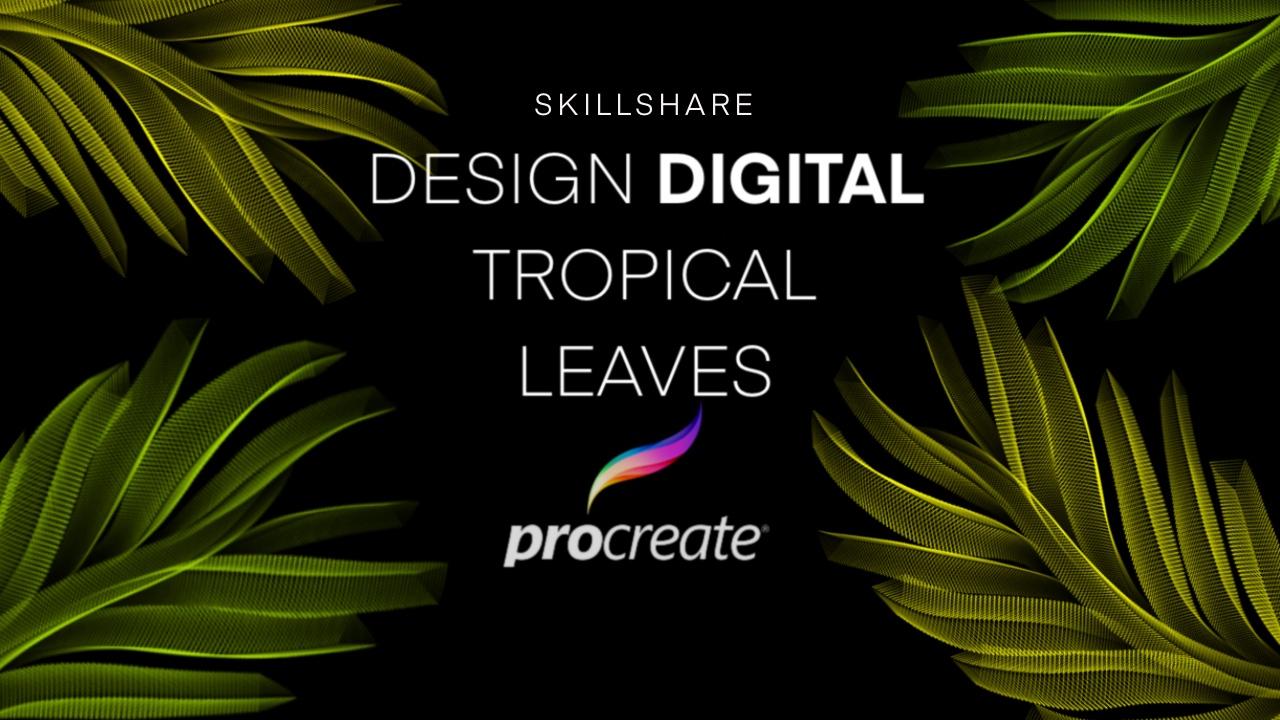
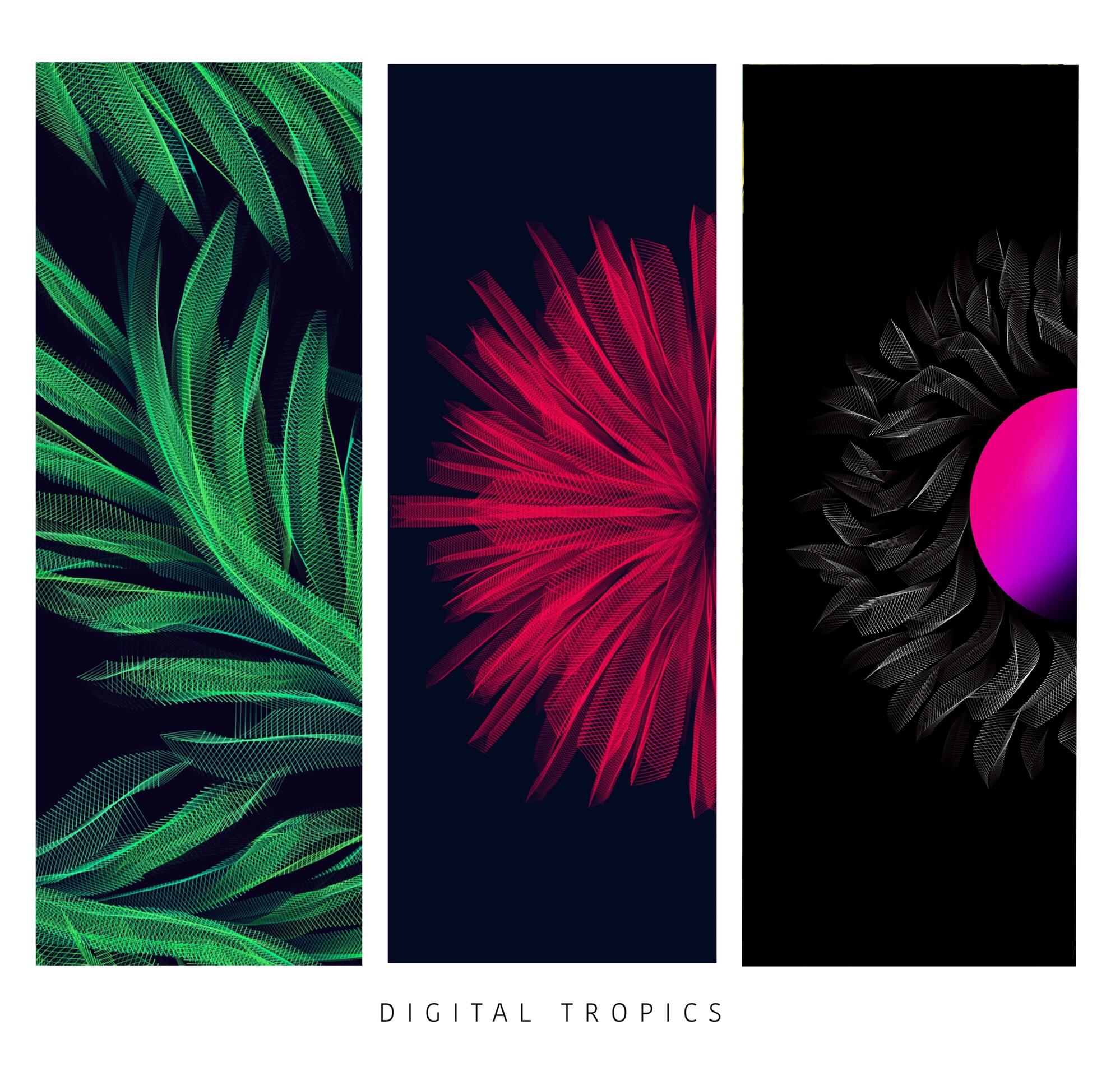
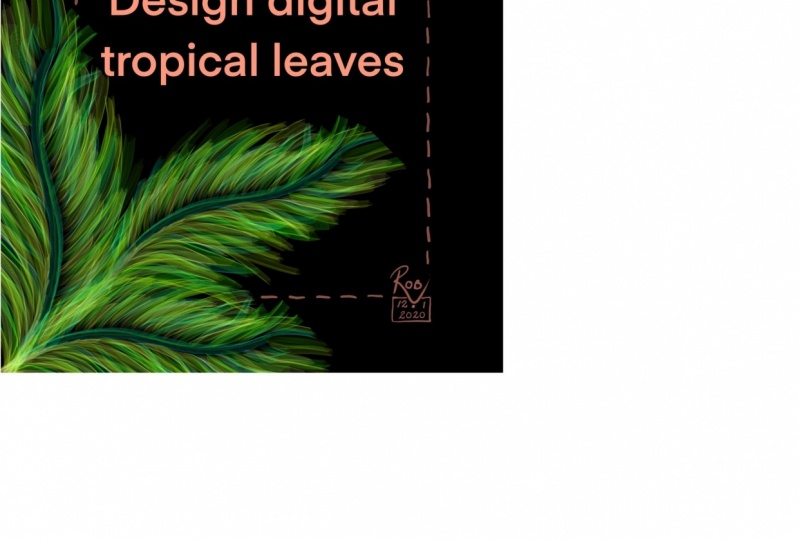
This Class is about using a digital medium to create simple tropical leafs by using a robotic 3d technique . I will teach new methods to create a simple thing in a new and exciting manner. Student will require an Ipad,Apple Pencil and procreate app through this we can create an amazing new technique.

You will learn a method of making a new digital brush. Using color to add depth in the drawing and finally students will create project of designing their own style of leaves,flowers,abstract designs or anything your imagination can think of.

What we will cover:

creating a digital brush

drawing 

adding depth with color 

choosing color options

practising

What you will need:

Ipad with Apple Pencil.

procreate app

If you like my work do follow me on Instagram

@miamdesign
Meet Your Teacher

Teacher Profile Image

Miam Design

Graphic/Surface Pattern Designer

Teacher
Level: All Levels

Class Ratings

Expectations Met?
    Exceeded!
  • 0%
  • Yes
  • 0%
  • Somewhat
  • 0%
  • Not really
  • 0%

Why Join Skillshare?

Take award-winning Skillshare Original Classes

Each class has short lessons, hands-on projects

Your membership supports Skillshare teachers

Learn From Anywhere

Take classes on the go with the Skillshare app. Stream or download to watch on the plane, the subway, or wherever you learn best.

Transcripts

1. Introduction: Hi, everyone. This is Miriam. I'm a graphic in a surface. Veteran designer Andi I love to create digital designs in this class. I will be teaching you about a very full technique that I explored myself inappropriate. I think this technique we'll be drawing very cool Robotic three d tropical leads. Andi, I would love to see what you people will create with this technique. I mean, you can be You can draw it in any form like you can draw it in a flower shape or you can create abstract designs with them. I think you'll be needing an iPad with an epic pencil and appropriate, I think, basically for the big earners and you won't be needing any particular skills before hand, so let's get started. 2. Create a canvas: first of all, open appropriate, and we create a custom size scandalous make it 2000 pixels by 2000 pixels with 300 d p I and create Here it is the canvas. We'll be using a doctor background for this technique because it has a very unique effect on a very unique and a very cool effect which can only be popped up with the doctor background, so we'll choose a black color as a background. 3. Create a Brush: for the brush. We'll be using the brush library off. Procreate, which is old redeemed, stalled in them on reviews. It was in the abstract brush in. This one will choose the triangle, um, brush and we make changes. Store it. We choose the first stroke on. Well, when you make a change to the spacing on, we'll make it around in 19. Then we'll make a change to the pencil toe and we make the size two marks. So here's the brush ready for use. I just added to your favorite. It is so we have a brush. 4. Drawing/Coloring: for the coloring. We'll use use off green. So let's choose this color. We want some fresh tropical leaves on the breast. Size will make it around Train team Select Creator store Well, that looks so cool. Cool. Your ad leaves like you can duplicate it to make it more popping on. Here it iss That's a cool effect. Tropical leave. We add more colors and more strokes in them. Let's make it around this week. Let's make it in the bottom, Todd straight and this will our depth into it. So this is This is our robotic relief That looks very cool. If you want a duplicate the layer, you can duplicate it to make it more popping off. This looks very cool. No, I will tell you how toe how to change the colors. It will choose the magic wand on we go. Do you saturation brightness and waken change the colors on it whatever you like. This is his saturation. If you want to make it white, have been change it from here So I use the same. So here it is. You can select it and you can change the size make make sure you that you can. You have to. When you have duplicated all the brushes, you make a group by selecting all of them on here When you choose the group, it moved off. The There's together. So Paris is Paris. 5. Drawing with symmetry : truth assisted going guy to mystery Cordant done there. It iss with radio color, make it colors. 6. Practise 1: 7. Practise 2: 8. Final Thoughts: Hey, welcome back. He's a few off more concepts that I have used with the same technique. Andi, I would love to see what you people can come up with. And thank you so much for taking this class. I hope you people have enjoyed it on. I'm excited to see what you people are coming up with. Thank you.