Transcripts
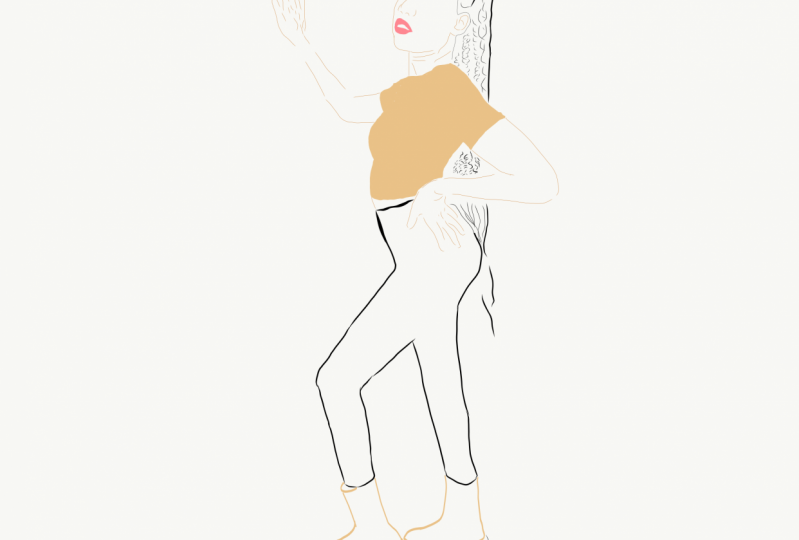
1. Introduction: have you ever wanted to draw on your phone but found it uncomfortable to do well, Maybe have sin illustrations like this and wondered, How can they be done in this glass? I'll show you how within five minutes, create your own illustration on your phone with no special skills required. You don't even need to have drove win skills in general. I want you to enjoy the process and the result, and that's why I will be glad to see you in my class last create together.
2. Meeting the programme: so the first thing that we need to do is we have to download an app called Jobless Traitor Drop, which is the former that will work for us. I usually choose square or portrayed here. We have some brushes, and the only one bridge that we're going to use is the one that you see on the screen. It's cold basic taper. Of course, you can choose different brushes, but this one is really, really good on. Of course, you can play with the collars and the A pass ITI and create even your own library of colors or used the offered themes of colors. So here you can see some colors that can be used in your illustration, and this is how the work in space looks like. So dependent on how your illustration will look like you choose your size of the brush, your rapacity caller and other stuff. So, as you can see, the program is very, very easy to work with and even easily get used to this
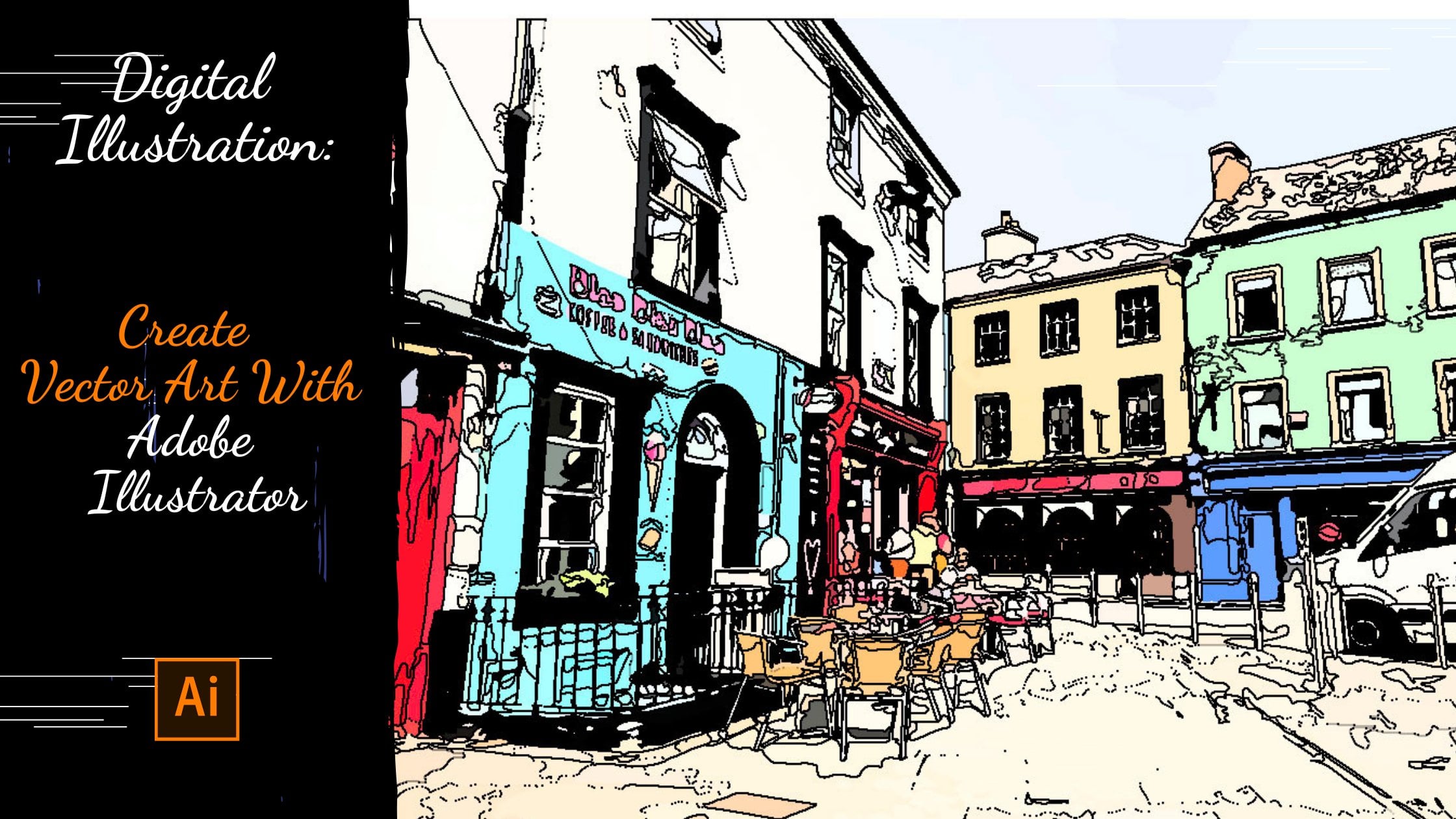
3. Contouring: So first thing that we're going to do, we upload a photo, something that has to be illustrated. So, for instance, it's your picture. We wait a little. So when are pictures uploaded with tap on image player and reducing capacity? And that would put an image layer behind the draw layer on the brash metal, which was the color while we're illustrating. So for instance, Harris drone skin, a speech E and so on. You can also create your own library of color samples. And now we're coloring the main objects on the image that we are goingto go straight now, the important effect. If you want to fill in the Contra, the counter has to be closed. No, it's not close to know a tous closed. So this is what I mean by saying Closed Contra because if the country is not closed, the fill in is not gonna happen. So now what? All the movements are clear. I'm gonna speed up video so you can see the result of the work. I remind you that the corner has to be girls like I do right here, because in the next lesson, we're going to call Earthy Contra on. It has to be close. Otherwise it will not happen. - So our country is practically done. I'll see you in the next lesson. We will color thes counter.
4. Filling in and saving: So it's time to fill in the contour. Richards the color and we hold on space that has to be filled in. So this way we do all these movements with all the spaces that has to be colored. Like I said, we choose to space. We choose the color and we hold into the space. And the filin happens to remove the image layer from the background. We just stop twice on these later. No, I'm just going to do some little corrections to make it look better because it is Don't like the weight country. Looks like you. I like it as well. Andi. Believe it. I'm going to speed up the process through the end so you can see the result. - So basically, we're done. You can leave the background the where is or you can make it transparent. Just tapping twice on the background and then you just see the image. Thanks for your attention. I hope you like the class
5. Your project: So now it's time to discuss what will we need for the project? So first of all, we will need a photo of yours. Then you need to don't load. Adopt Alice. Trader draw. It's the program that we use in this programme. We use only one brush and its basic paper. Obviously, we will need your phone. Even if it's not the latest version of iPhone, it doesn't matter. And just a little of your time now I want to remind you the steps that we should take. First we upload a photo, then we put this image layer behind the drawing layer. Then we're reducing capacity on the image layer which is collars, and create a library off samples. Then we choose the brush that we will use. But I remind you that we will use only basic taper. But you're free to use others. Then we do the contra and then we do the fill in. After that, we saved the image and now you're illustration and your project is done. You just need to send it to the class. I really hope you like the class and I hope that you will draw now more and more just using your phone. It was really nice being your teacher. Good luck with your future illustration. I was really glad to see you in my class C in the next lessons.
6. Earning money by illustrating: Hi, everyone. This is gonna be a bonus lesson where I can tell you how you can actually earn money by doing this kind of illustration or just different kind of illustrations. So, uh, first of all, I want Teoh let you know that they're easy website cool at sea shop. It's very, very popular among designers and just other different illustrators. And you see that the price can be very, very high or low depends on on your experience and just the way you work. So I just wanted to let you know that there are a lot of opportunities to earn money by doing that kind of activity. I think I'm gonna make a class and future about how, as an illustrator or a designer, you can actually earn money and just give some upsides and just other stuff where you confined your work and actually earn money or how to promote yourself is a professional because I'm convicted that it's not only important to be able to make an illustration to drop perfectly to be just a very good professional. It's also important to know how to promote yourself how to earn money because the artist cannot stay hungry. That's ridiculous. Surfer. No, I just wanted to show you that on at si Com. You can see a lot of illustrations and you can buy them. You can sell them. And it's a very good platform to promote yourself or to start with. Because, of course, there, uh, more and more comfortable platforms. But this one is also good. So that's all what I have to you in future. I will work on that class, obviously. But now I wish you luck. I wish you'd patients, and I wish you a lot of good works.
 Anastasia Bidn, Illustrator