Transcripts
1. Introduction to AI in Photography !: Hello, everyone. Welcome to discourse on artificial
intelligence photography. Boost your images and
workflow in 30 minutes. I'm thrilled to have you here. You might have been
hearing a lot of buzz about AI these days. And perhaps, like many
of you are wondering, is AI here to replace
photographers, let me put your mind
at ease right away. Absolutely not. Think of AI, not as a competitor, but as your new incredibly
powerful assistant. It is here to empower you to unlock your new
creative avenues and to streamline those
time consuming tasks so that you can focus on
what you love the most, capturing incredible images and telling compelling stories. In this course, we are going to demystify artificial
intelligence. We'll explore practical tools that can enhance your images, speed up your workflow, and even spark a
new creative ideas. By the end of this course, you'll feel confident
and excited about integrating AI into
your photography journey. So let us start this course. And I welcome you on board.
2. What you should care about AI in Photography ?: Now this video, let
us ask this question. Why should you really care
about AI in photography? Well, now that we
know what AI is, let us get to the most
important concept. Why should you, the
photographer care about it? Well, the answer comes to
three powerful benefits. First, it saves your time. Second, it enhances the quality. And the third, it gives
you more creative ideas. So if we talk about time saving, imagine having a
super fast assistant for your most repetitive task. Now, ARI can
dramatically cut down on post processing time from noise reduction to
complex elections, more time behind the lenses, less time behind the screen. Also, it enhances the quality. AI can do things that
are incredibly difficult or impossible for human hands
to replicate perfectly. Think about sharpening
a slightly soft image, reducing the distraction
noise from high ISO shot or even upscaling a small photo for a large
print without losing detail. A I can elevate your images
to the new levels of polish. F is the creative avenues. Now, this is perhaps
the most exciting part. AI opens the doors to creative possibilities
we couldn't have dreamed few years ago. Now, if you want to remove a distracting
background in seconds, now you can do that
with the help of AI. If you need to seamlessly add an element to your
scene, you can do that. AI tools are making these once complex manipulations
accessible to everyone, empowering you to tell your visual stories with
unprecedented freedom. Selena's Bast one more myth. AI is a tool, not a replacement for
your artistic eye. Well, I think AI is like a brush for a painter or
a hammer for a sculpture. It gives you more
power and precision. But you're still the
artist, the visionary, the one with a
unique perspective that makes photography
truly yours. AI simply helps you to bring that vision to life
more efficiently.
3. How to use AI in Photography ?: Going to use artificial
intelligence to see what things we
can do with the image. Now let's suppose you have
an image which you want to edit with the help of AI. Now, what are different types of editing that you can do
with the help of AI. I'm going to use a
platform called Fotor which has a lot of AI tools
to enhance your image. So let me first upload an image. Let me take this
image, and here it is. Let me first try
one tap enhance. Now, what will this
feature or do? Now this feature will optimize the image
and make it better. So once I click on AI tap hands, just look the difference
it makes to the picture. It has make it much brighter, throw more light on it, and it's looking
visually more appealing. Now, if I want to
increase the pixel, or if I want to make the
picture more detail, I can click on AI upscale. Now, this will
upscale the photo. To a high quality from 1024
pixels to 2048 pixels. Now, this is just
with the help of AI. I can just imagine a simple picture clicked on
a simple camera phone can enhance to a level
wherein it can show gravity for a DSLR camera. This is the beauty of
artificial intelligence. I just see the difference. This is before and
this is after. And if I drag it here, this picture has more pixels. I'll just click on Apply and
just look at this picture. This has become much
more beautiful. The pixel size has increased. Now, let me try and
with the help of A, I remove this globe, which I think is not looking
good in this, uh Photo. So I'll take just example. I'll click on Magic eraser, remove image part with
quick select for brush. So you just need to do the brush on the object that you want to remove and just click on remove. This is going to remove the
globe from the picture. How beautiful is that? This is the power of AI. It's gone. It's really go
and just click on apply. So the globe which you are
seeing is no more there. Now, if you want to remove the background and you want to place another
background there, you have the option to do that. Let me remove the background
with the help of AI. So I'll click on
background remover, and this will remove
the background with Auto for quick erase. So this is how it does. Let us see how Photo is
removing the background. Oh, wonderful. So now you have a completely different
type of background. So whatever was there,
has now changed. You can change the bathroom. You can make it a simple plain
color, see how it works. So I'm changing the bathroom
to a different color. So let me do that. So bathroom
remove I already done, and this is how it looks. So you can remove the
background of any image and make it look as if it was
marred like this before. So let me get to the
original picture. So this is a very important
feature, which your AI
4. How to use AI in Photography 2 ?: This video, let us learn
more features of AI, which can help you make your
photography much better. We've already learned how
to enhance your photo, how to upscale it to
a much bigger pixel, how to magically raise a particular object
from your photo, how to remove the
background from the photo. Now, we also have the feature
of blurring an image, a portate which you want
the image to be blurred. Let me try this. I'll
click on face and blur. And if there is any unblurring it will
make it more clear. This is the feature of
AI which you can use. It is automatically removing any blur which was
there on the face. Also, you can enhance this skin color with the
help of AI just click once and your photo will
have a better skin tone. So you can just see how that
will make the difference, the skin toll is
getting much fairer. So these are the
things which you can do with the help of AI. A, these days, you can click and make your
image to a video. So if I have to do that, I'll have to go to a different
software altogether. So we see if it is
able to do that, let me generate a video out
of photo, just a photo. And with the help of AI, you will be able to have a small animated
version of your photo. Now, this is, again,
with the help of AI, what you can do and how you can change the
way you look at things. Now, this was only
possible earlier, but now with the help of
artificial intelligence, you have the power to, in fact, change and
modify your image. You are afraid you fire. This was not possible earlier, but with the advancement of technology and
artificial intelligence, such as Chat GPT, Dali FO, Gemini, and other artificial
intelligence softwares, you have a great opportunity to enhance your
images and in fact, turn your images into videos. So let us see how much time it takes and what is
the end result. And if you are able to do that, I'm sure this would be something which you
would have never expected. So with the help of Area, you are not only doing
basics of everything, but you're also at last
let's see the result. Let me click this. Oh, wow, this image is now moving
like a video animation. This is simply brilliant. Can also download this and you
5. Advance use of AI in photography !: How with the help of
artificial intelligence, with the help of hat GPT, you can create an
image with a prompt. So let me just show
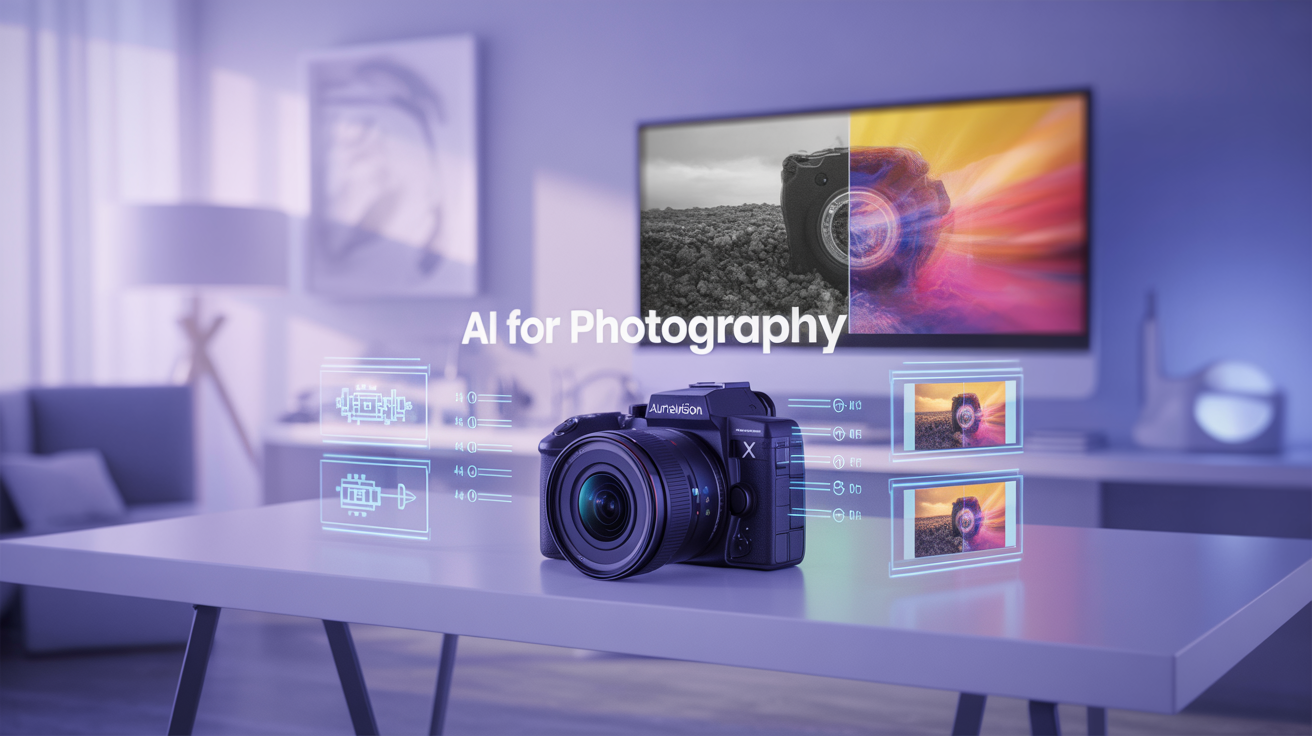
you how it is done. Now, let's suppose we have a course titled AI
for photography, and we want a good image
to represent this course. So what I will do, I will give a command or a
prompt to Chat GPT, create a ROM to generate an image for the core
title EI for photography. I'll give this prompt
to Chad GPT and let us see what kind of
prompt it gives. So this is the prompt where
Cha GPT has given to me. I can use this prompt and can generate an image in
Cha GPT, as well. So let me just copy
it and paste it. And let me see what kind of image ChaGPT is
going to give me. To show and represent my course. So this feature usually
takes some amount of time, but the image and its quality
is there for you to see. So I'm using hat GPT
to generate a prom, use that prom to create an image to represent or
to showcase my course. So Chat GPT is creating
the image for me. I'm going to use another
software to show you how you can use and create images for your courses or any type of image which you
want to create. You just need to generate
a prompt with the help of AI that is any of
the AI softwares, and you will get this ability to create image for your prompt. Let me try. By the
time this image gets generated, I
think it's coming up. Let's wait for some time and
see how it actually looks. Then I'll show you
some more apps or websites where you can go and generate
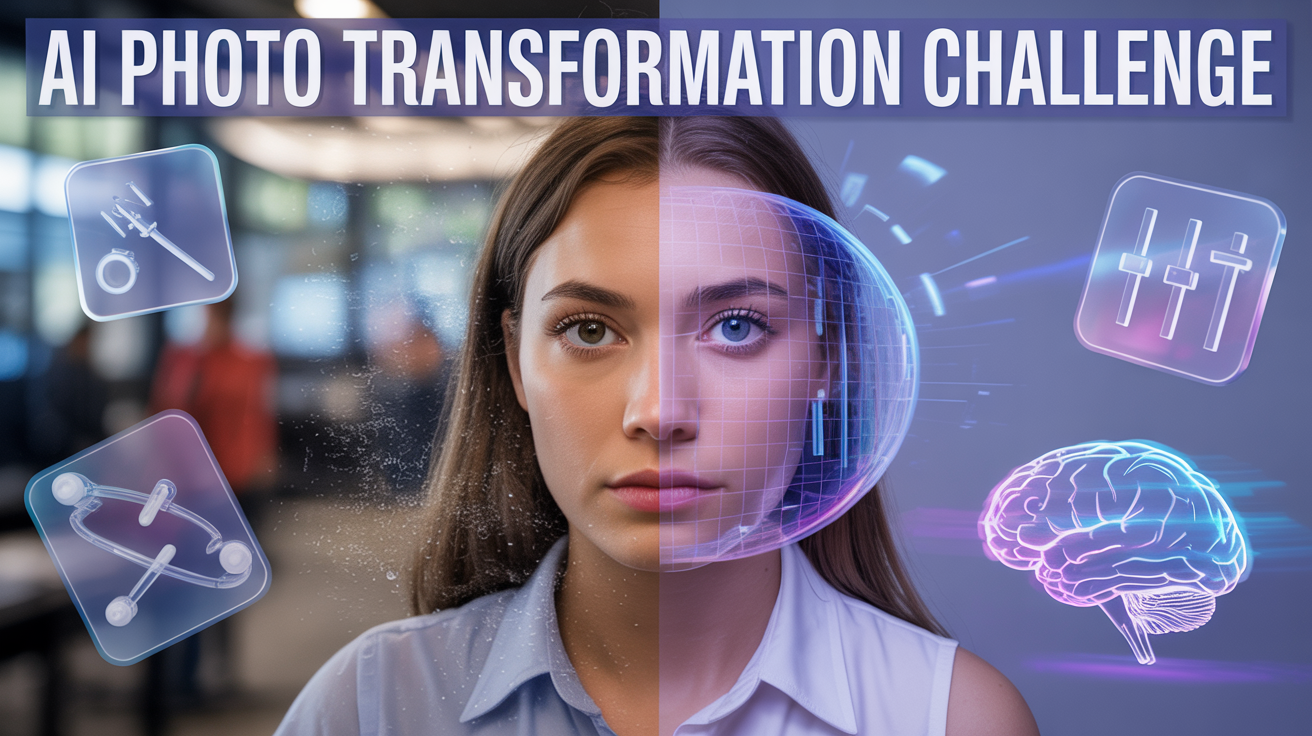
beautiful pictures on any kind of prompt you want. Now, this was not
possible earlier, but because of AI, you can generate photos
with the help of a click of a button to showcase
anything that you want to show. Just look at this how beautiful
this image is looking. This is best to showcase
our course you can download this photo and you
can keep it with you for your representation
of this course. Just with one click, you have generated the prompt and you're able to
get the picture. Now, let me copy this prompt and use it on another software. Let me try and make it through
a I use Google AI Studio. There are versions wherein
you can generate media. Let me try imagine and see what kind of
image this generates. Let me get the aspect ratio. I'll click on Run and see how
and what kind of image does Google AI Studio with the
same prompt which I generated from CHAPT is helping me
create. Wow, wonderful. This is absolutely brilliant. A beautiful picture
representing my course. So this is how you can do
it with Google AI studio. Let me try another Sompre
which is Idiogram Let me give the same prompto and see
how it generates Uh, the videos, this is
just for the sake of showing you how
advanced AI has become. Just for the help of prompt, you are able to get
beautiful pictures. Just look at the quality
of these pictures and how well they represent what you actually want to
show it to the people. You can click on
Download and you can use this photom
for your personal use.
6. What is AI in photography ?: Now let me talk about what
exactly is AI in photography. Well, let me break down this often misunderstood term
artificial intelligence. Now, please don't let the
name AI intimidate you. At its core, AI in photography
is simply about teaching computers to see and understand images in a way that mimics human intelligence. It basically enhances
your workflow, making the process of capturing the photography
easy and simple. Imagine teaching a child
to recognize a cat. You show them hundreds of
pictures of different cats, fluffy cats, sleek cats, big cats, and small cats. Eventually, they will learn
what makes a cat a cat. That's essentially
what we do with AI. But on a massive scale, we feed computers millions of
images that is called beta, and they use complex algorithms
to learn the patterns. But this process is often referred to as machine learning. Or when the patterns are
very complex, deep learning. So how does this
apply to your camera? Well, you might be
surprised to learn that AII isn't some
futuristic concept. It's already been living inside your cameras and
smartphones for years. For example, you must have Look, a particular feature of a
camera which is autofocus. Remember when the
cameras struggle to focus on the fast
moving subjects, modern autofocus system uses AI to instantly identify
and track faces, eyes, and even animals. It is learn what a face
looks like and how it moves, allowing your camera to stick
to the subject like a glue. So you have been using autofocus
for quite a long time. Another example if I give you, there is a feature
in your camera called FacionRcognition, and C modes where your
smartphone camera often automatically detects
a port freight and blurs the background. Or it recognizes the
landscape and it jabs colors. Now, this is AI in action. It has learned to identify these elements and apply
the optimal settings, saving you precious time. So isn't AI about
fancy new apps? Well, it is invisible assistant making your current tools
in photography smart
7. Ethics in AI !: Now, let me talk about another
very important aspect, which is ethical consideration
in the human touch. Now, with great power comes
great responsibility. As AI becomes more integrated, it brings important ethical
questions at the front. First, authenticity
and manipulation. When an image can be
entirely generated by AI, what does authentic
photography mean? Well, for photojournalism or documentary photography,
transparency is paramount. So for artistic photography, the lines are blur, but disclosing AI use might become a
standard expectations. So we need as a community,
as a photographer, if you're using AI to
accept it and declare it upfront that this image has been used and created
with the help of AI. Also, there would be
issues of copyright and ownership if an AI generates
an image, who owns it, the person who wrote the prom, the company that built the AI or the artist whose work was
used to train the AI. Well, laws are still
evolving globally, but generally in
many jurisdictions. Purely AI generated
content without significant human creative input may not be copyrightable. So this is an ongoing debate. Also AI models learn
from data they have fit. I Beta is biased or has
certain type of preference, you might get a desirable
output as such. So as creators, we have a
responsibility to be aware of these potential biases and strive for diverse and inclusive representation
of our work. Ultimately, AI is a tool. It is your artistic
integrity, your vision, and your ethical compassion, which truly defines your work. The human touch, your unique
perspective, emotions, and storytelling ability is something AI cannot replicate. This is your superpower.
8. Future of AI !: On this video, we are
going to learn how AI is going from being an
enhancer to a creator. Now, we are talking
about generative AI, which is specifically
text to image AI. Instead of analyzing
an existing photo, these tools create
entirely a new image from scratch based on a simple text description
known as prompt. Imagine telling the computer
generate an image of a majestic lion
wearing a top hat, sipping tea in
Victorian library, and moments later,
you get it there. Absolutely. Out of
shock and admiration, you will see that particular
image. So how it works? Well, these AI models like Med Journey and Dal E, Chad GPT, they have been trained on truly enormous data
sets of images, and their corresponding
text descriptions. Now, they learn the relationship between the words and
the visual concept. So when you give them a prompt, they understand the concept
and generate pixels to match, often creating surprisingly coherent and
imaginative visuals. So the power of
prompt engineering is what will give you a
good AI generated image. So it depends upon the clarity and the detail of your prompt. And the beauty is
that you can generate the prom from AI itself. You don't have to use
much of your brain and just let the AI do
everything for you. So how as a photographer,
you can use this? Well, it's not about replacing your camera but expanding
your creative toolkit. You can have more options. Give more to your
photos, and if possible, without even using a camera, you can generate what
your client would want. So this is something
which is very, very important to understand.
 REKHA KUMARI, Unlock Your Public Speaking Potential: T